

Nightcall
Cinematic tungsten film for shooting after dark
- Dramatic
- Nocturnal
- Electric
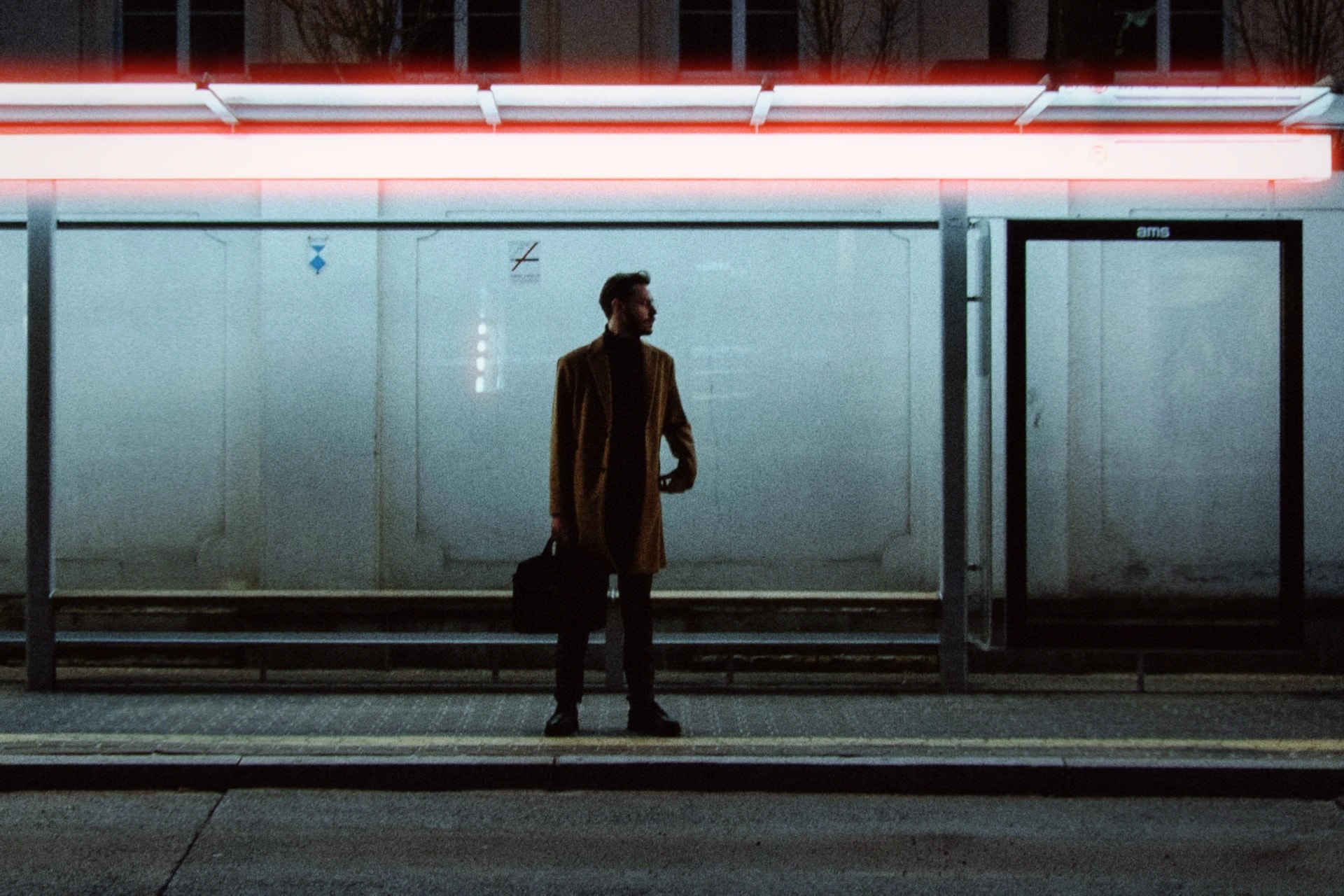
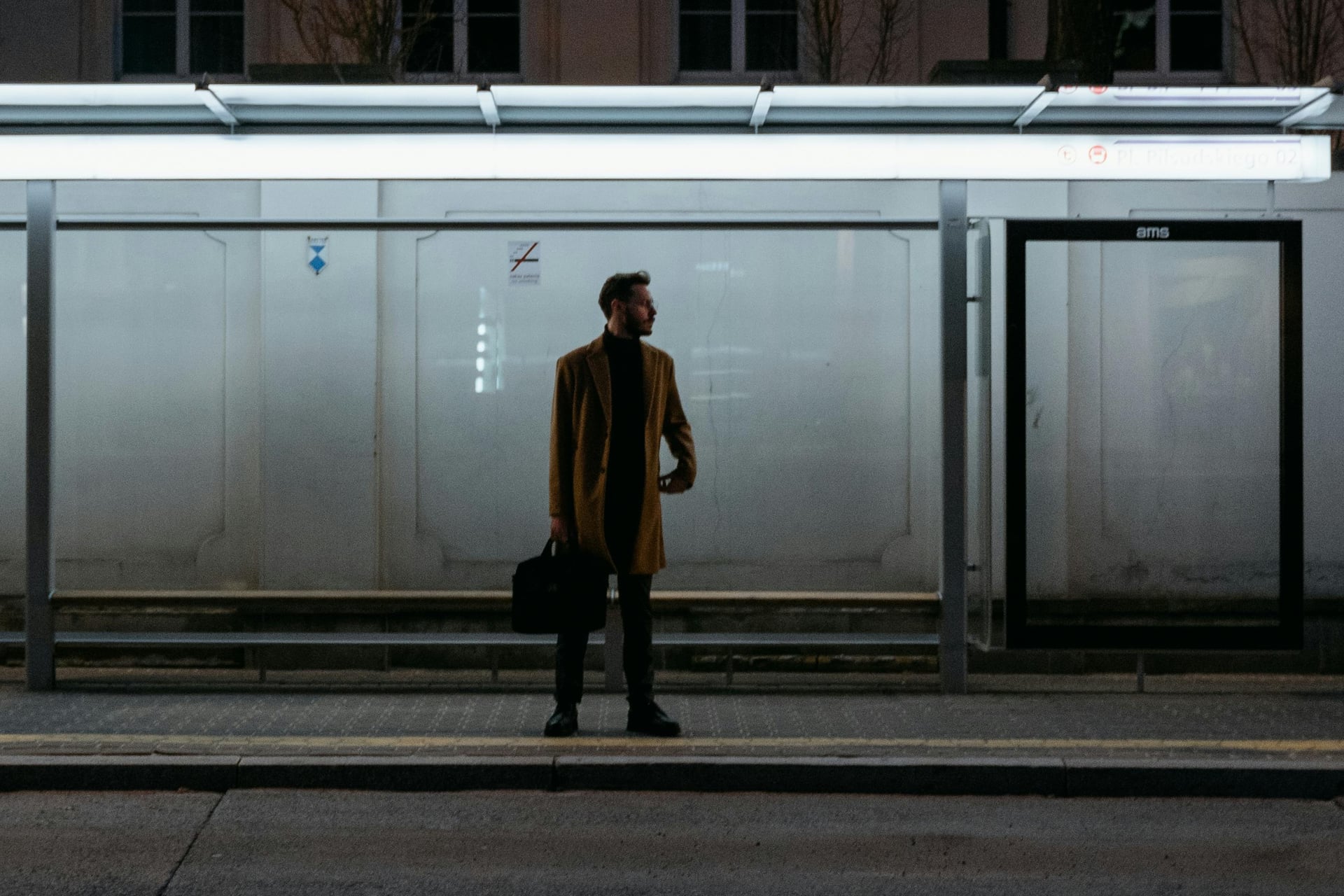
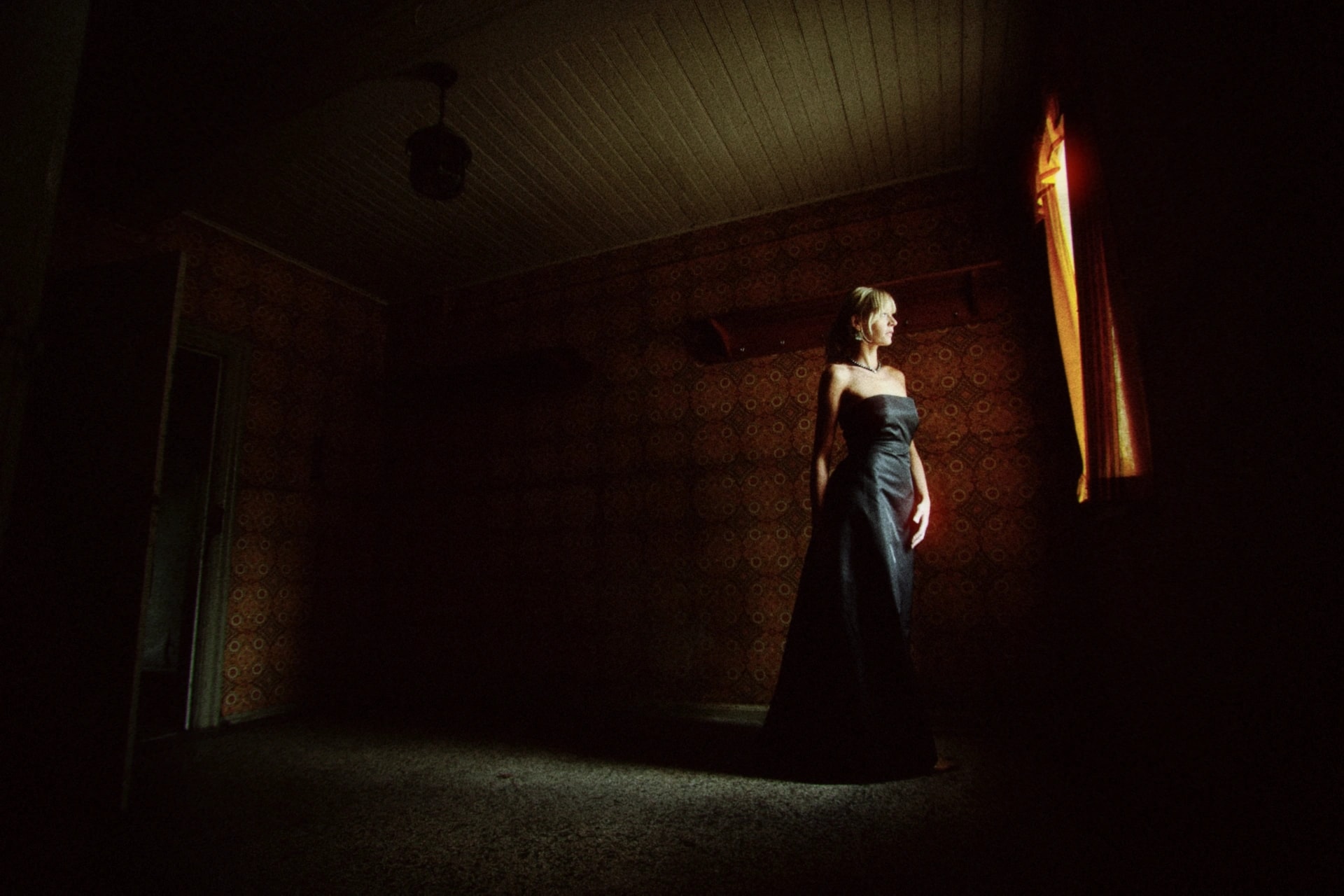
Tuned for this photo:Halation 30%Halation spread 55%Halation threshold 80%
The Look
What Nightcall does
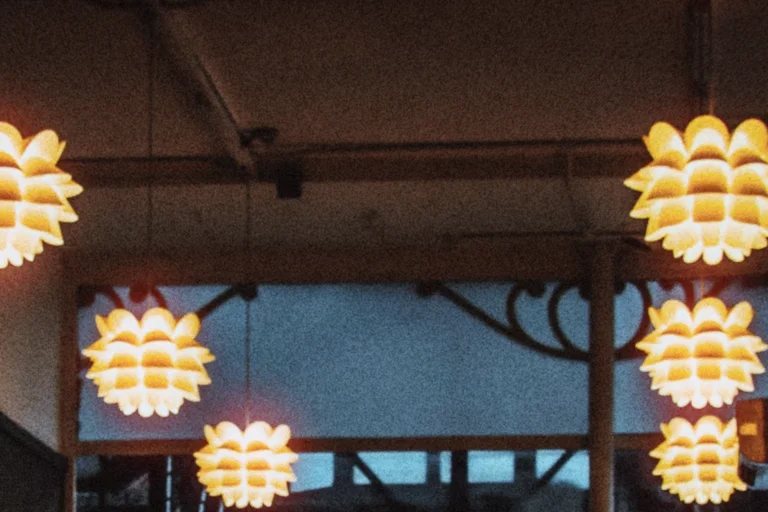
Inspired by Cinestill 800T: a tungsten white balance shifts shadows cool and lights warm, and red halation glows around every bright source. Built for shooting after dark.
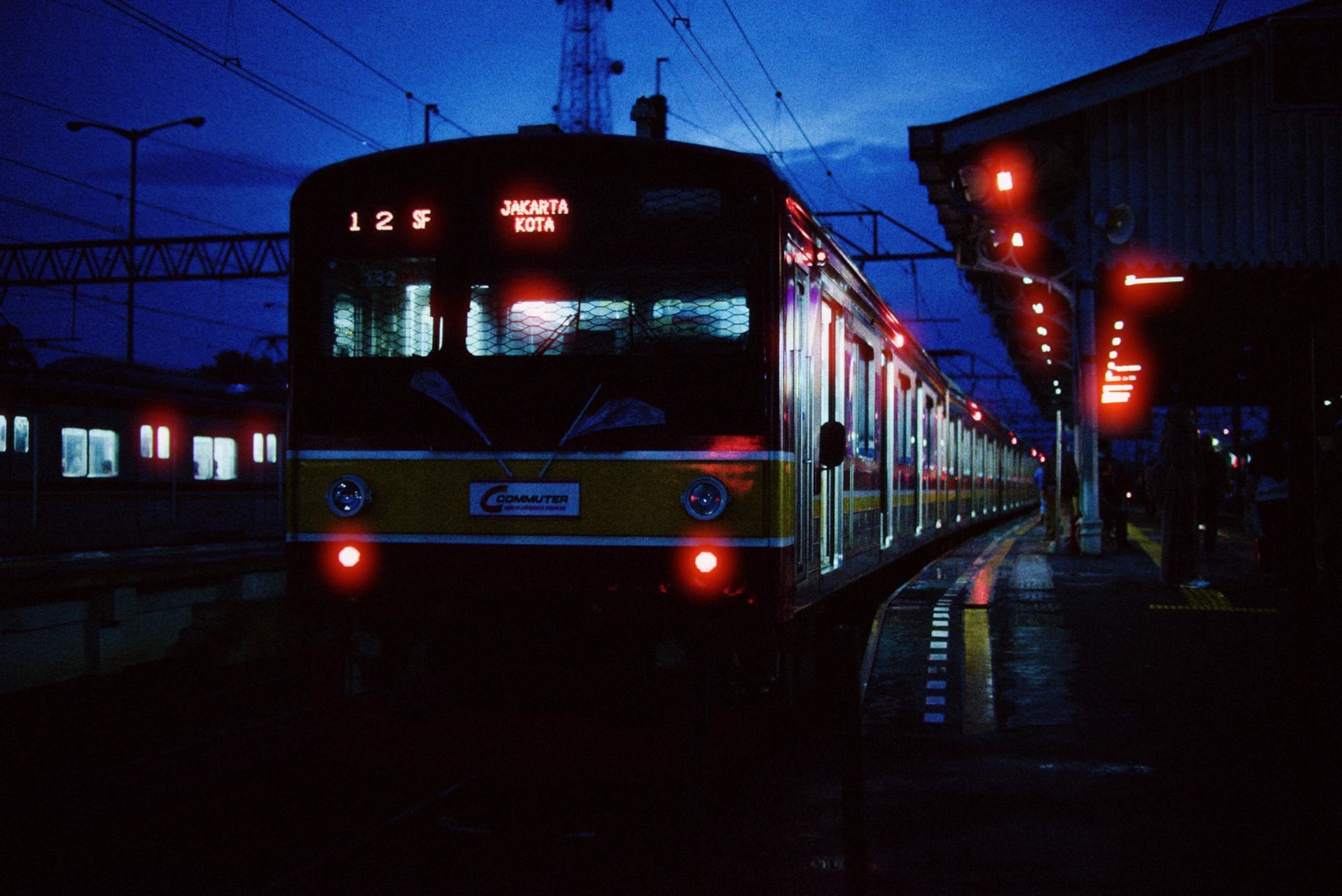
Signature warm halos around bright sources
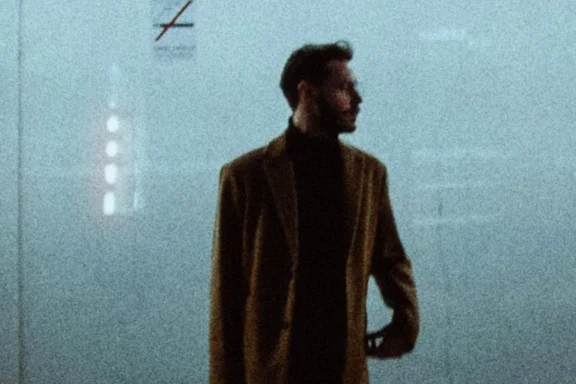
3500K shifts shadows cool, lights warm
ASA 800 grit that suits the dark
Adds age and emulsion drift
Subtle haze softens harsh night contrast
A gentle bloom around the lights
Up close
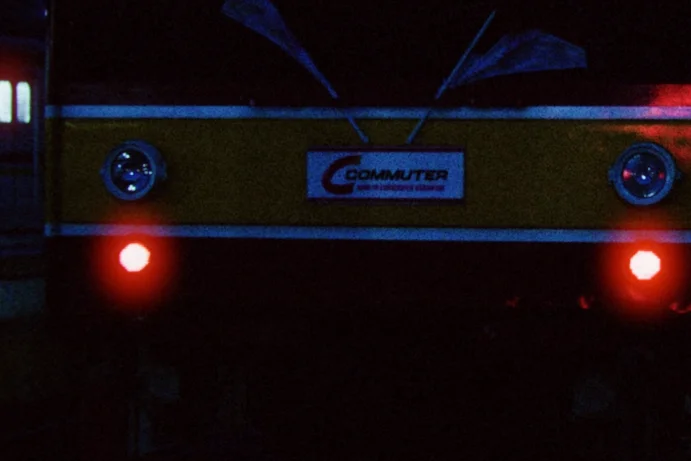
What gives Nightcall its look?
Close crops from the photos above.
Settings
Dial it in
Default settings for Nightcall. Every parameter is adjustable — tweak any value and save your own version.
Color
- Temperature
- 3500K
- Tint
- −25
Develop
- Film curve
- 50%
- Density
- +20
- Expire
- 15%
Atmosphere
Texture
- Texture
- 5%
- Film grain
- ASA 800
- Film fog
- 5%
Optics
Film Inspiration
What inspired it
Nightcall is an original look. These are the stocks whose character informed it — not stocks it reproduces.
- Cinestill 800T
- Tungsten-balanced with iconic red halation from removed anti-halation backing
- Kodak Vision3 500T
- The cinema stock Cinestill is based on, used for night scenes in feature films
- Cinestill 400D
- Daylight variant with similar halation character from removed remjet
Film stock names are trademarks of their respective owners. Daydream is independent and is not affiliated with, sponsored by, or endorsed by any film manufacturer. Our presets are original looks inspired by the character of analog film, not licensed reproductions. Other app names and icons belong to their developers. Apple, the Apple logo, iPhone, and TestFlight are trademarks of Apple Inc.
FAQ
Common questions
Why does Nightcall make shadows look blue?
The 3500K tungsten white balance is calibrated for artificial light sources. Anything lit by daylight or ambient light shifts blue — that’s the signature warm-light, cool-shadow cinema look. Warm the Temperature slider toward 3800–4000K to reduce the shift.
What is halation and why does Nightcall have it?
Halation is a red-orange glow around bright light sources caused by light bouncing through film emulsion. On Cinestill 800T, removing the anti-halation backing makes this glow visible and dramatic. Nightcall recreates this at strength 15 with a wide 35 spread.
Can I use Nightcall during the day?
You can, but the tungsten balance will push everything heavily blue. For a daytime Cinestill look, try warming Temperature to 5000–5500K while keeping the glow and halation character.
Ready to shoot with Nightcall?
Join the beta to access Nightcall and all our film presets on iOS.