
Optics
Softening
Softening is the gentle loss of crispness a vintage lens gives a photo: fine detail melts a little and edges stop looking digital.
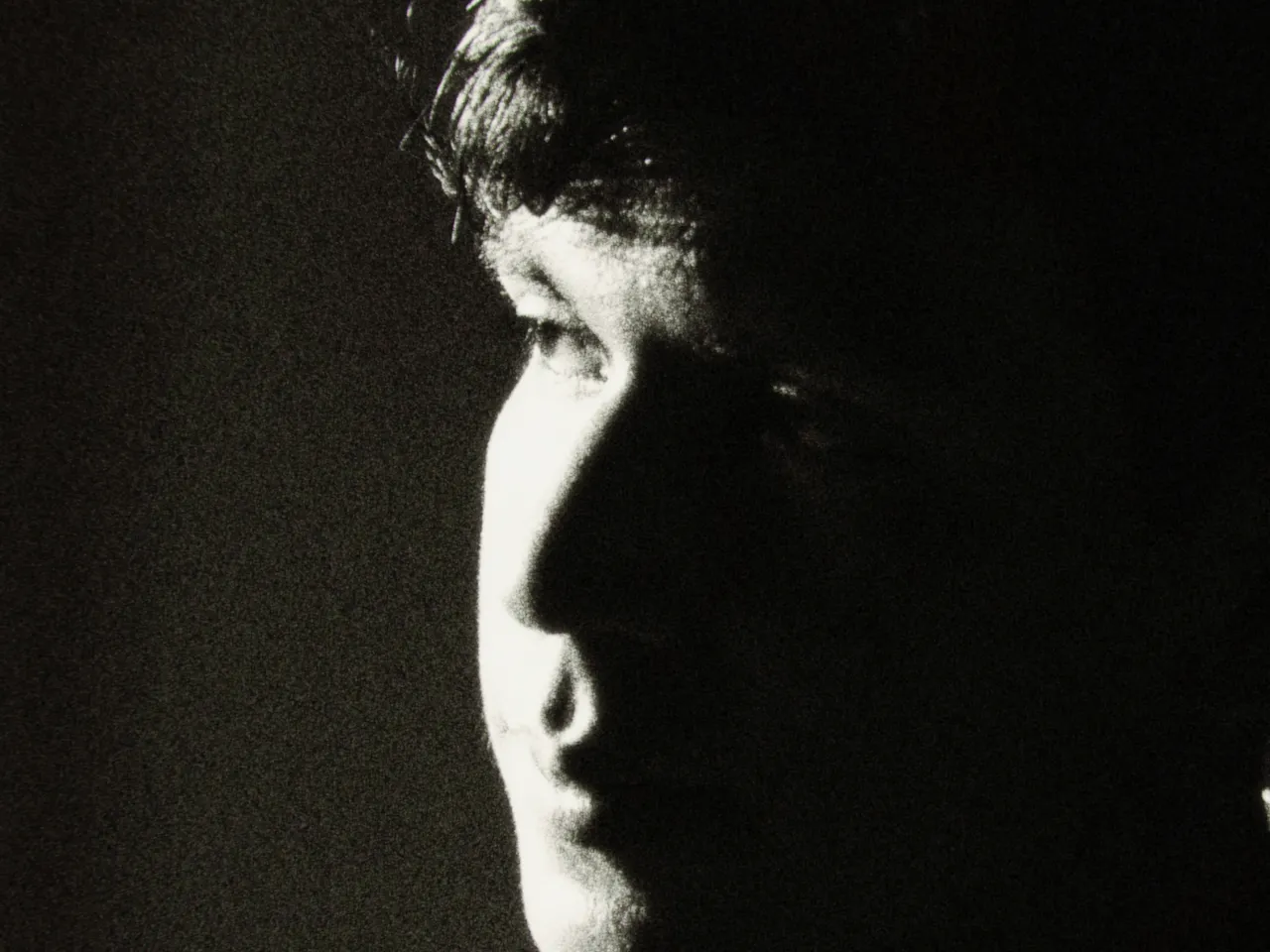

Every stop is a real Daydream render, shown at 100%. Only the strength setting changes.
Why it happens
Why is old glass soft?
Uncoated vintage glass never resolved to a perfect point. Portrait shooters loved it for that.
In Daydream
Applies a gentle softening that takes the digital edge off, in the spirit of vintage glass.

Up close
What does softening do to a photo?
A tight crop from the full-size render. Left is off, right is 100% strength. Drag the line to compare.
What changes
- Slight overall softness
- Reduces digital sharpness
- Creates a more organic, less clinical look
- Evokes vintage glass
The controls
How do you adjust softening?
The dial above moves strength, the only control that changes between renders.
| Control | Range | What it does |
|---|---|---|
| Strength | 0–100% | Intensity of final softening blur |
Base for every render: the Daydream preset at its defaults, with halation off.
When to reach for it
When should you use softening?
This is applied as a finishing touch. Keep it around 40–50% for balanced results.
Best for
- Vintage aesthetics
- Softening digital sharpness
- Organic look
Let faces forgive.
Join the iOS Beta
Try softening on your own photos. Join the iOS beta and shoot with Daydream Film.