
Film camera and photo editor
Turn any photointo film.
Daydream Film develops your iPhone photos the way real film would.
Try for freeBefore and after
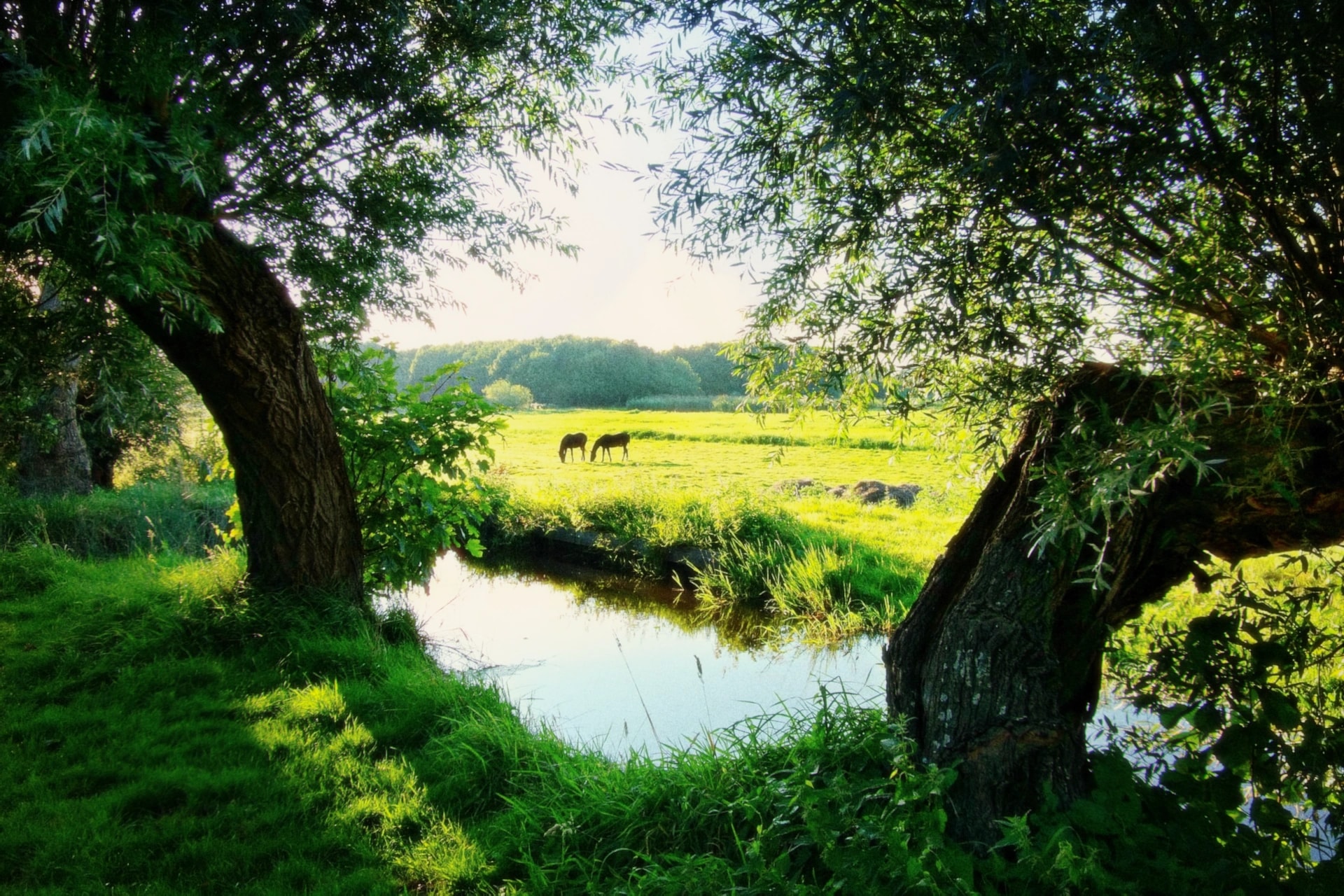
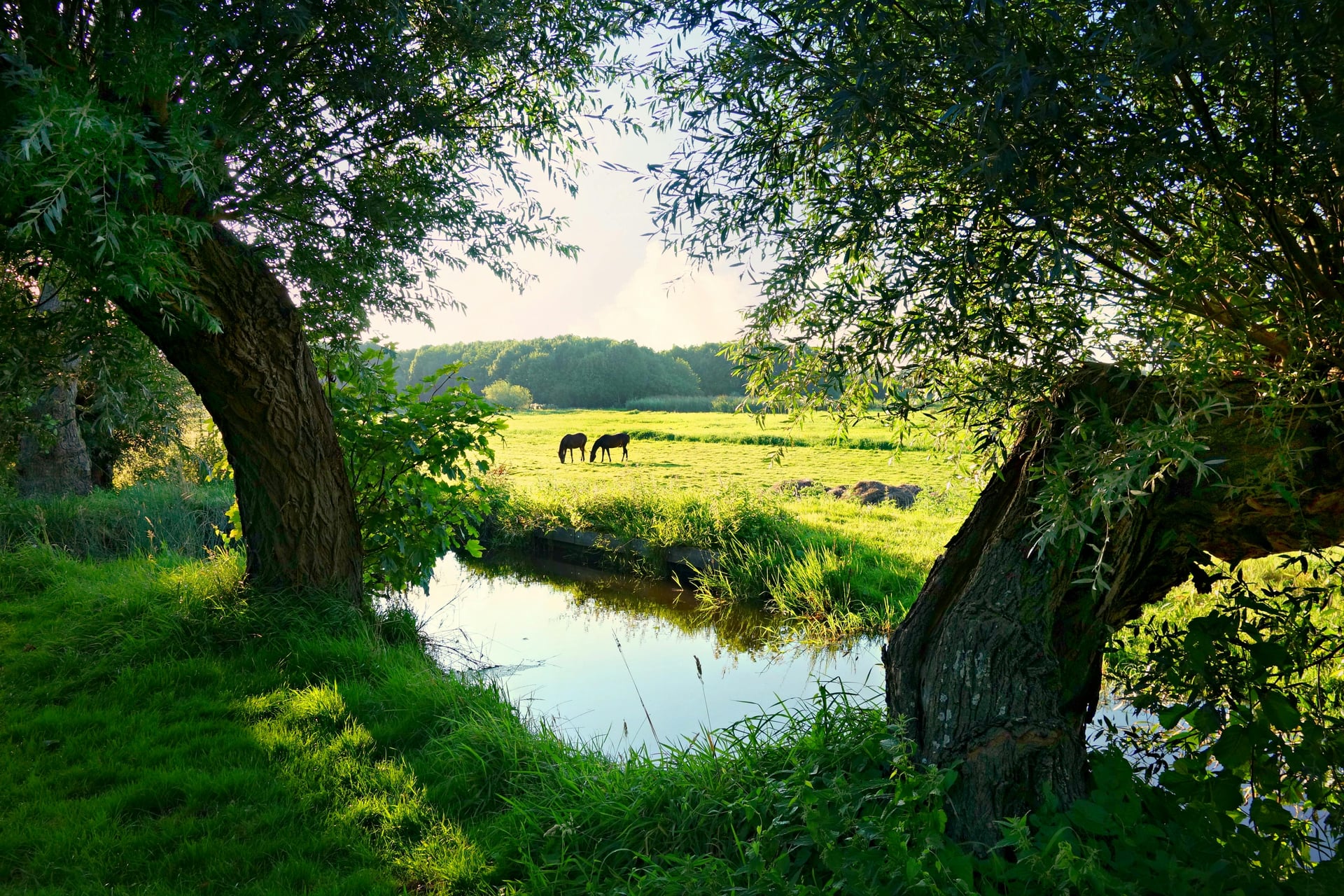
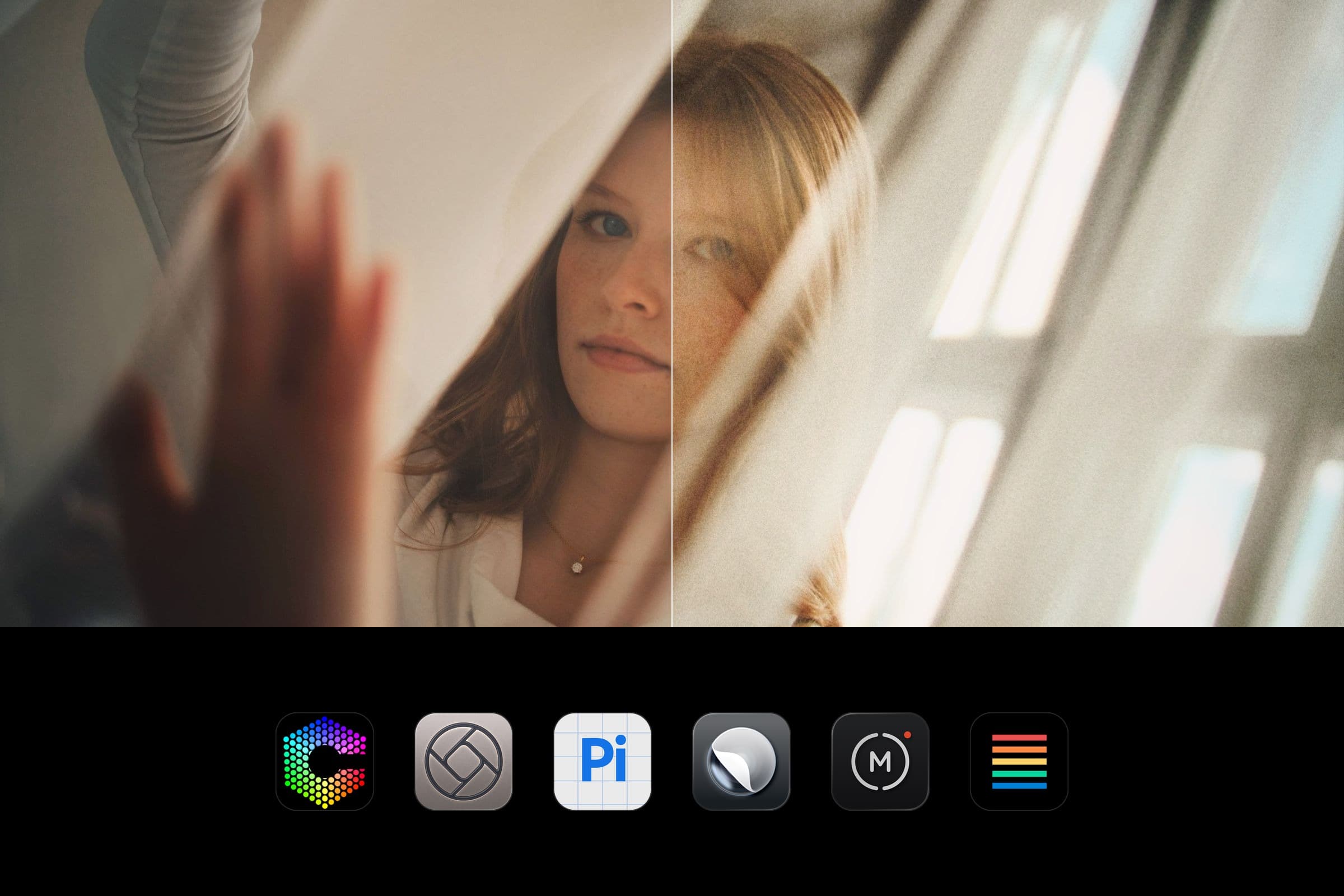
One drag from digital to film
Every example is a real photo developed with Daydream. Drag the line to compare.

The looks
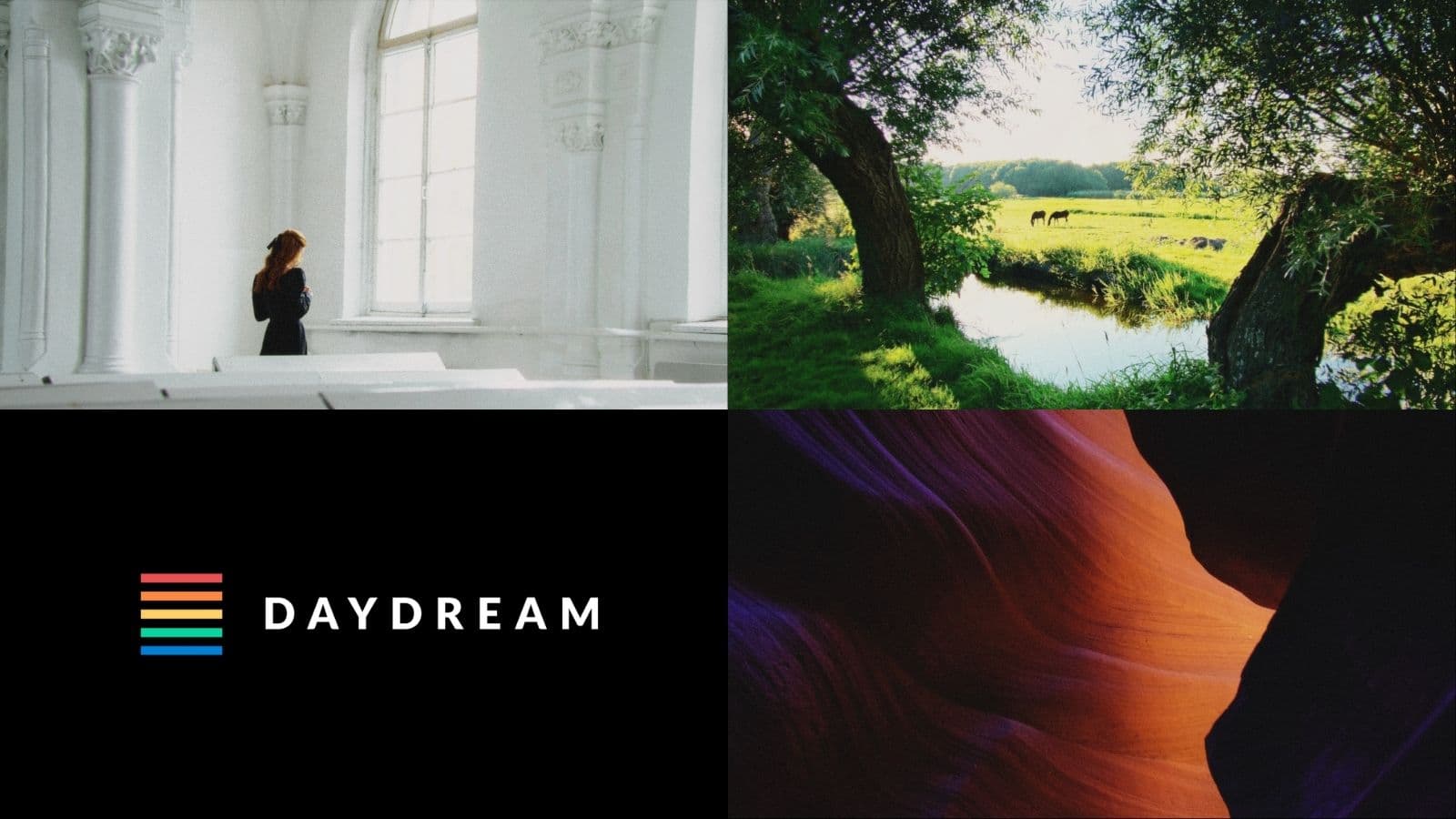
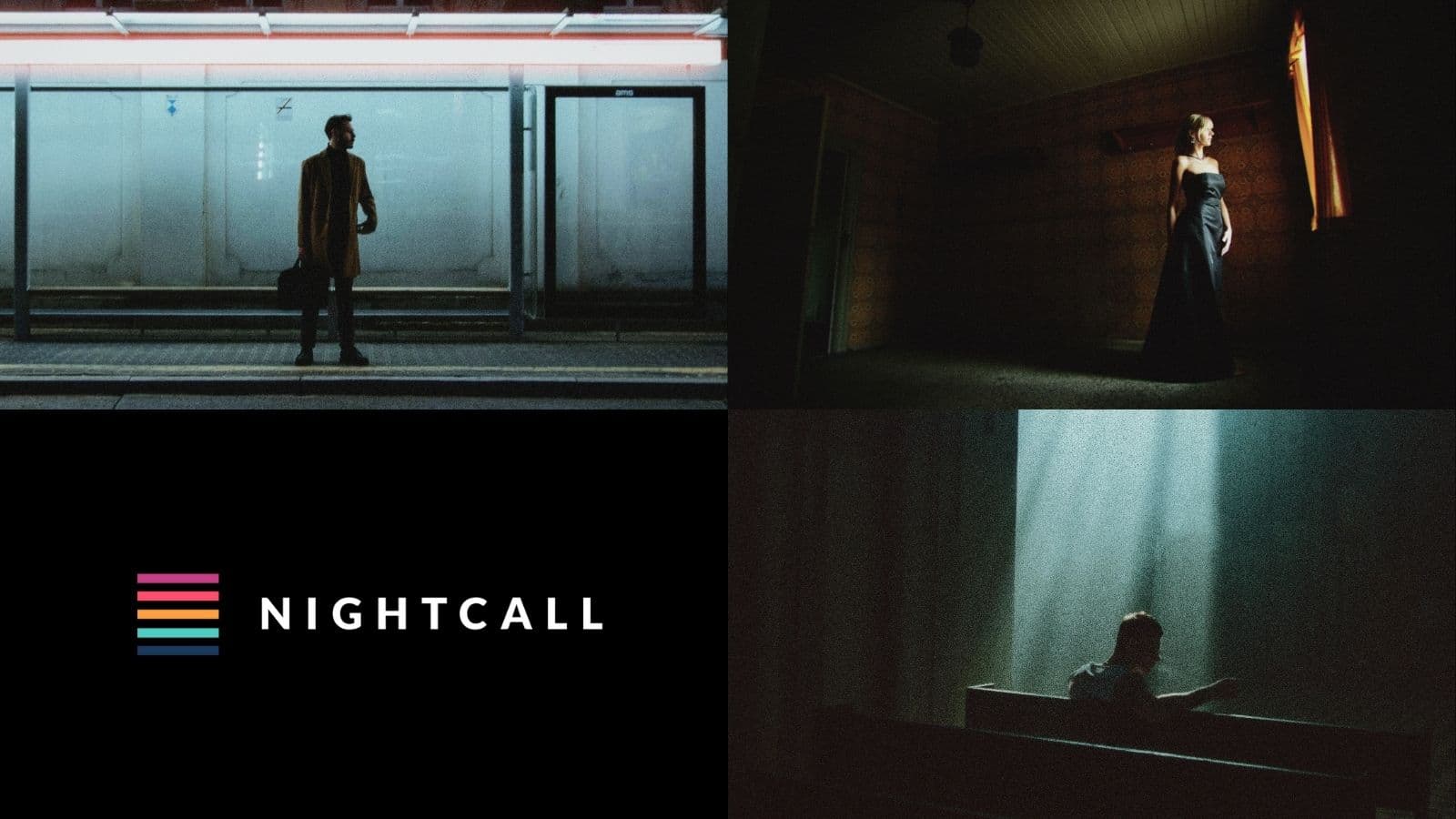
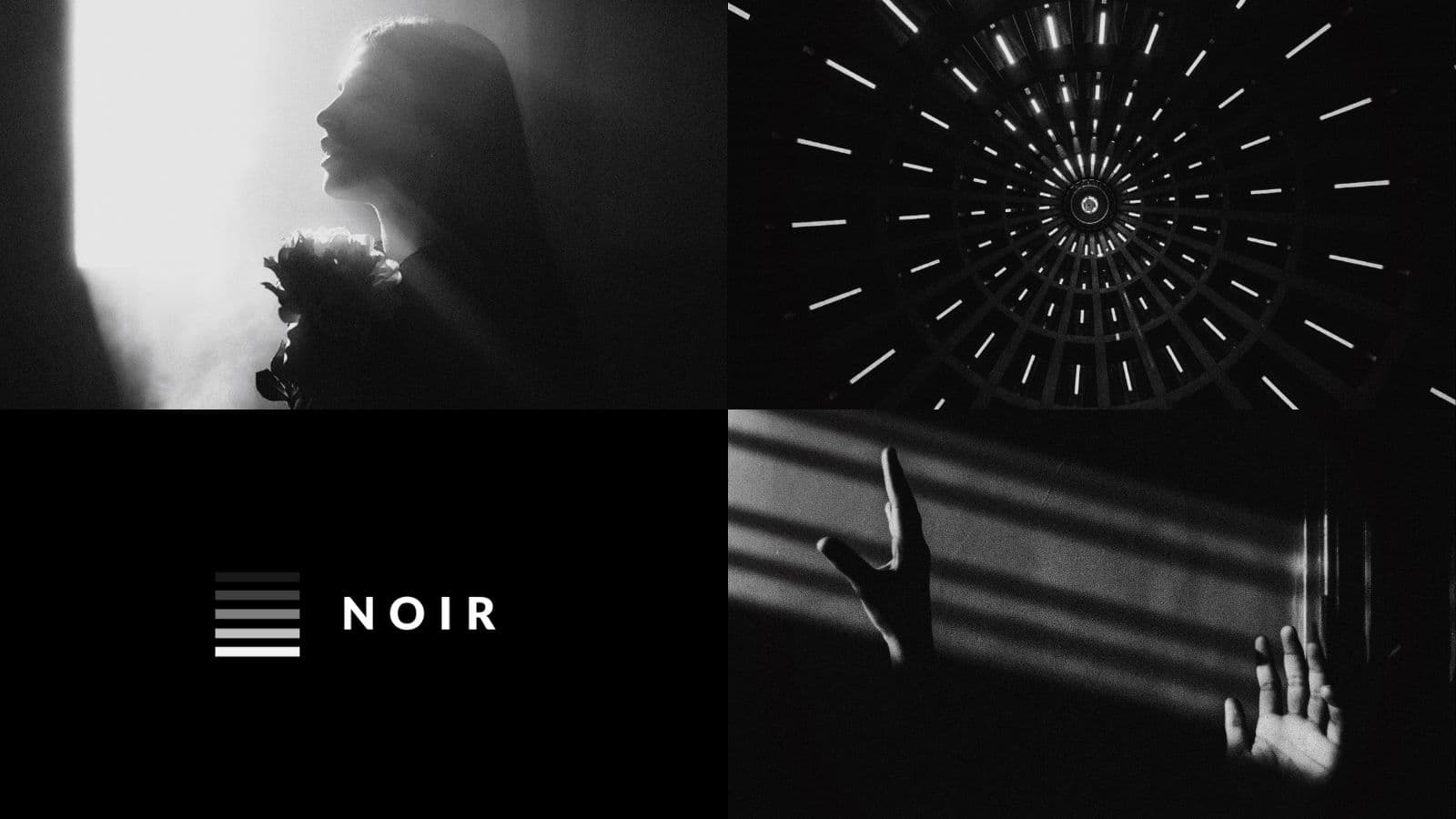
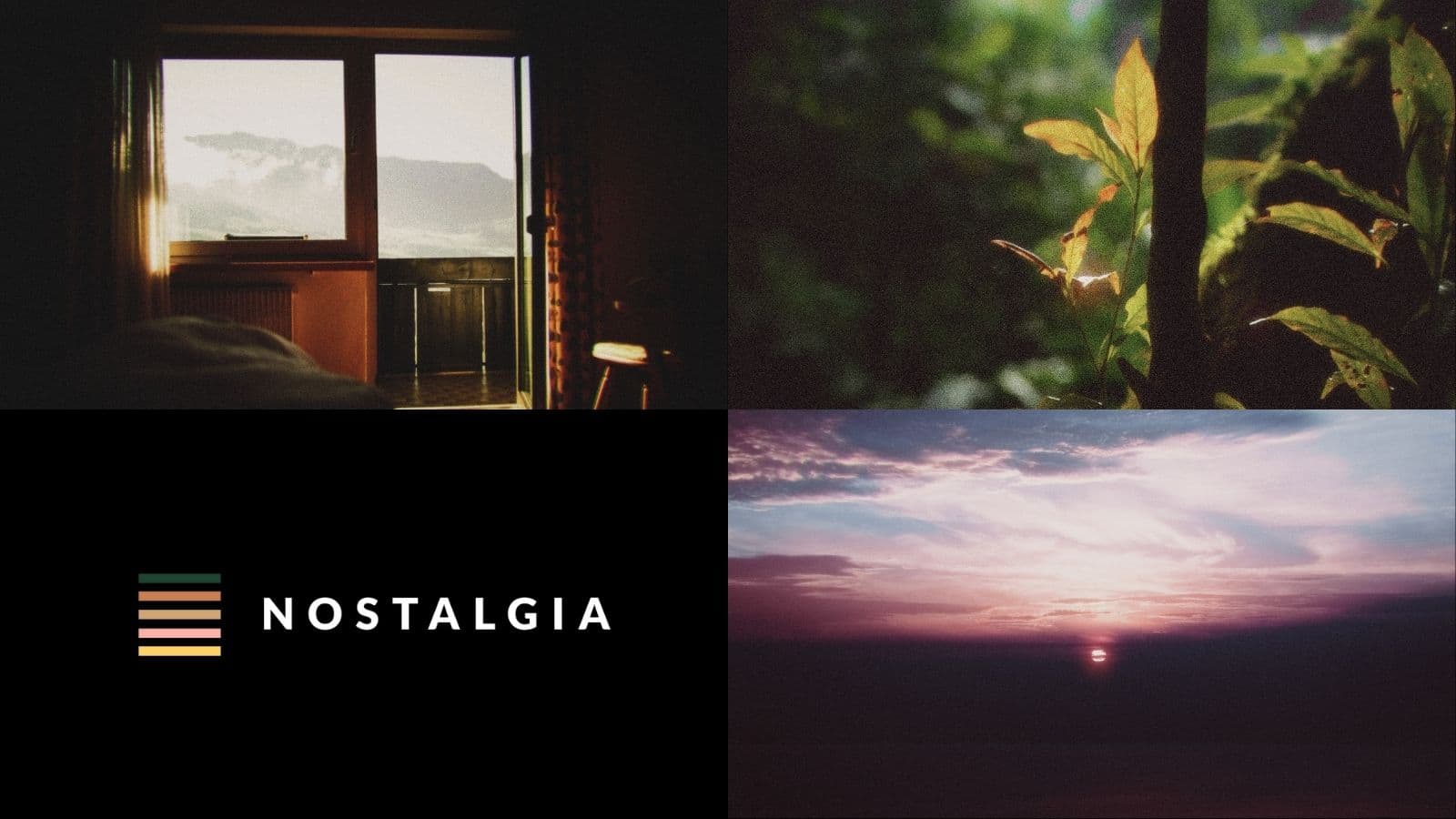
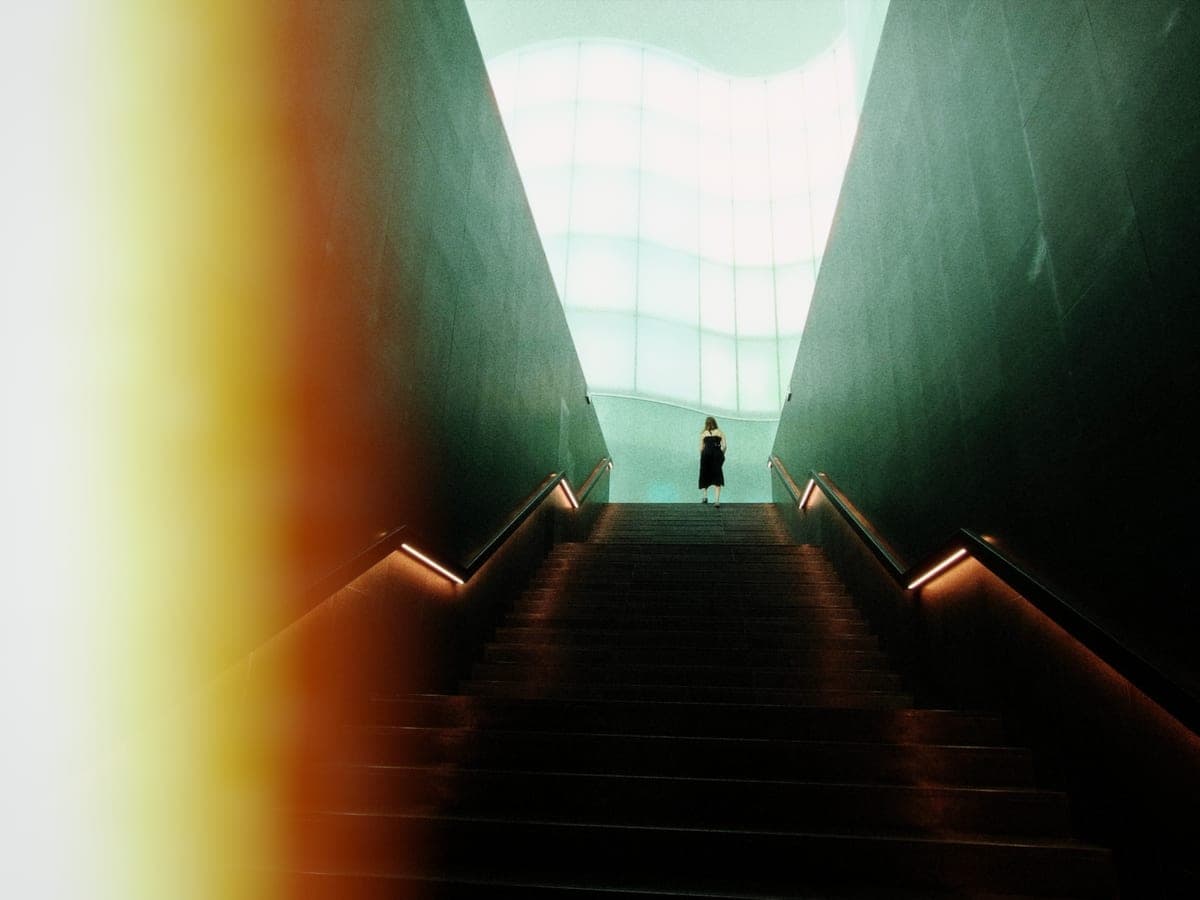
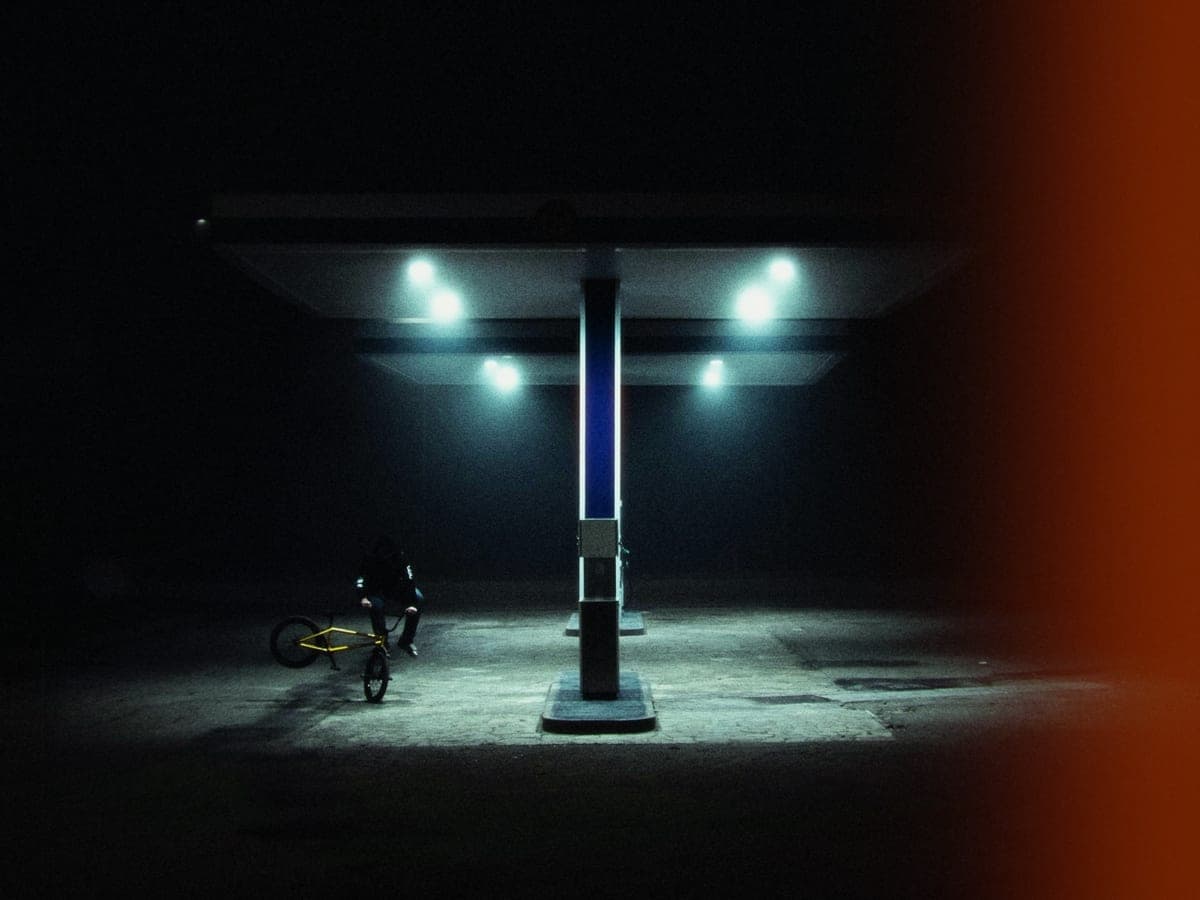
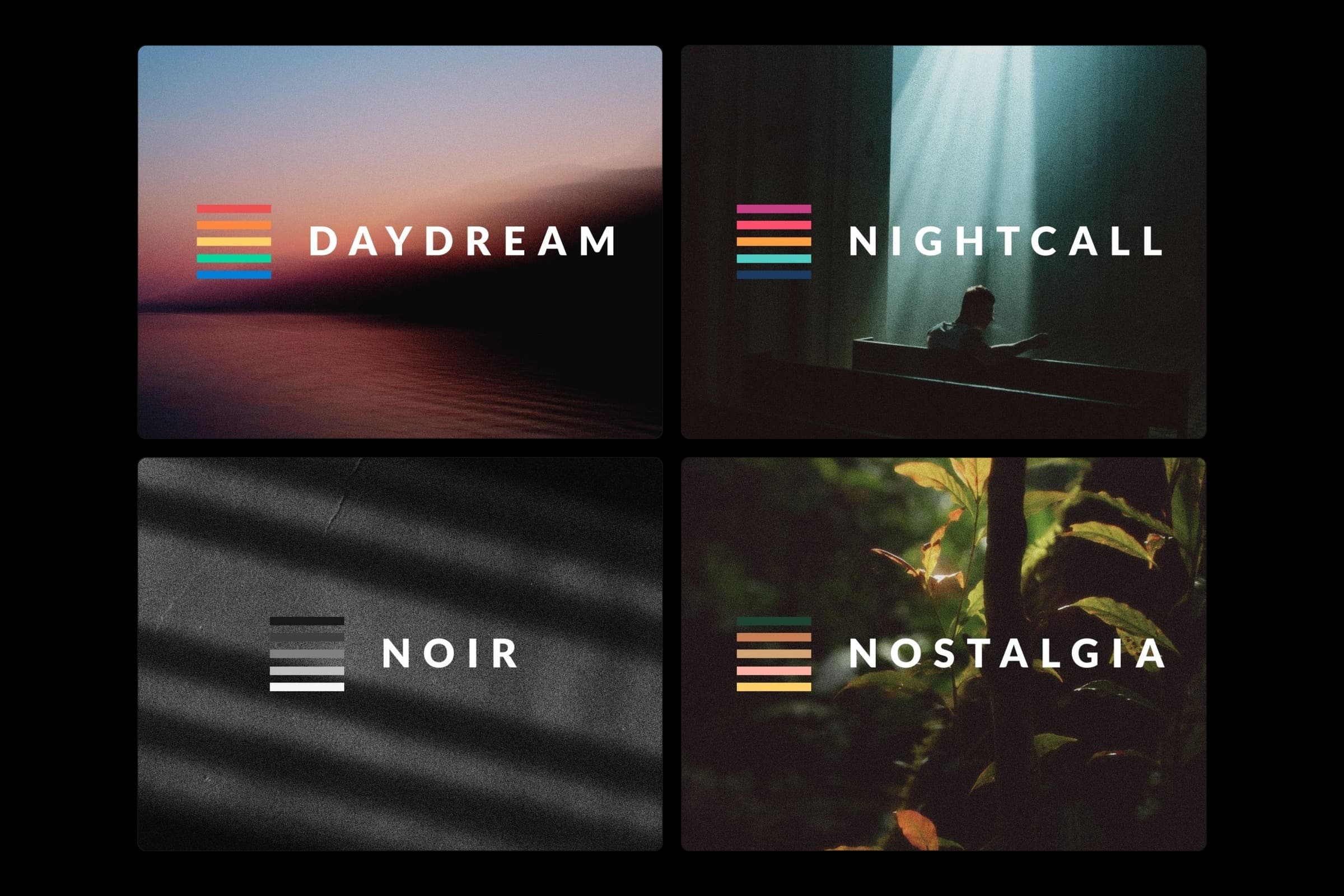
Four signature looks
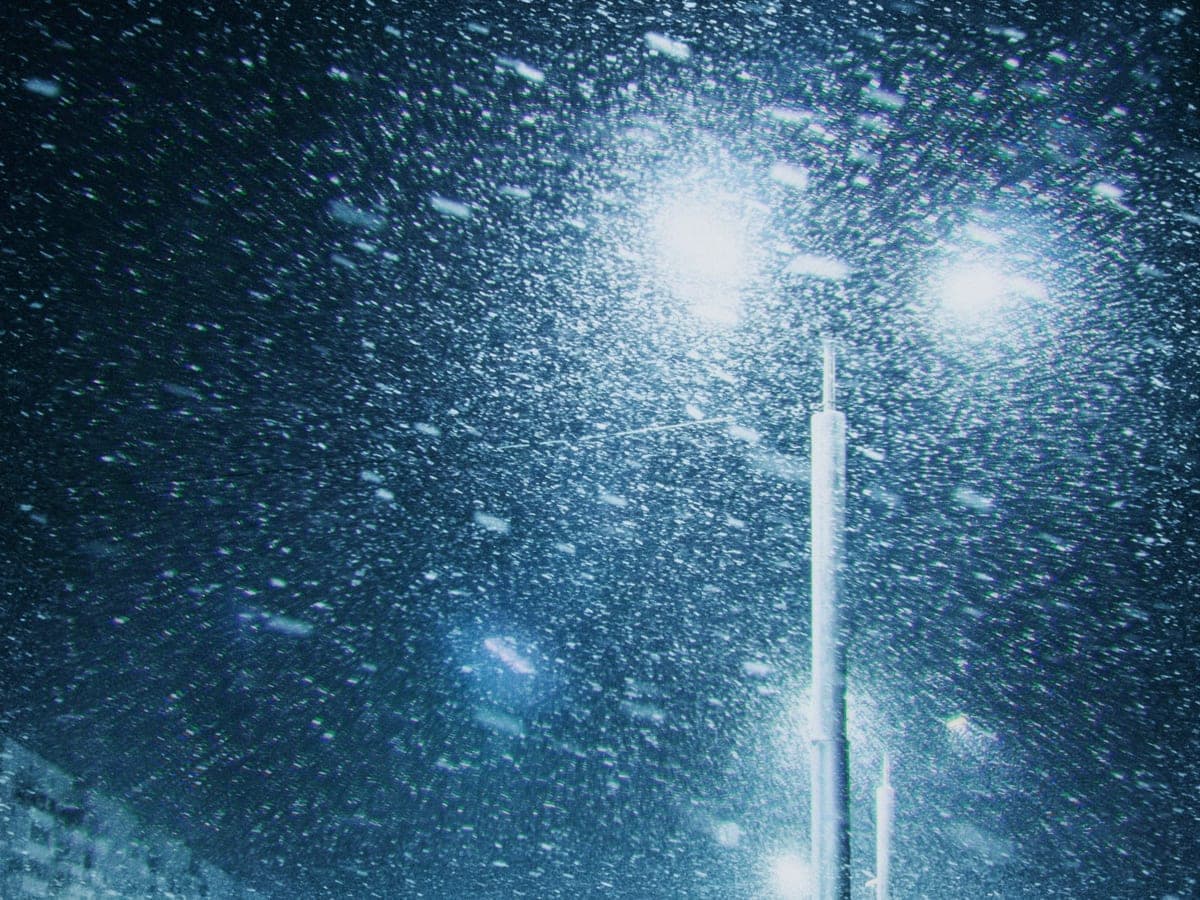
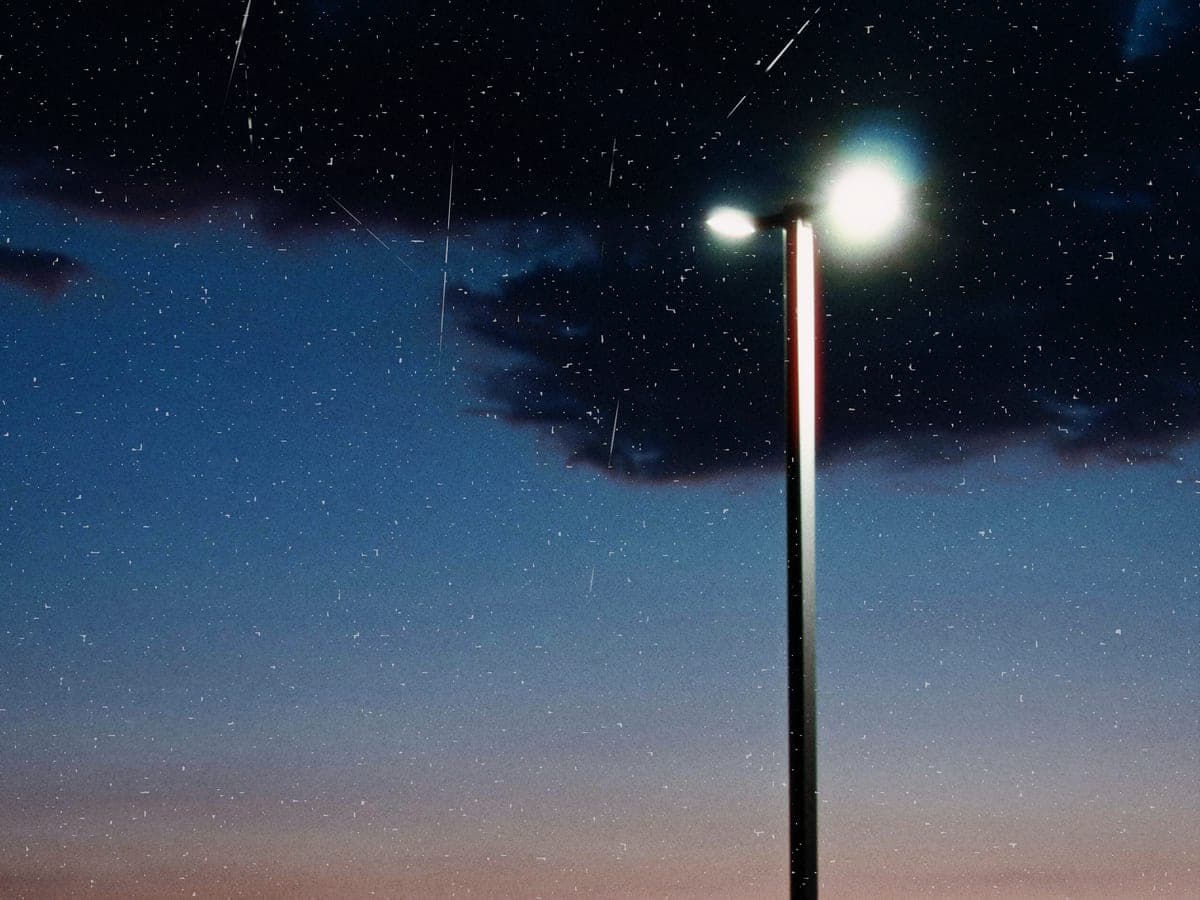
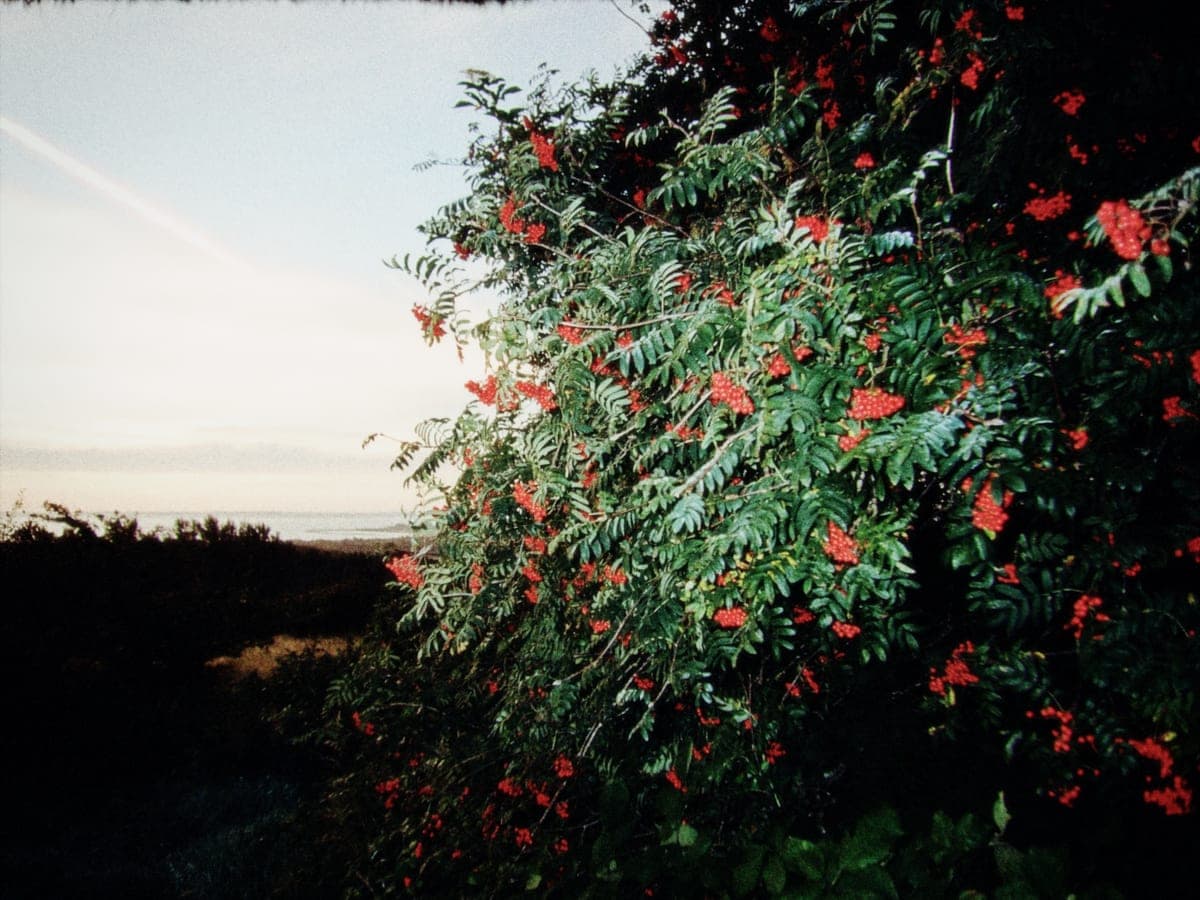
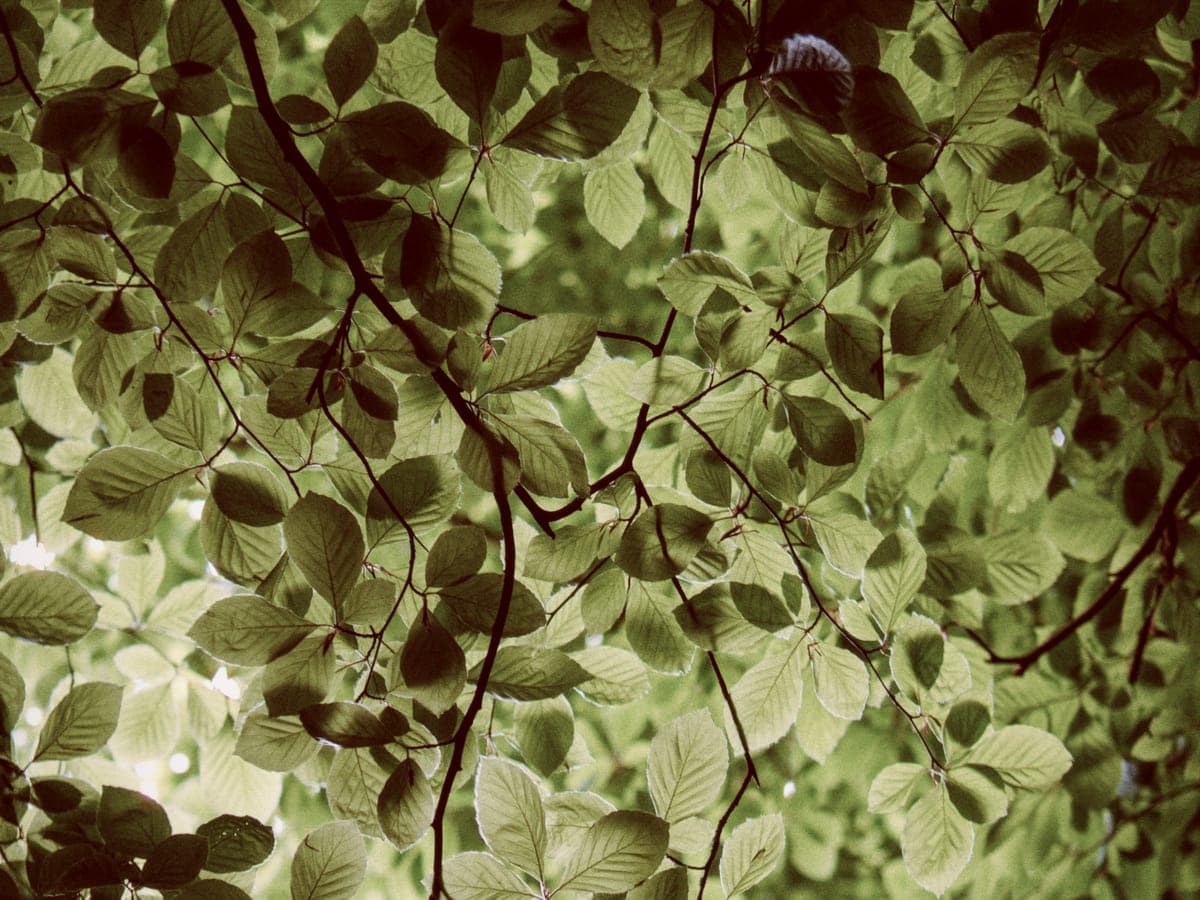
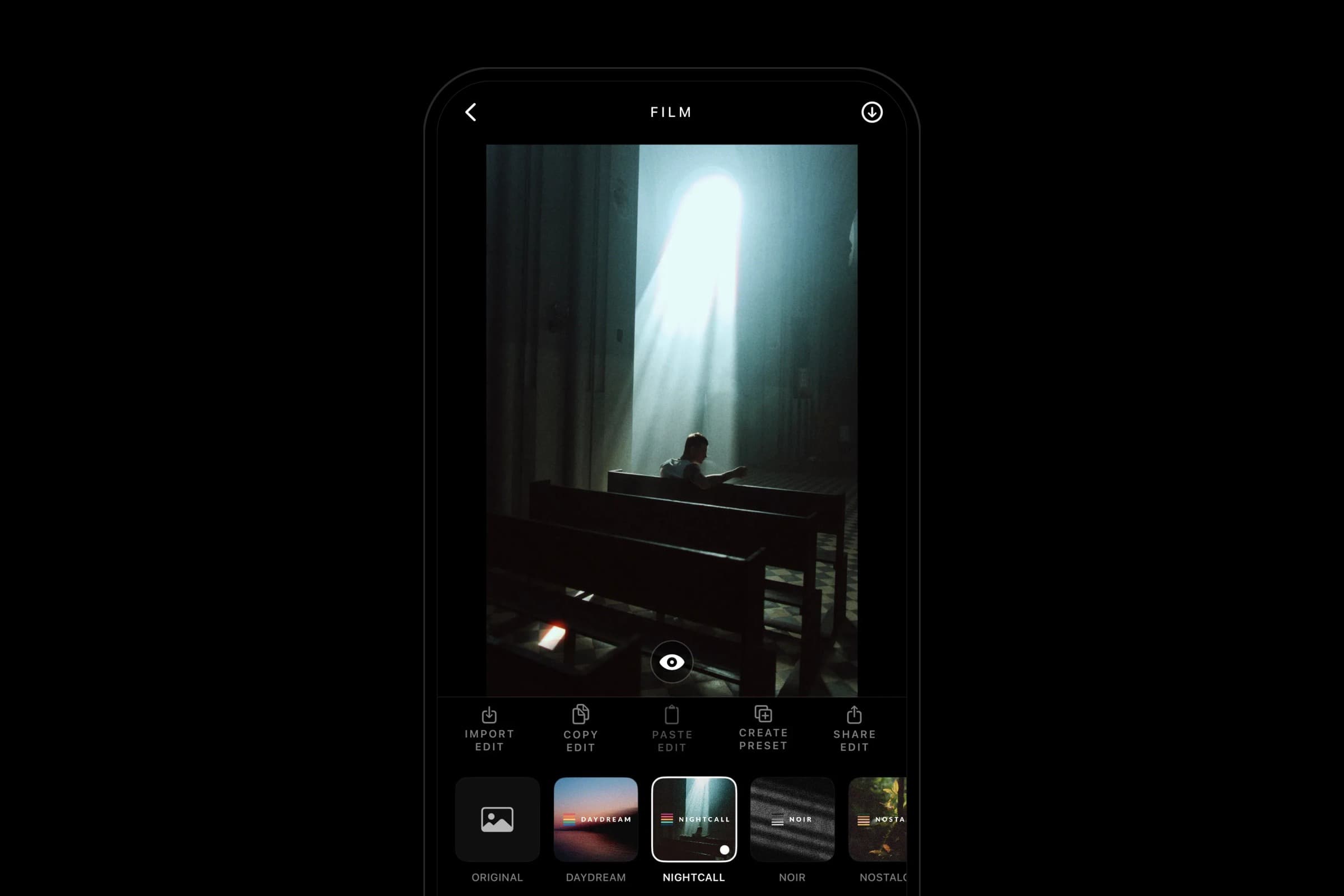
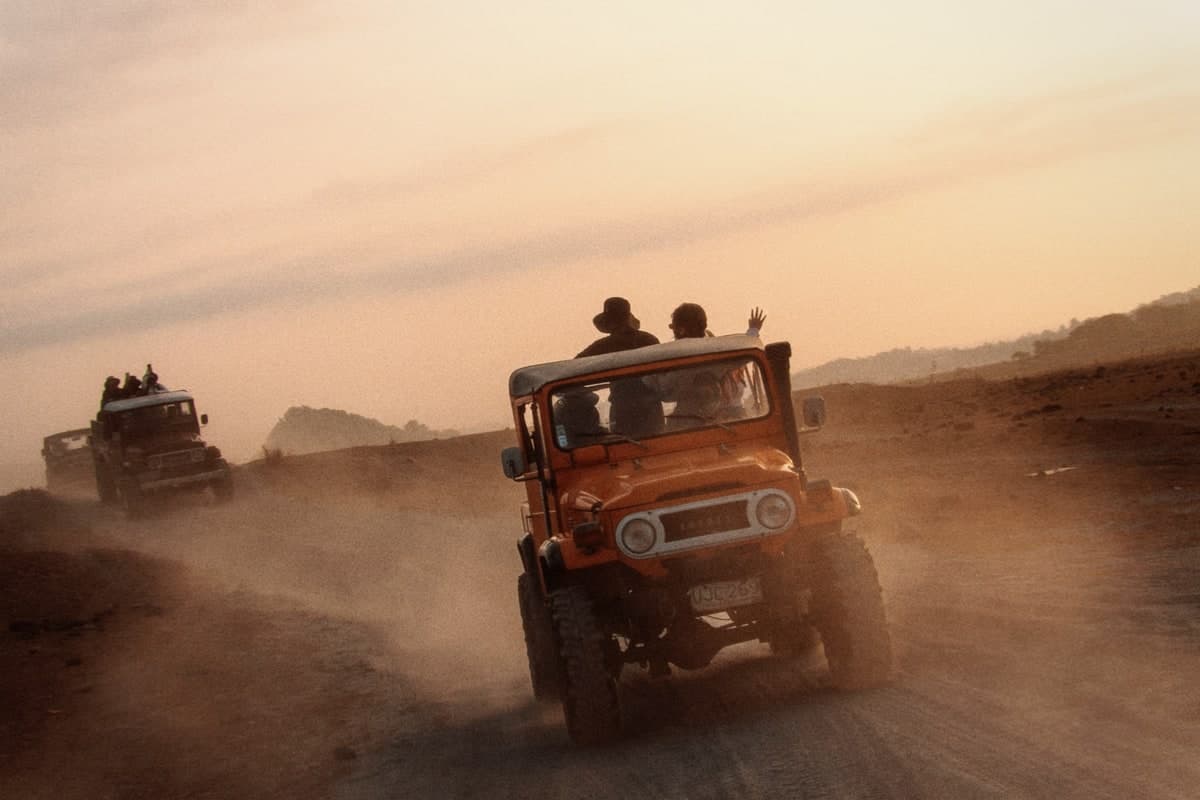
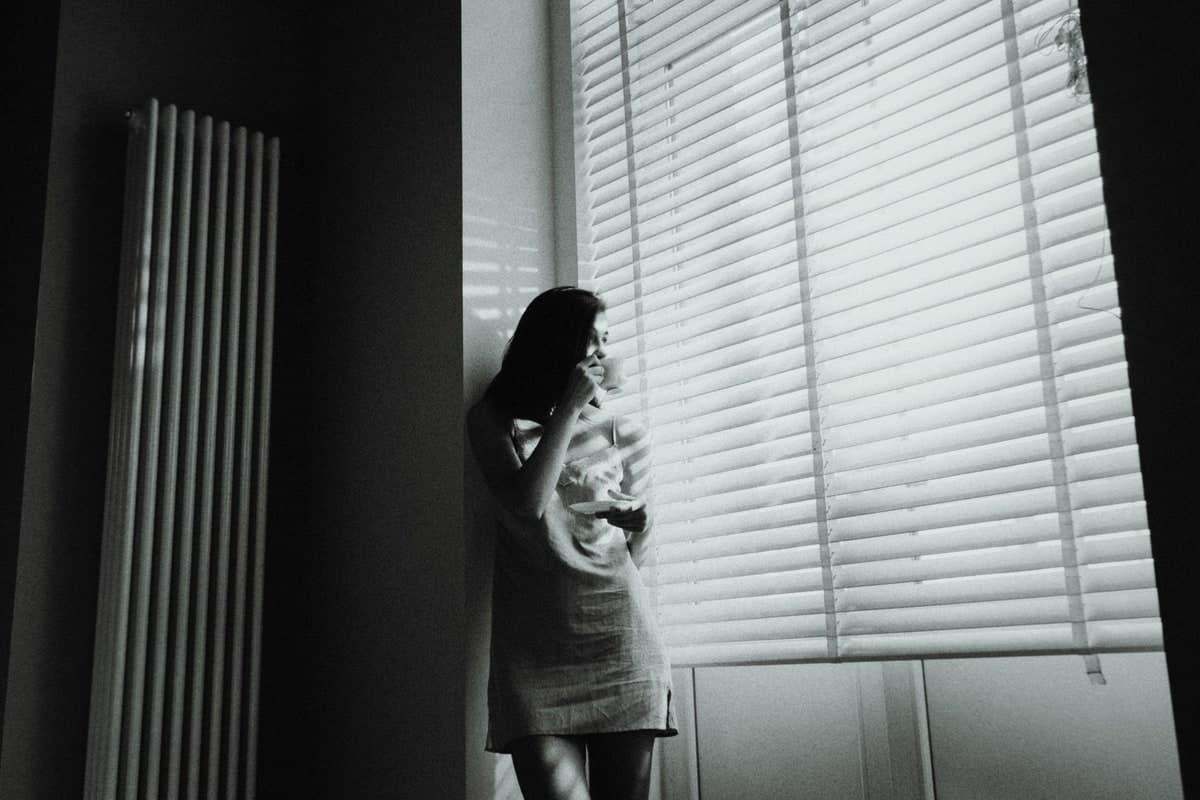
Four ways film can feel: Daydream, Nightcall, Noir, and Nostalgia. Pick one, then make it yours.
The engine
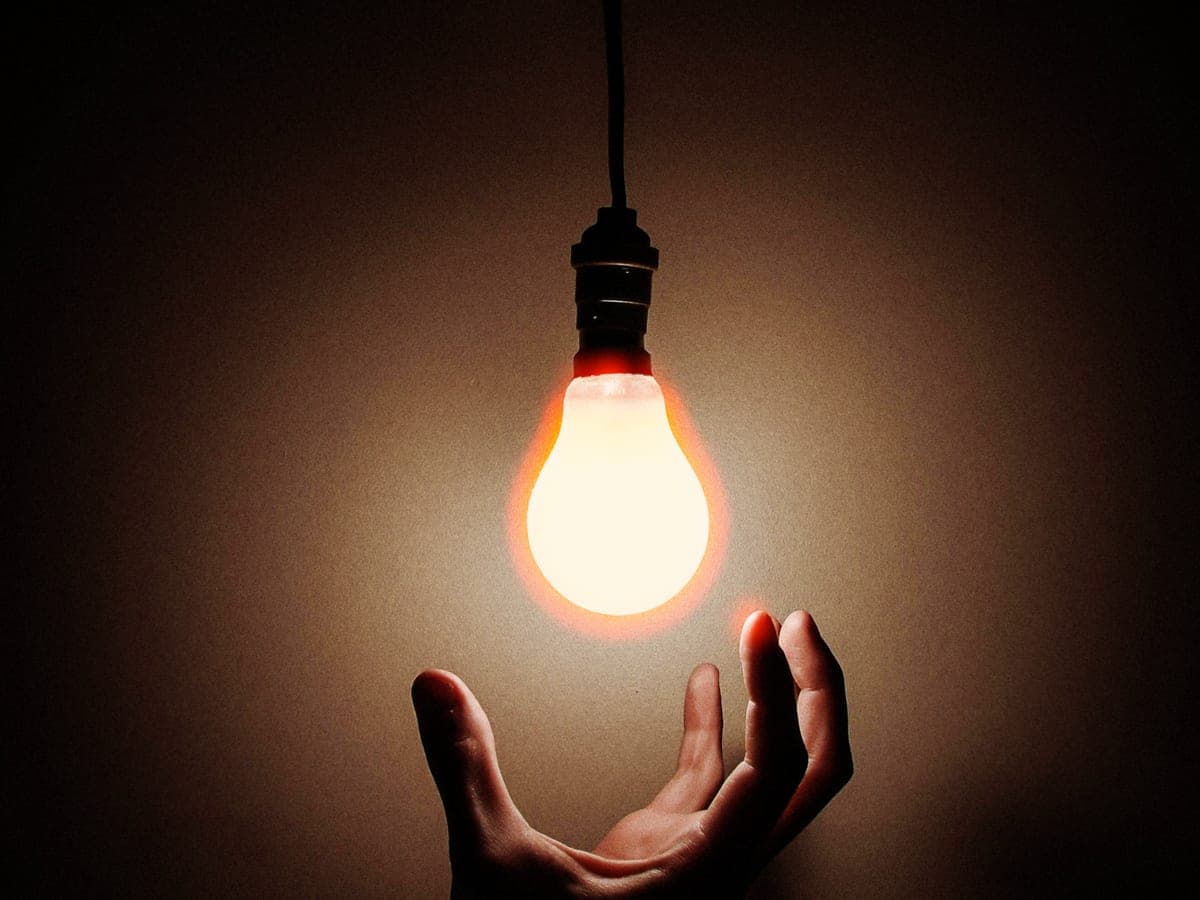
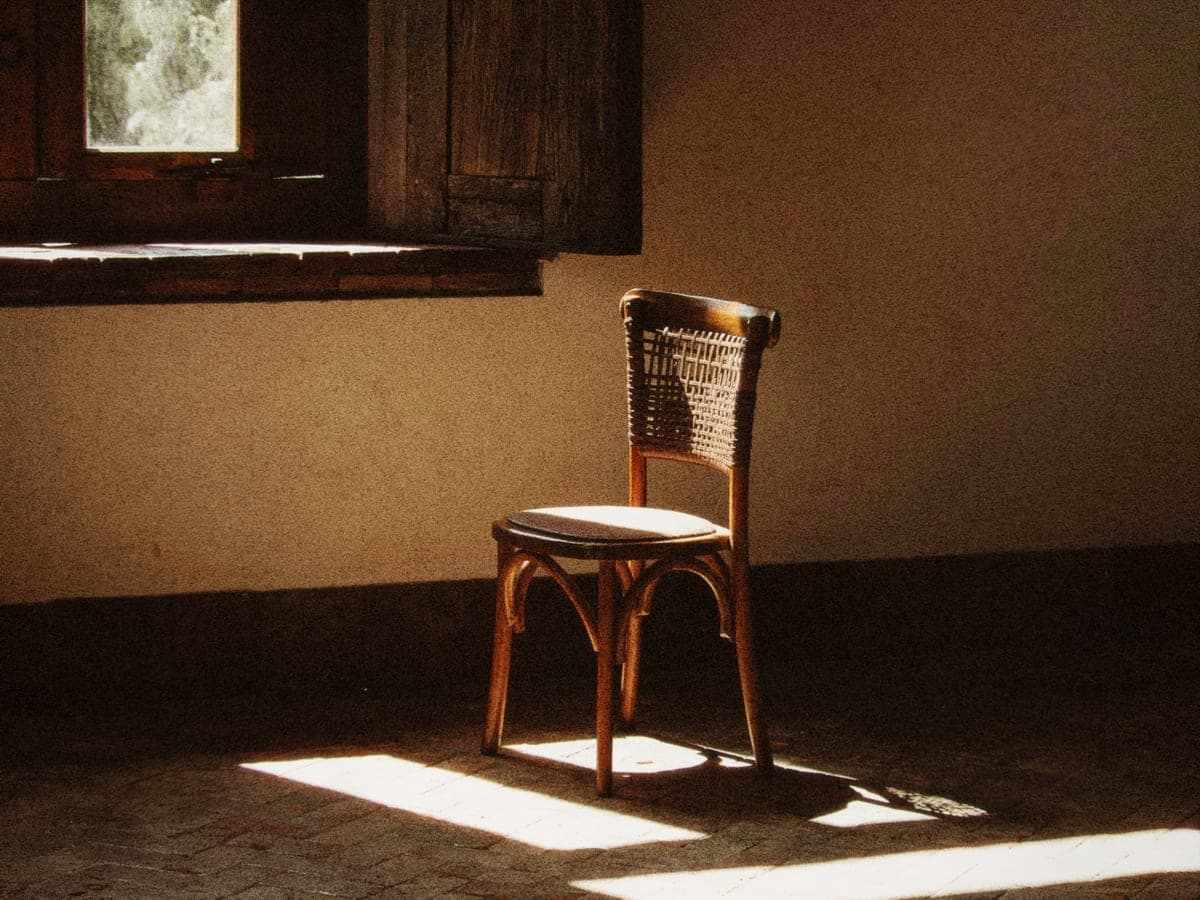
Not a filter. A film engine.
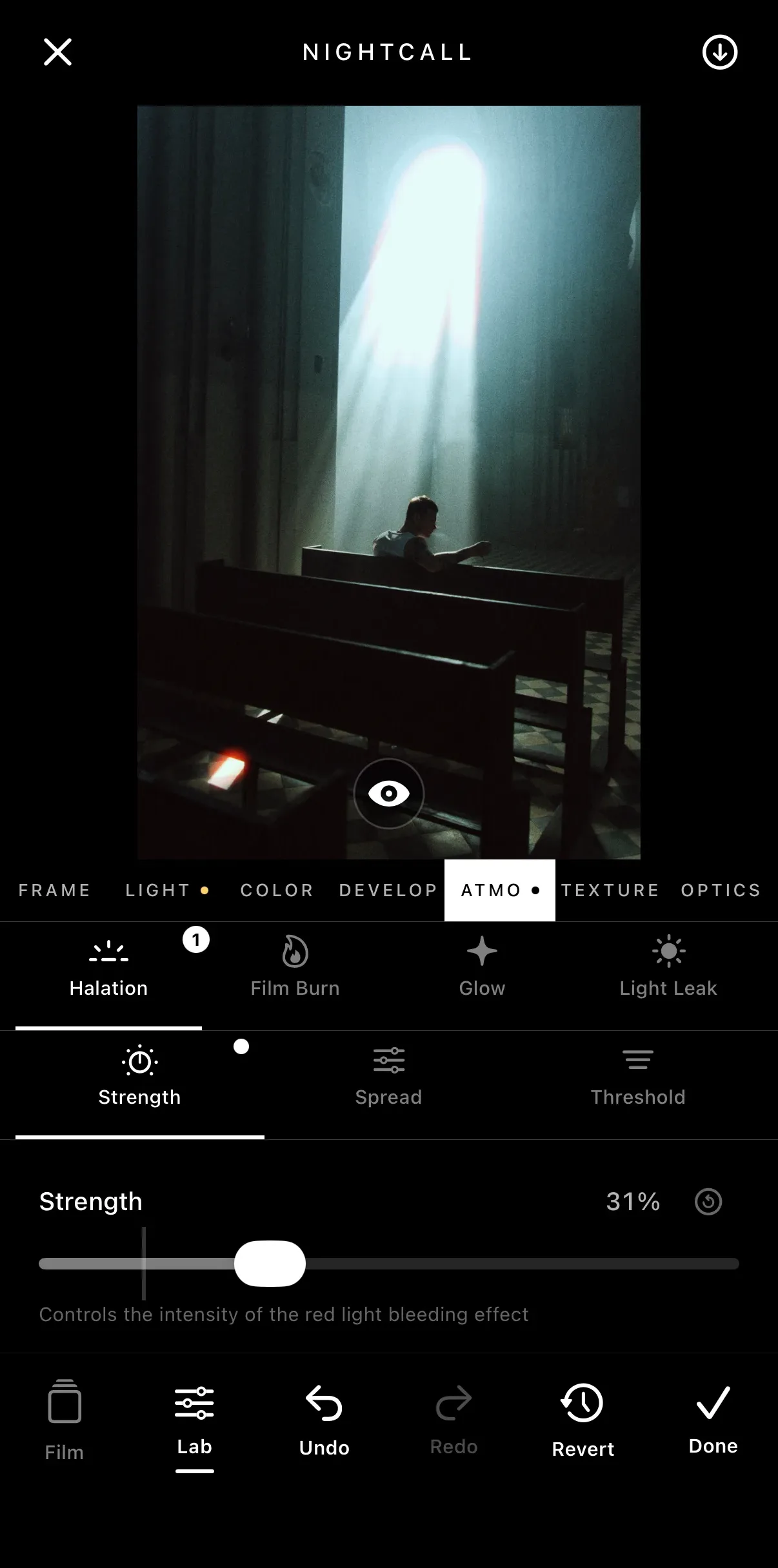
Each film is built from measured film behaviors, like grain, halation and color. Open any effect to see what it does and why.
How it works
Any photo in. Your film out.
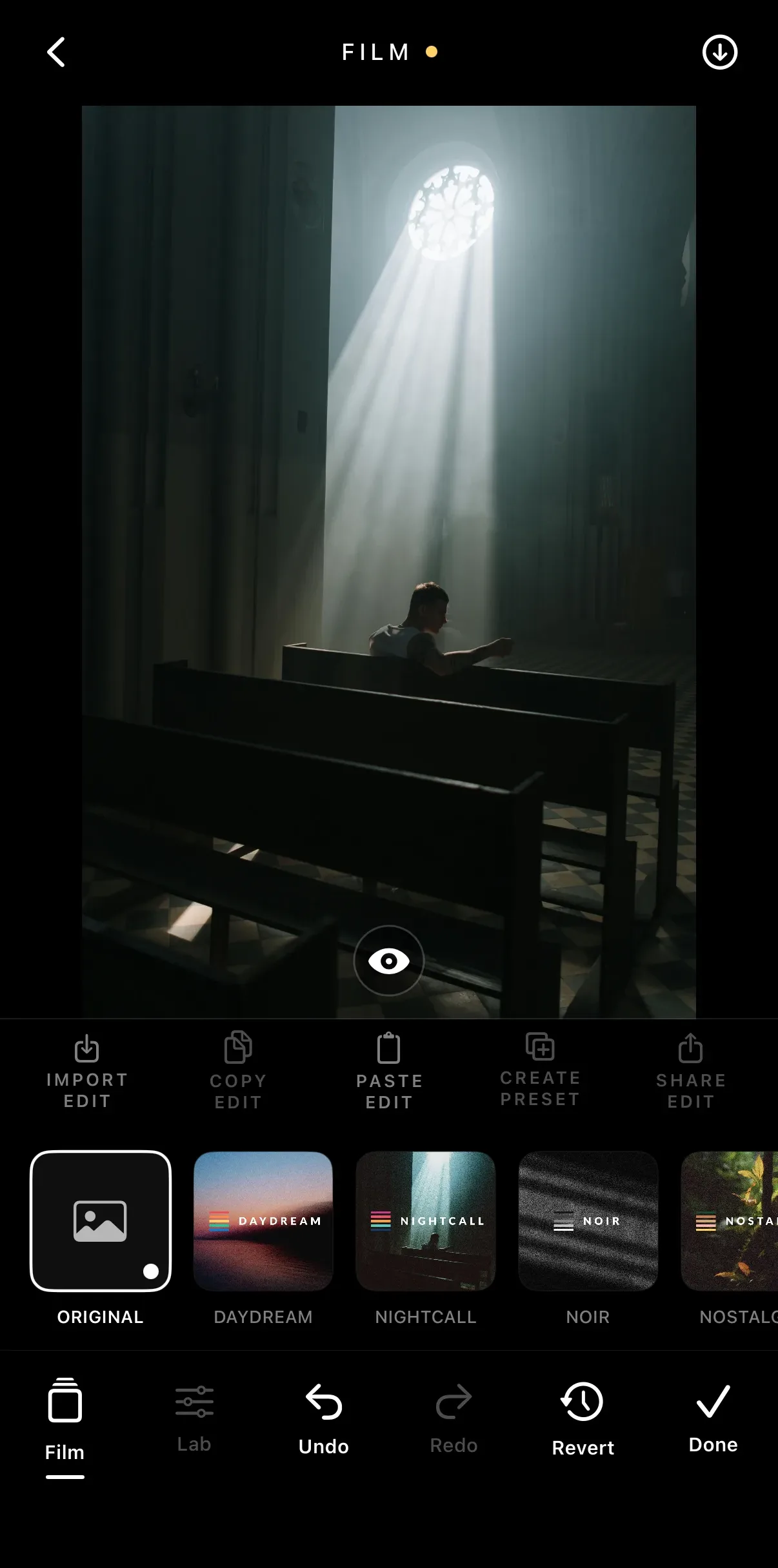
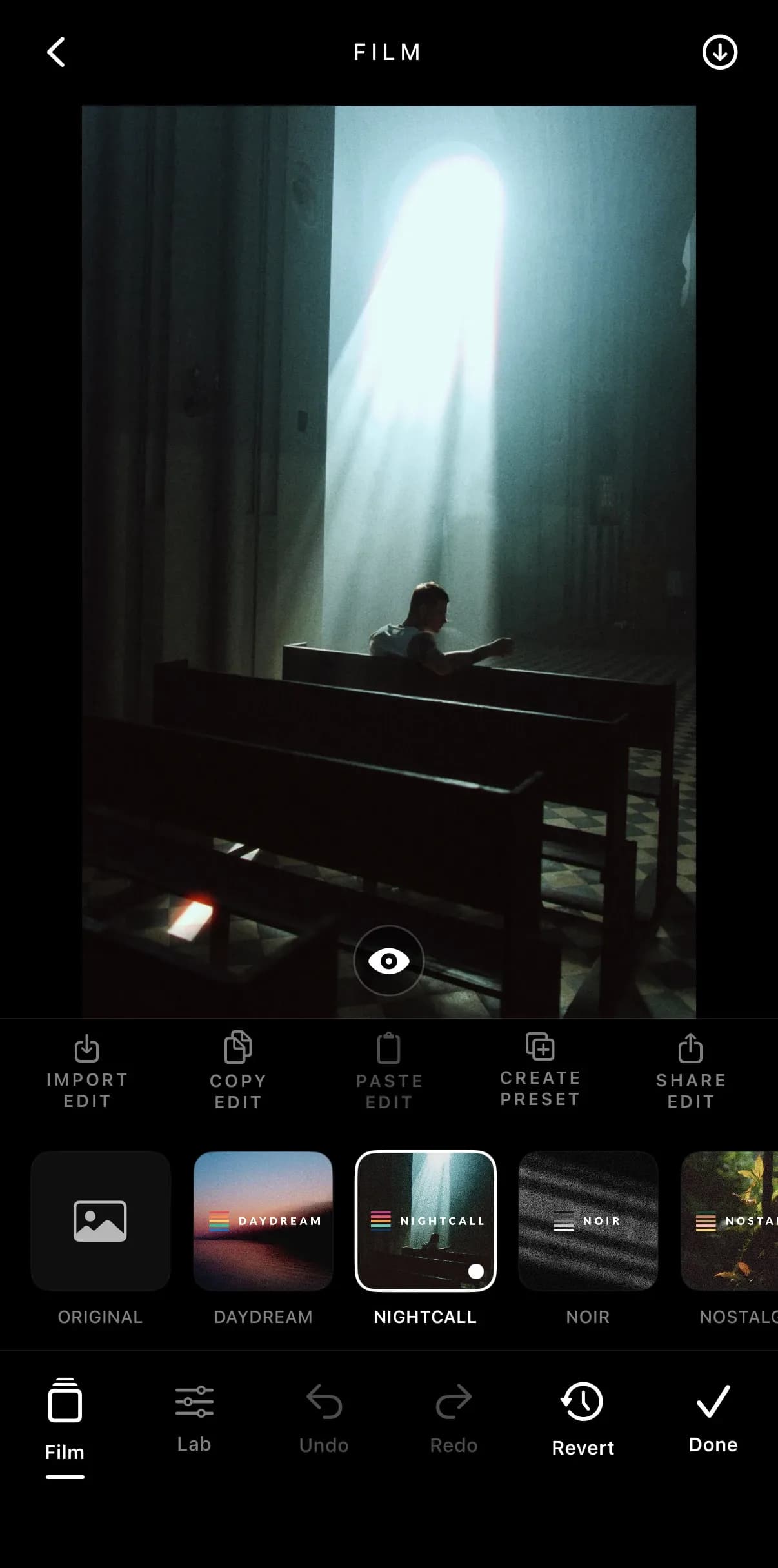
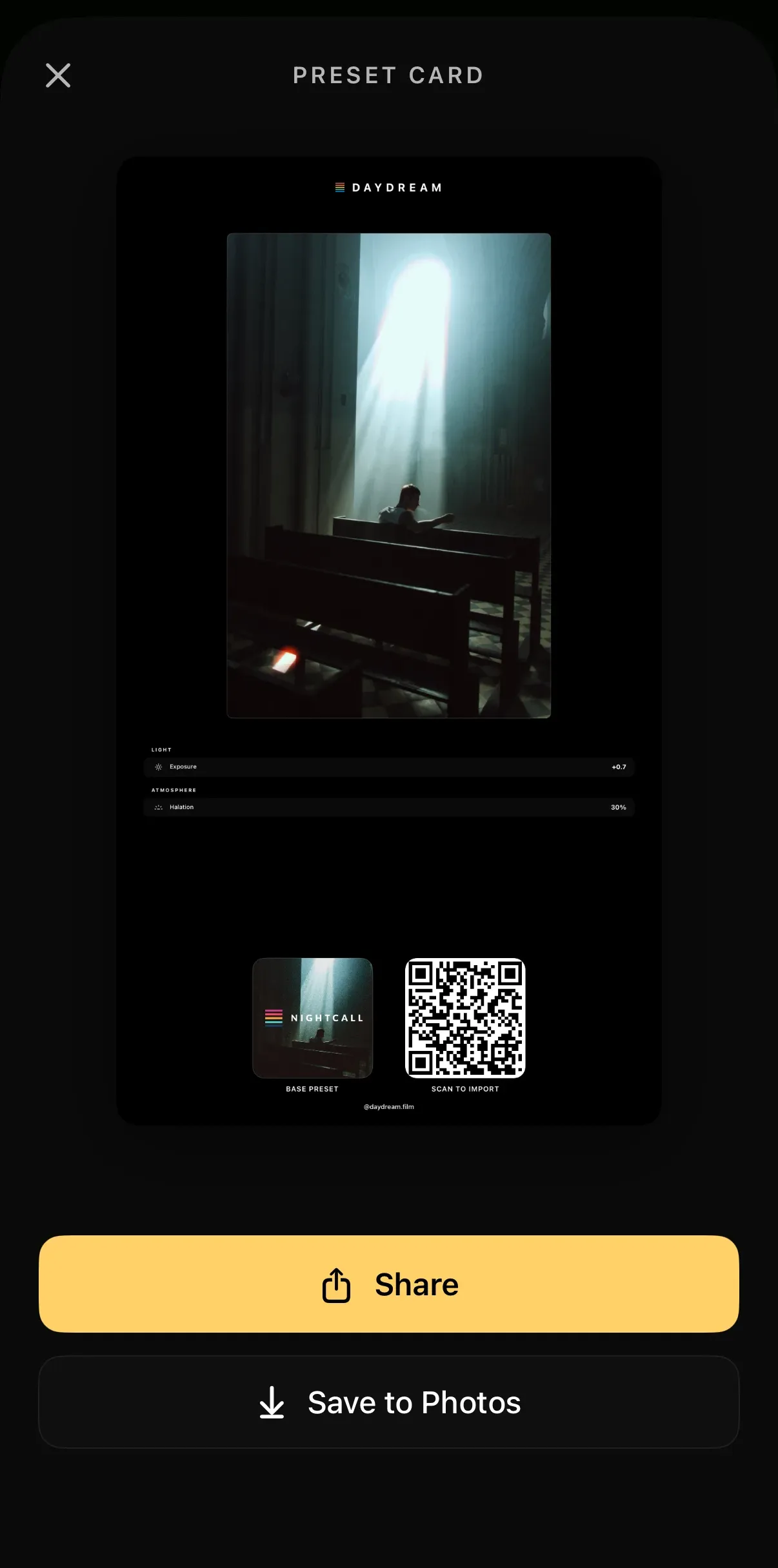
Import from your camera roll, start from a film, tune it in the Lab, then share the recipe as a preset card.
Daydream Basics
Get the film look on iPhone.
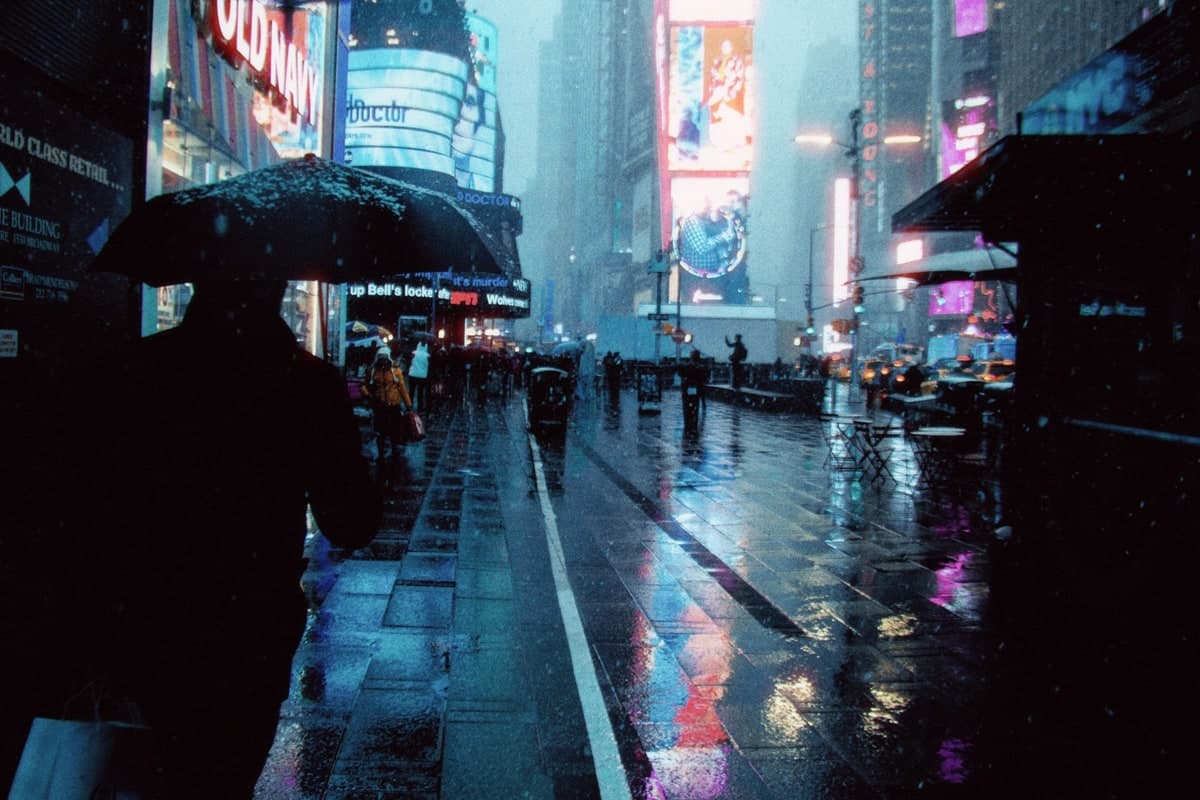
Short guides to the film look on iPhone: night, cinematic, disposable camera and black and white, and how Daydream Film compares with other film camera apps.

FAQ
Asked and answered
Straight answers about the app and the beta.
Is Daydream Film a film camera app or a photo editor?
Both. Daydream has a built-in camera, but it is designed around editing: bring in any photo you already have, develop it as film, and save the result. Nothing about how you shoot has to change.
What happens to my original photo?
Nothing. Edits are non-destructive: Undo, Redo, and Revert are always available while you work, and saving writes a new photo to your library.
How is this different from a filter?
A filter pastes one look on top of every photo. Daydream simulates how film responds to the light in your photo, and every part of that response, from grain to halation to color, is a control you can adjust.
What is a preset card?
Any edit can be shared as a preset card: a small card with your photo, the recipe behind it, and a code that anyone can scan to import your exact look into their own copy of Daydream.
How do I join the beta?
Leave your name and email in the form below and we set you up through Apple TestFlight, Apple's official beta app. The beta is free.
What will it cost?
The beta costs nothing. Launch pricing is not settled yet, and beta testers will hear about it first.
What devices does it run on?
iPhone, on iOS 17.6 or later. The beta runs through Apple TestFlight.
More questions? Read the full FAQCurious how the effects work? Every one is explained
Our mission
Bring the magic of film to the photos you already take.
Daydream Film is a photo editing app for iPhone that gives your photos the film look, by developing them the way real film would.
Read our storyThe Future of Film
Join the free beta and turn your first photo into film today.