
Texture
Dust & Scratches
Dust and scratches are the specks and fine lines a film picks up as it is handled, printed and projected, and that print as tiny marks on the image.
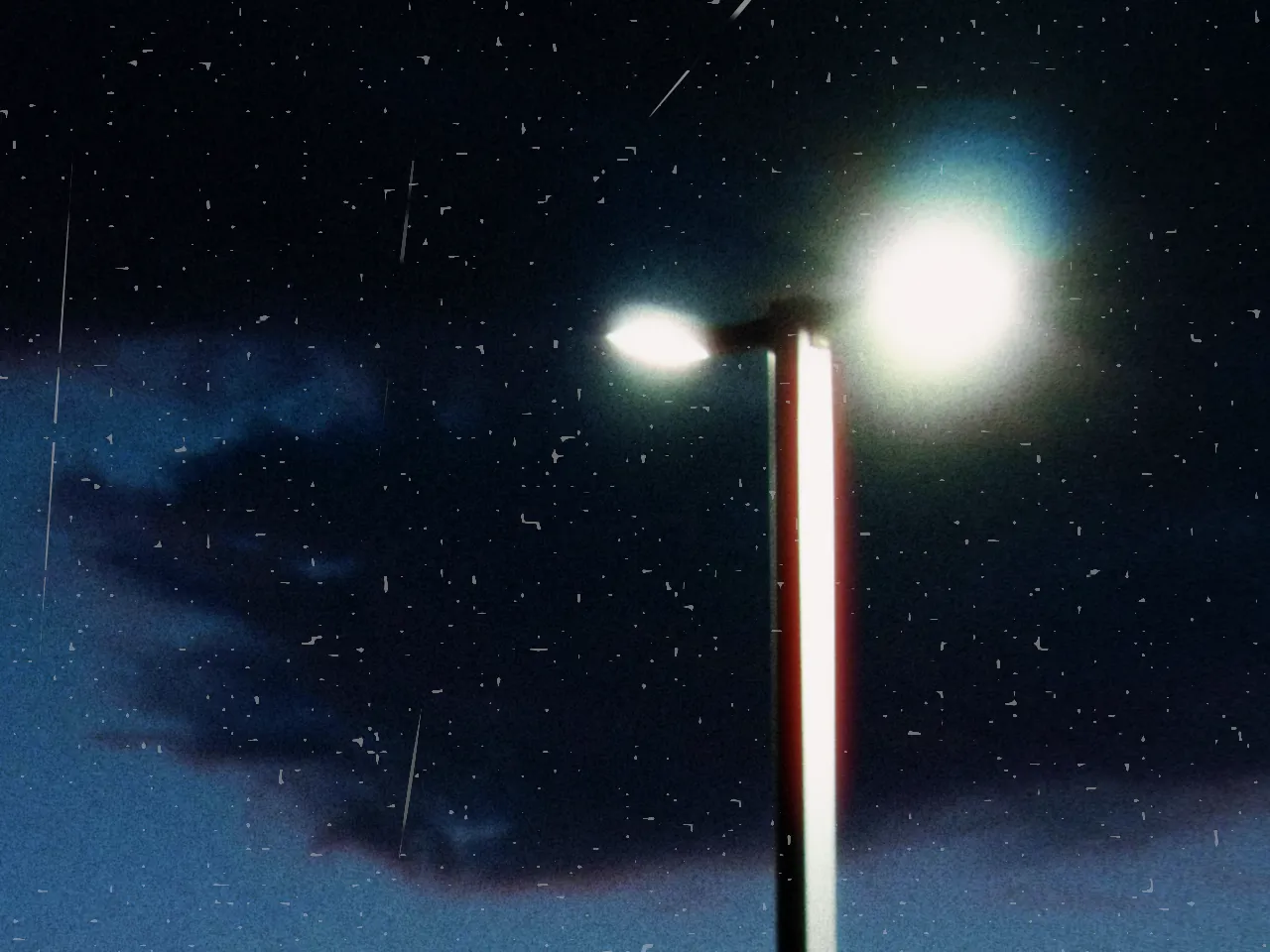

Every stop is a real Daydream Film render, shown at 100%. Only the strength setting changes.
Why it happens
Where do dust and scratches come from?
Every projection, every lab handling left dust shadows and tramline scratches on release prints.
In Daydream
Adds procedurally generated dust particles and film scratches for a vintage, aged film look.
Up close
What does dust & scratches do to a photo?
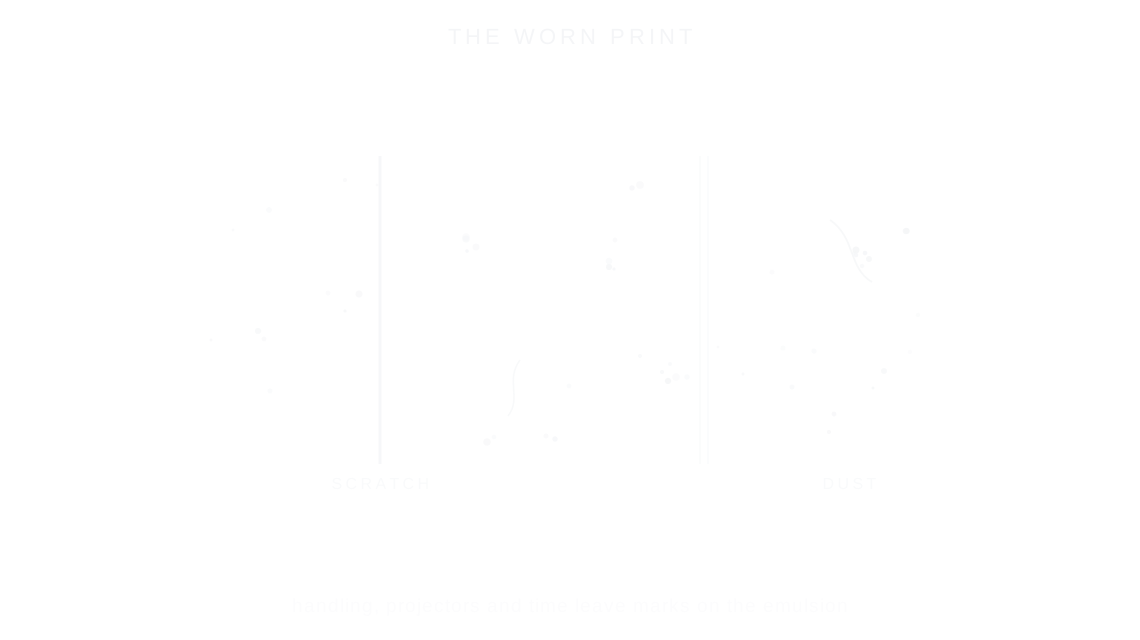
A tight crop from the full-size render. Left is off, right is 100% strength. Drag the line to compare.
What changes
- Adds small dust specs across the frame
- Adds vertical film scratches
- Creates authentic aged film appearance
The controls
How do you adjust dust & scratches?
The dial above moves strength. Dust 100%, Scratches 100% and Variation 50% stayed fixed for every render.
| Control | Range | What it does |
|---|---|---|
| Strength | 0–100% | Overall opacity of artifacts |
| Dust | 0–100% | Amount of dust particles |
| Scratches | 0–100% | Amount of film scratches |
| Variation | 0–100% | Randomize the pattern |
Base for every render: the Daydream preset at its defaults.
When to reach for it
When should you use dust & scratches?
Use sparingly for authenticity. Real film dust and scratches were unwanted — too much looks artificial.
Best for
- Vintage aesthetics
- Aged film look
- Lo-fi photography
Age a frame, gently.
Join the iOS Beta
Try dust & scratches on your own photos. Join the iOS beta and shoot with Daydream Film.