
Texture
Film Grain
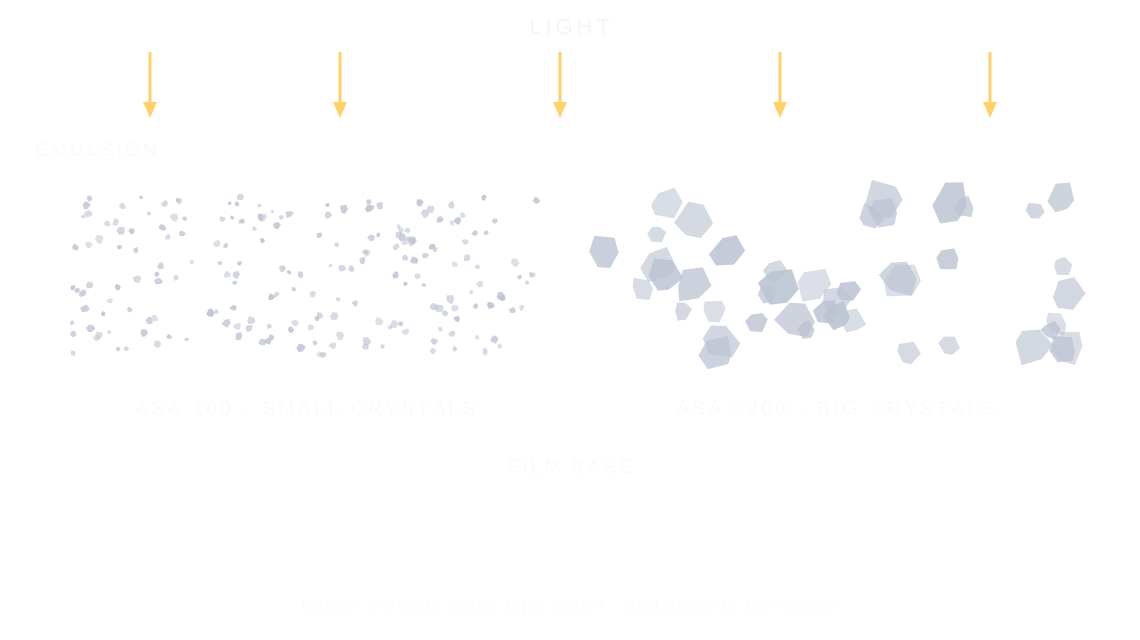
Film grain is the fine, random texture of a film photo, made by the silver crystals that form the image; faster film uses bigger crystals, so its grain is coarser.
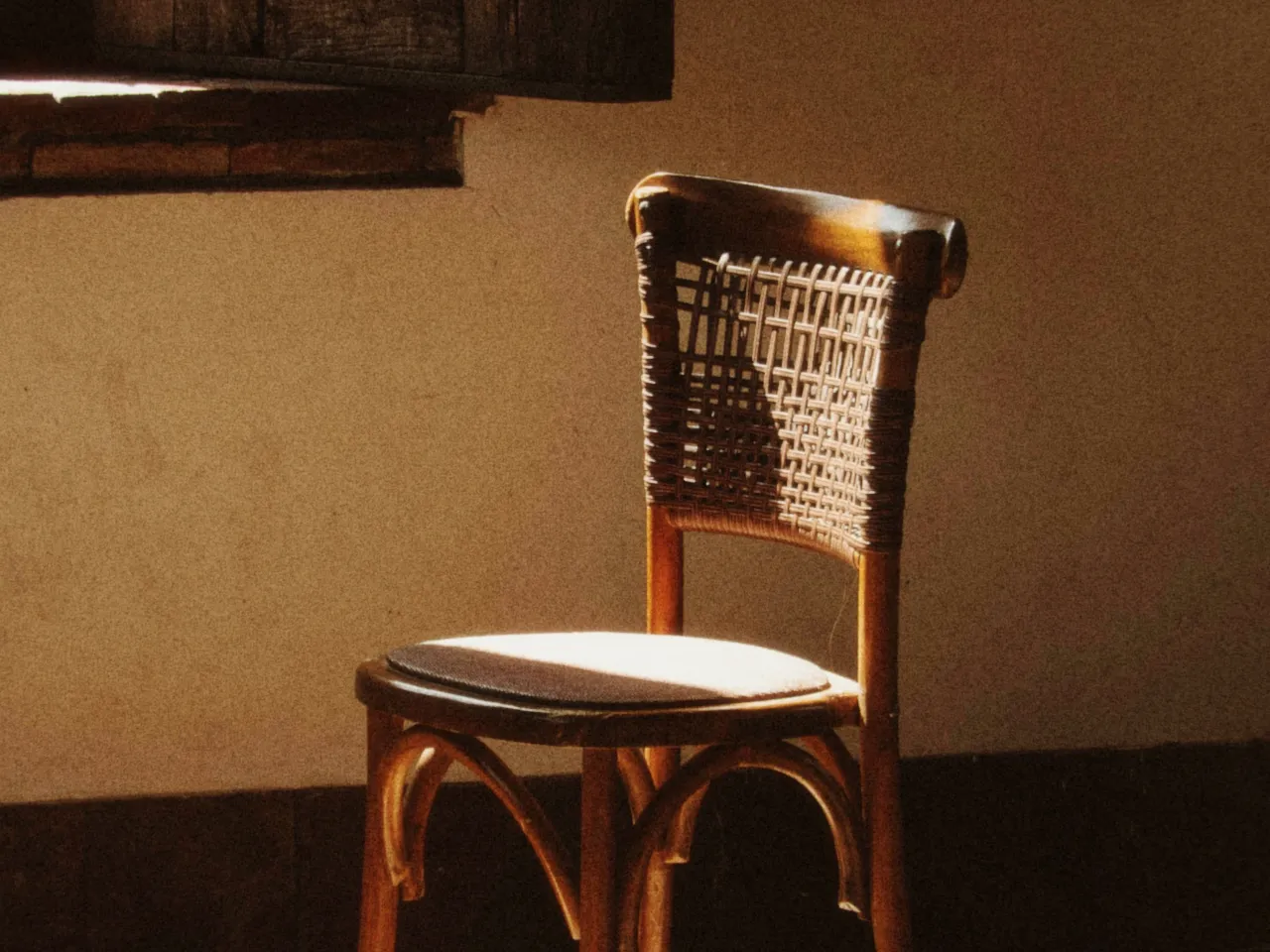

Every stop is a real Daydream Film render, shown at 100%. Only the film speed setting changes.
Why it happens
Why does faster film look grainier?
Photographers picked a film speed by the grain they could live with: ASA 100 for smooth skies, ASA 3200 for the night, grain and all.
In Daydream
Adds authentic film grain texture that mimics the physical silver halide crystals in film emulsion. Different ASA/ISO settings produce different grain characteristics.
Up close
What does film grain do to a photo?
A tight crop from the full-size render. Left is 200 ASA film speed, right is 3200 ASA film speed. Drag the line to compare.
What changes
- Adds organic, random texture throughout the image
- Higher ASA = more visible, coarser grain
- Includes subtle color shifts that occur in real film
- Breaks up smooth digital gradients for a more analog look
The controls
How do you adjust film grain?
The dial above moves film speed, the only control that changes between renders.
| Control | Range | What it does |
|---|---|---|
| Film Stock ASA | 100 / 200 / 400 / 800 / 1600 / 3200 | ASA 100–200: Fine, subtle | ASA 400: Moderate | ASA 800+: Heavy, noticeable |
| Film Color Response | On/Off | Toggle film stock color characteristics on/off |
Base for every render: the Daydream preset at its defaults.
When to reach for it
When should you use film grain?
Match the ASA to your lighting conditions. Use lower ASA for bright scenes, higher ASA for low-light or gritty aesthetics.
Best for
- All photography
- Low-light scenes (high ASA)
- Gritty aesthetics
- Vintage look
Grain is the film's handwriting.
Join the iOS Beta
Try film grain on your own photos. Join the iOS beta and shoot with Daydream Film.