
Develop
Film Curve
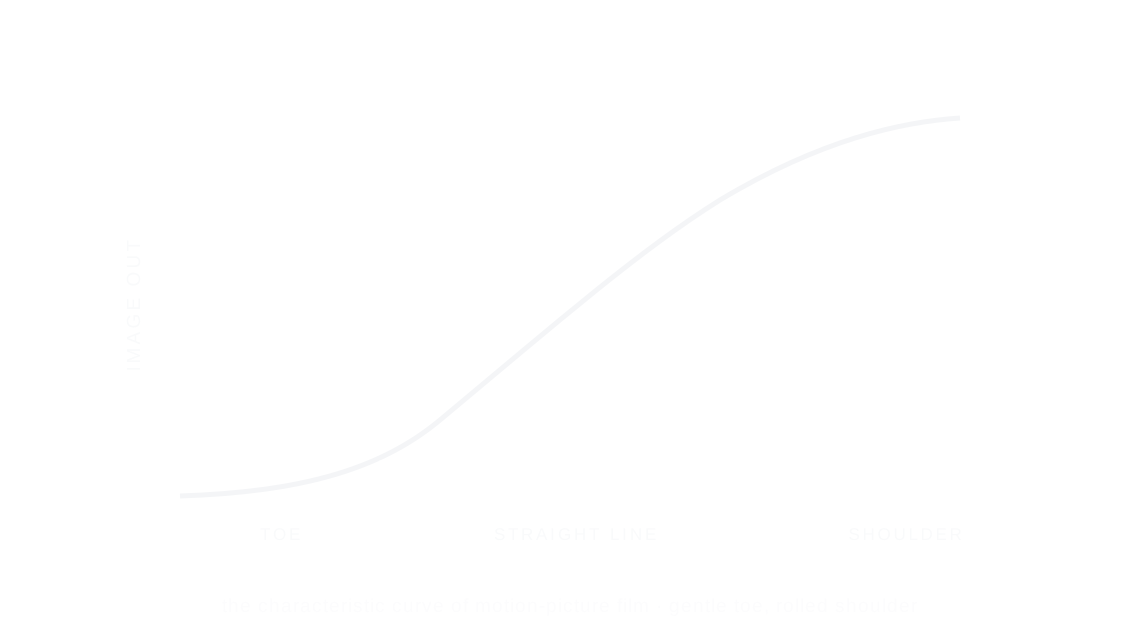
The film curve is how film turns light into tone: a gentle toe in the shadows, a straight middle and a rolled-off shoulder in the highlights, so bright areas fade softly instead of clipping.

Every stop is a real Daydream Film render. Only the strength setting changes.
Why it happens
Why do film highlights roll off so softly?
Motion-picture stocks answer light with a gentle toe and a rolled shoulder. It is the science this whole engine is built on.
In Daydream
The heart of Daydream’s film rendering. It is built on the measured curves of a tungsten cinema negative, mixed half and half with the digital image in every preset. This single effect shapes highlight rolloff, shadow response, and color rendering across the entire image.
Up close
What does film curve do to a photo?
A tight crop from the full-size render. Left is off, right is 100% strength. Drag the line to compare.
What changes
- Shapes highlight rolloff for smooth, film-like clipping
- Controls shadow lift and density
- Applies the characteristic color rendering of motion picture film
- Creates the overall ‘film vs digital’ difference
The controls
How do you adjust film curve?
The dial above moves strength, the only control that changes between renders.
| Control | Range | What it does |
|---|---|---|
| Strength | 0–100% | How much film curve character to apply (all presets default to 50) |
Base for every render: the Daydream preset at its defaults.
When to reach for it
When should you use film curve?
This is what separates Daydream from a simple filter. At 50% you get balanced film character; push higher for more dramatic rendering.
Best for
- All photography
- Film-accurate rendering
- Cinematic color science
The foundation, not a flavor.
Join the iOS Beta
Try film curve on your own photos. Join the iOS beta and shoot with Daydream Film.