
Develop
Push/Pull Processing
Push and pull processing means developing film longer or shorter than normal: on real film, pushing adds contrast and grain, while pulling gives a softer, flatter image.
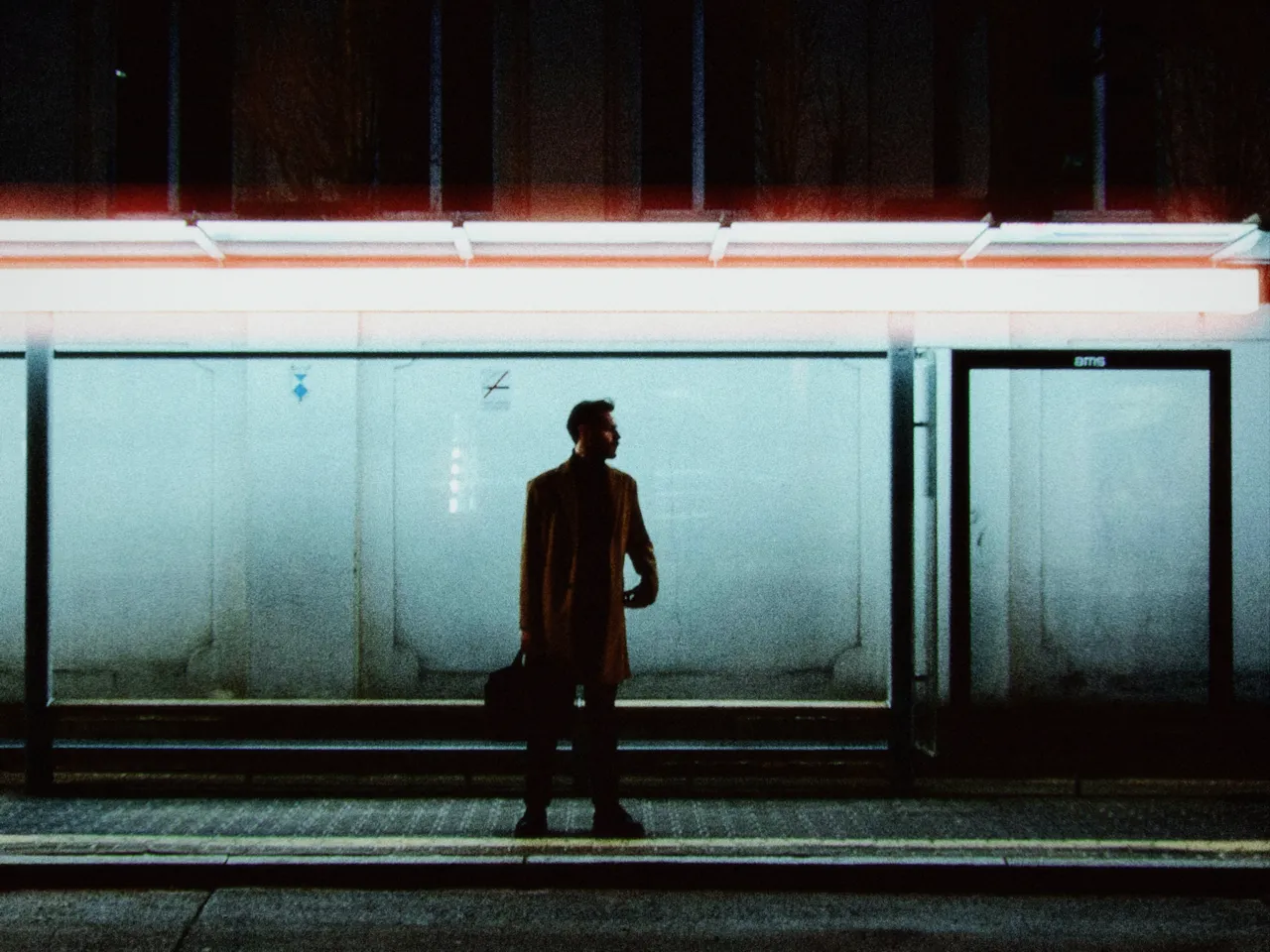

Every stop is a real Daydream render. Only the push/pull setting changes.
Why it happens
What does pushing film do?
Labs left film longer in the developer to rescue underexposure, buying speed with contrast and grain.
In Daydream
Simulates variations in film development time. Push processing (overdeveloping) and pull processing (underdeveloping) were darkroom techniques that dramatically affected the final look.

Up close
What does push/pull processing do to a photo?
A tight crop from the full-size render. Left is −2 stops push/pull, right is +2 stops push/pull. Drag the line to compare.
What changes
- Push (+stops): Increases contrast, crushes shadows, slightly desaturates
- Pull (-stops): Decreases contrast, lifts shadows, creates pastel tones, increases saturation
The controls
How do you adjust push/pull processing?
The dial above moves push/pull, the only control that changes between renders.
| Control | Range | What it does |
|---|---|---|
| Push/Pull | -2 to +2 stops | Negative = pull (softer, pastel) | Zero = normal | Positive = push (contrasty, gritty) |
Base for every render: the Daydream preset at its defaults.
When to reach for it
When should you use push/pull processing?
Push processing creates a high-contrast, gritty aesthetic. Pull processing creates soft, pastel vibes perfect for dreamy photography.
Best for
- High-contrast scenes (push)
- Soft pastel looks (pull)
- Gritty street photography (push)
- Dreamy aesthetics (pull)
Underexposed is not lost.
Join the iOS Beta
Try push/pull processing on your own photos. Join the iOS beta and shoot with Daydream Film.