
Daydream Basics
How to Get the Film Look on iPhone

Shane Labelle
· 5 min read
The film look comes from how film handles light. A few things do most of the work: highlights that fade, grain, and a glow around bright lights. Here's what each one is, and how to get it on the photos you already take.
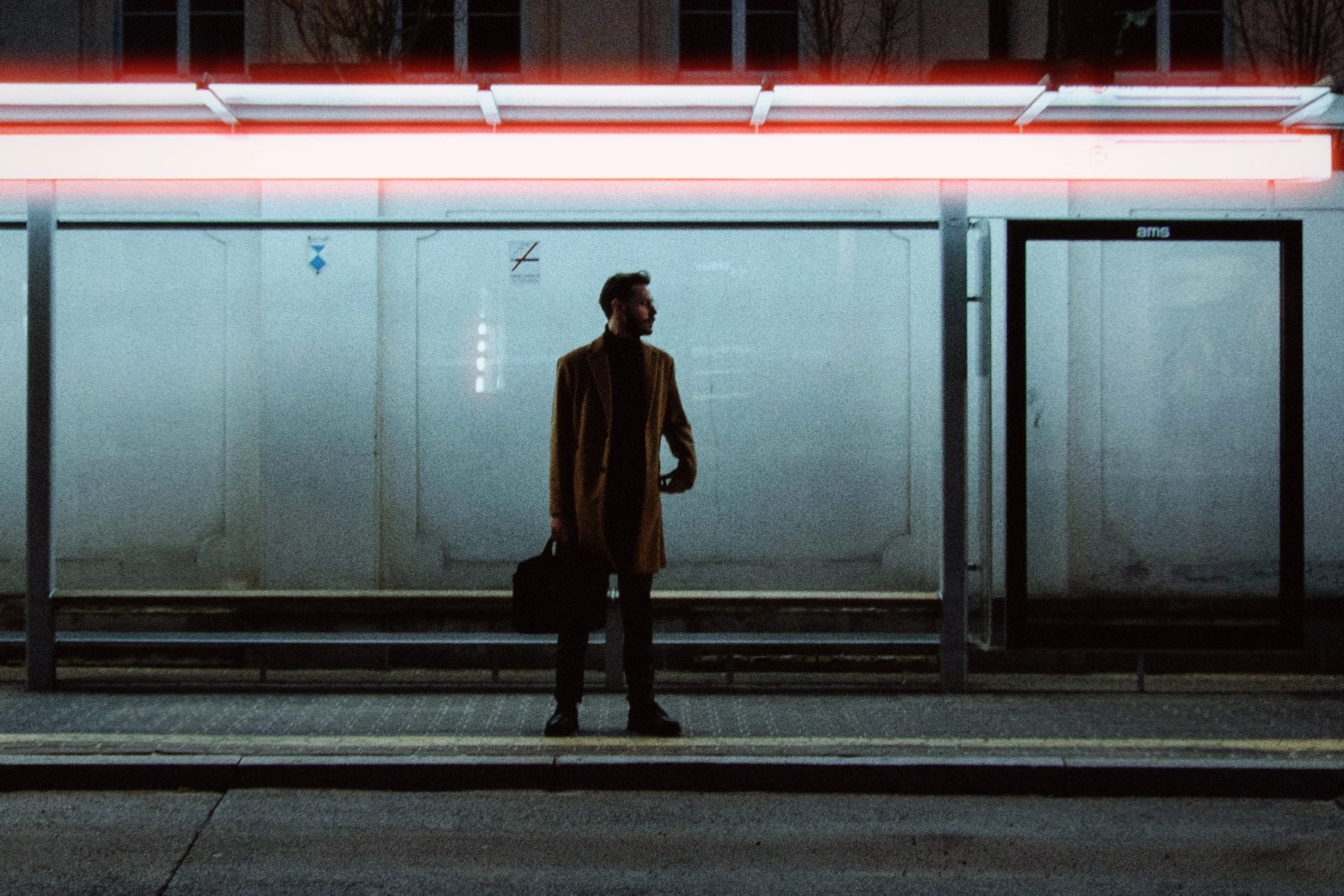

Why phone photos look digital
Your iPhone counts light in a straight line. When a pixel is full, it stops. So a bright sky hits a wall of white.
Zoom in, and the picture breaks into tidy squares. Every edge is sharp, all the way to the corners, and bright lights are just bright.
Film does none of that. Each difference has a name, and each one is a control in Daydream.
Highlights that fade, not clip
Overexpose a digital photo, and the bright parts hit a wall of white. Do it on film, and they just fade.
Film records light with crystals, and each crystal can only turn dark once. Bright light uses them up, so every extra bit of light adds a little less. That bend at the top is the film curve.
In Daydream, Film Curve runs your photo through the measured curve of a real cinema film. Zero is digital. All the way up is all film.
Grain, not pixels
Zoom into film, and it breaks into sand, not squares. Its picture is made of tiny crystals scattered at random. That's grain. It isn't laid on top. It's the picture itself.
Film made for bright light uses tiny crystals and looks almost smooth. Film made for dim light uses big ones, and the grain shows. The number on the box tells you which.
Daydream's Film Grain uses that same number, from ASA 200 for fine grain to ASA 3200 for heavy grain.
A glow around bright lights
Lights in movies glow. In phone photos, they're just bright. Two things make that glow.
Halation happens inside the film. Light from a bright source bounces off the back of the film and exposes it a second time, in red. That's the red-orange ring around the lights on CineStill.
Glow happens in front of the lens: filmmakers put clear glass with tiny specks in it over the lens, and bright light scatters off the specks. It keeps the light's own color, softens hard edges and lifts the shadows.
In Daydream, both are sliders under Atmosphere. A little of each, and a night photo starts to look like a film still.
Rich, deep tones
Some film photos look thin and washed out. Others look rich and deep. The difference is density: how much dye builds up in the negative. A thick negative holds every tone, even in the shadows.
In Daydream, Density is one slider. Push it up for rich and deep. Pull it down for thin and faded.
A softer edge
A modern lens brings every point of light back to a tiny, sharp point. Old lenses couldn't quite, so the finest detail melts a little: stray hairs, skin texture, the hard digital edge. The shapes stay put. That's not blur.
Daydream's Softening does the same. Forty to fifty percent takes the digital edge off.
Add a happy accident
Some of film's flaws became looks of their own. A light leak is a warm glow where light slipped past a worn seal. A film burn is the white-hot flare on the first and last frames of a roll. Expired film drifts green or pink-orange as its layers age.
Use them sparingly. The real ones were accidents.
Shoot for the film look
- Give the glow something to work with. Lamps, windows and street lights bring out halation and glow.
- Let the highlights go bright. The film curve fades them instead of clipping them.
- At night, reach for more grain. Film made for dim light was grainy too.
The fast way: pick a film
You don't have to set any of this by hand. Every Daydream film already uses it: the film curve at 50%, grain at ASA 800, density and softening dialed in, and a touch of halation.
Pick a film, then adjust what you want in the Lab. How Daydream works walks through it step by step, and the presets page shows all four films.