
Atmosphere
Glow
Glow is a soft bloom around the bright parts of a photo, the look of a mist filter over the lens: highlights spill into their surroundings, contrast eases and skin softens.
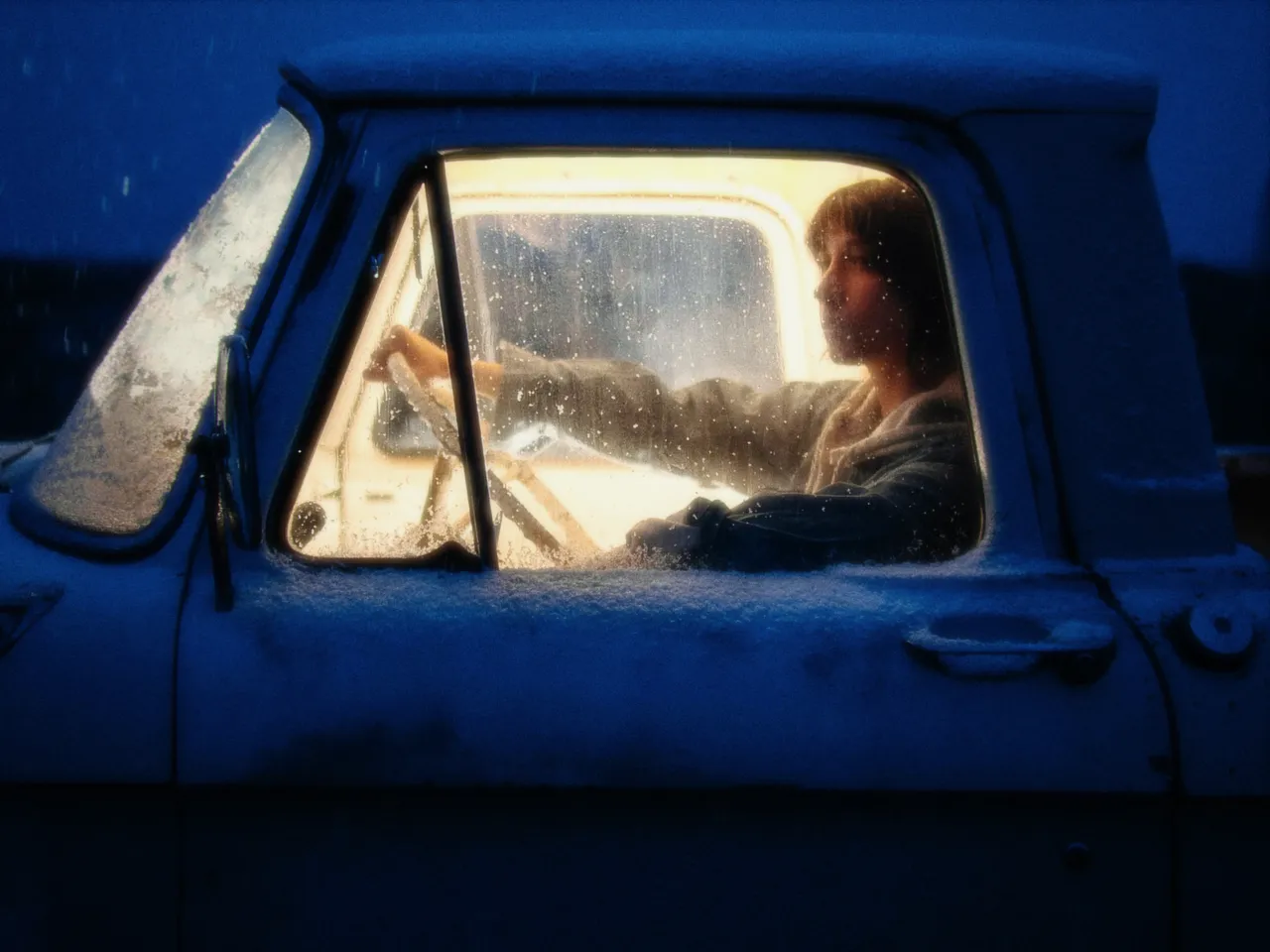

Every stop is a real Daydream Film render. Only the glow setting changes.
Why it happens
Why do highlights bloom?
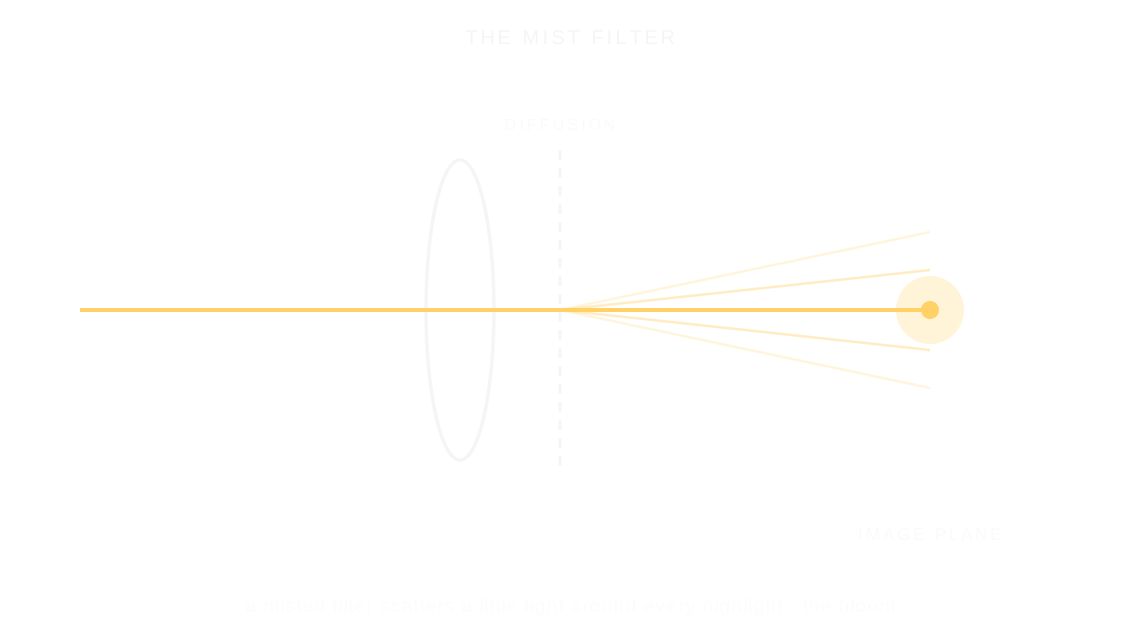
Cinematographers stretched mist filters over their lenses to bloom highlights and soften skin. It became the Hollywood diffusion look.
In Daydream
Creates a mist-filter style diffusion effect that reduces local contrast and detail, producing a dreamy, soft-focus look popular in fashion and portrait photography.
Up close
What does glow do to a photo?
A tight crop from the full-size render. Left is off, right is 100% glow. Drag the line to compare.
What changes
- Softens details and smooths skin texture
- Reduces harsh edges and fine detail
- Creates an ethereal, romantic atmosphere
- Particularly flattering for portraits
The controls
How do you adjust glow?
The dial above moves glow, the only control that changes between renders.
| Control | Range | What it does |
|---|---|---|
| Glow | 0–100% | Dreamy soft-focus glow intensity |
Base for every render: the Daydream preset at its defaults, with halation off.
When to reach for it
When should you use glow?
Great for portraits and dreamy aesthetics. The effect applies softening, detail reduction, and blur that all scale together naturally.
Best for
- Portrait photography
- Fashion photography
- Dreamy aesthetics
- Romantic scenes
Skin, lights, and mercy.
Join the iOS Beta
Try glow on your own photos. Join the iOS beta and shoot with Daydream Film.