
Daydream Basics
Short guides to Daydream Film for anyone who loves the film look. Start with how the app works.
9 guides
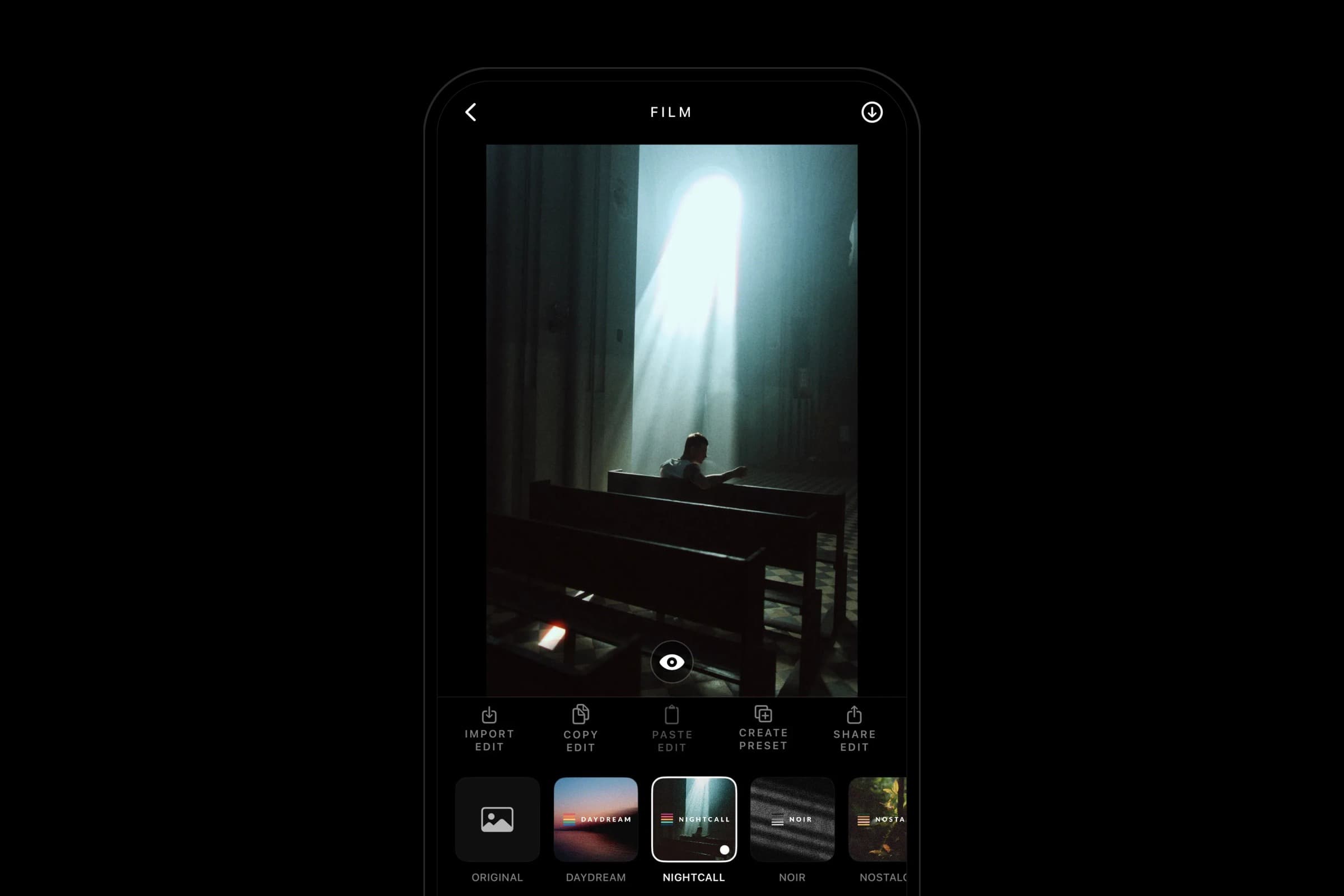
How Daydream Works
Bring in a photo, pick a film, and save. How Daydream Film turns any iPhone photo into film, and where to go when you want more control.
How to Get the Film Look on iPhone
What makes a photo look like film, and how to get that look on the photos you already take with your iPhone.
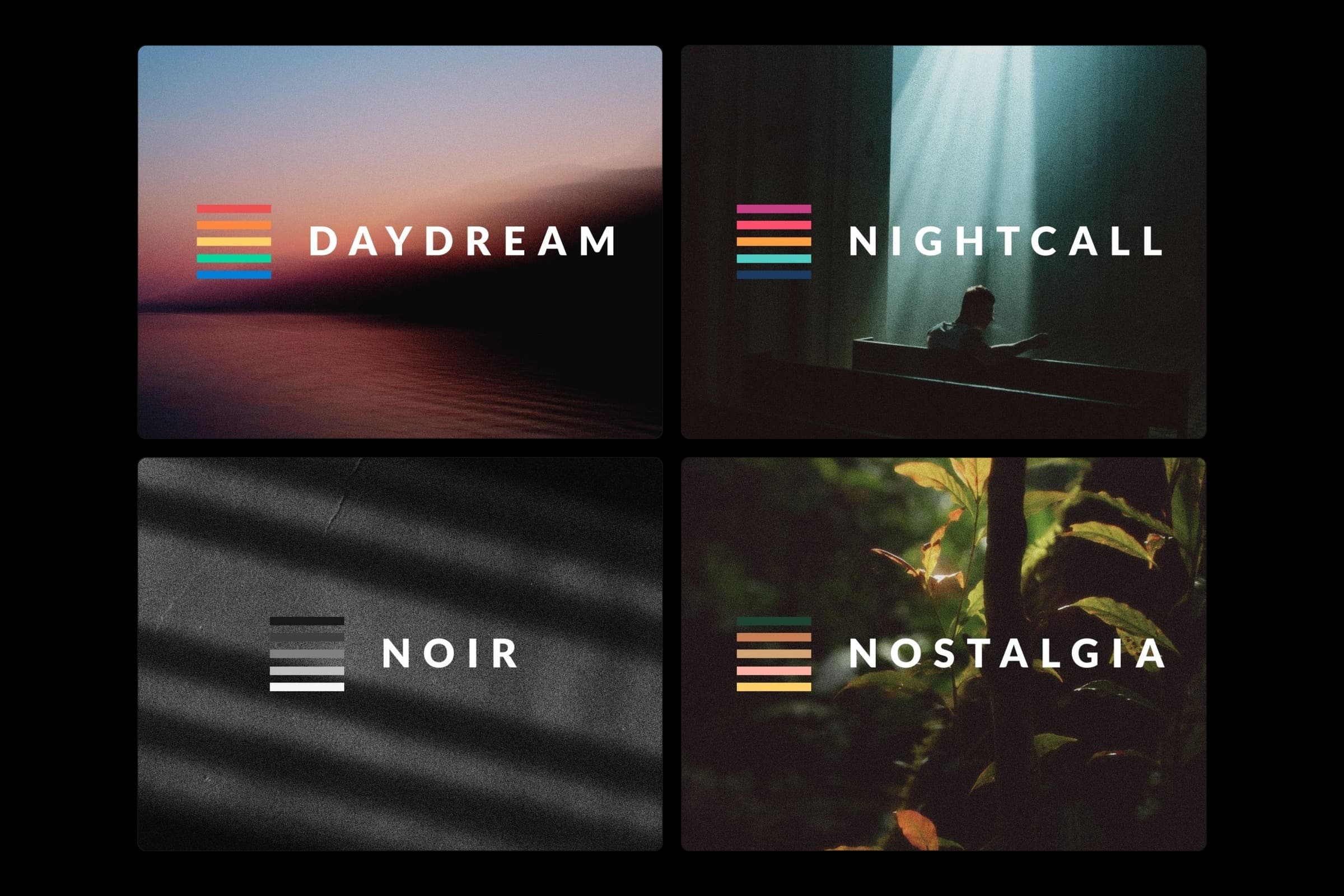
Which Film Should I Pick?
Daydream, Nightcall, Noir and Nostalgia: what each film does and the photos it suits.
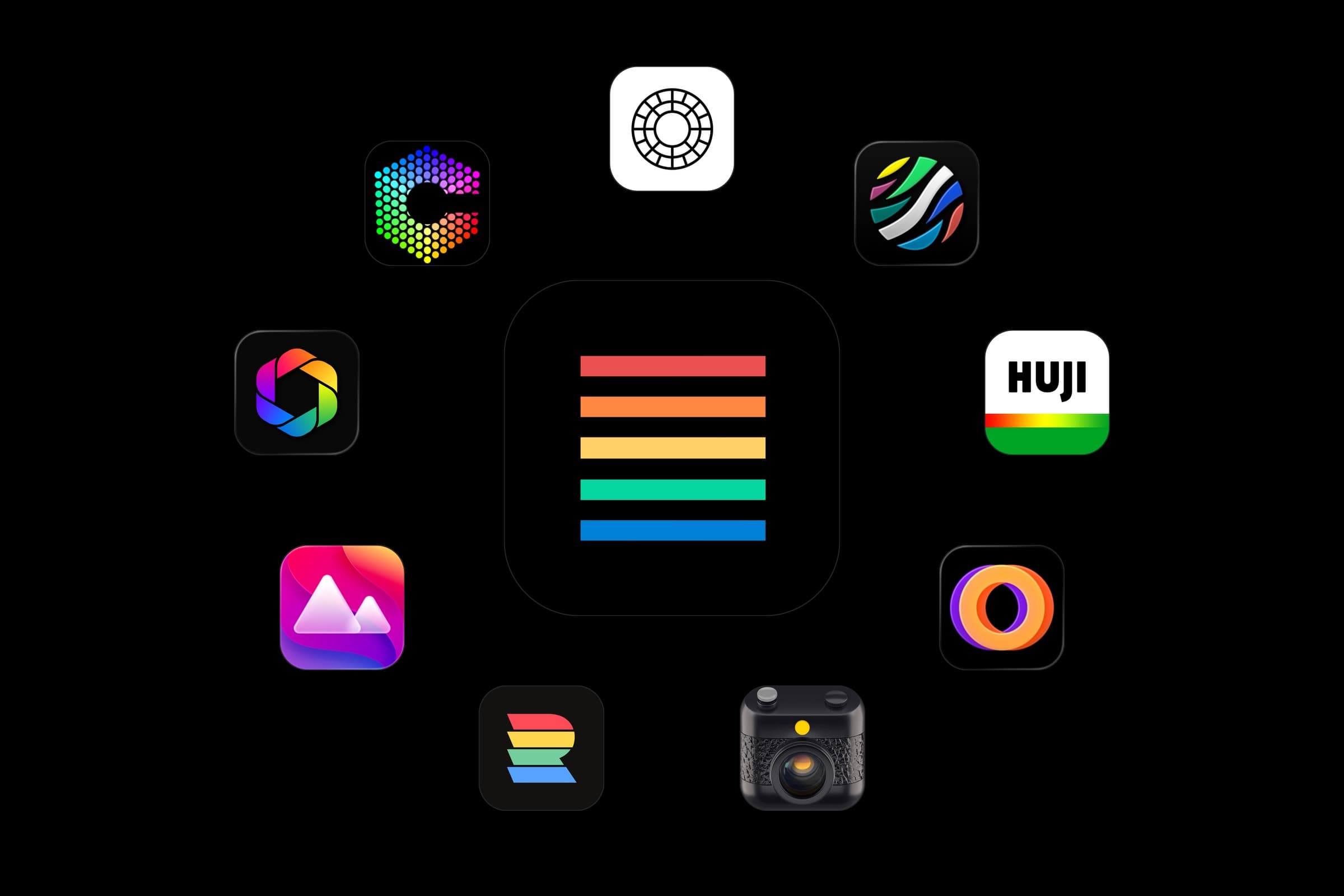
Best Film Camera Apps for iPhone (2026)
Ten film camera and film look apps for iPhone compared: which shoot new photos, which edit the ones you have, and what each costs.
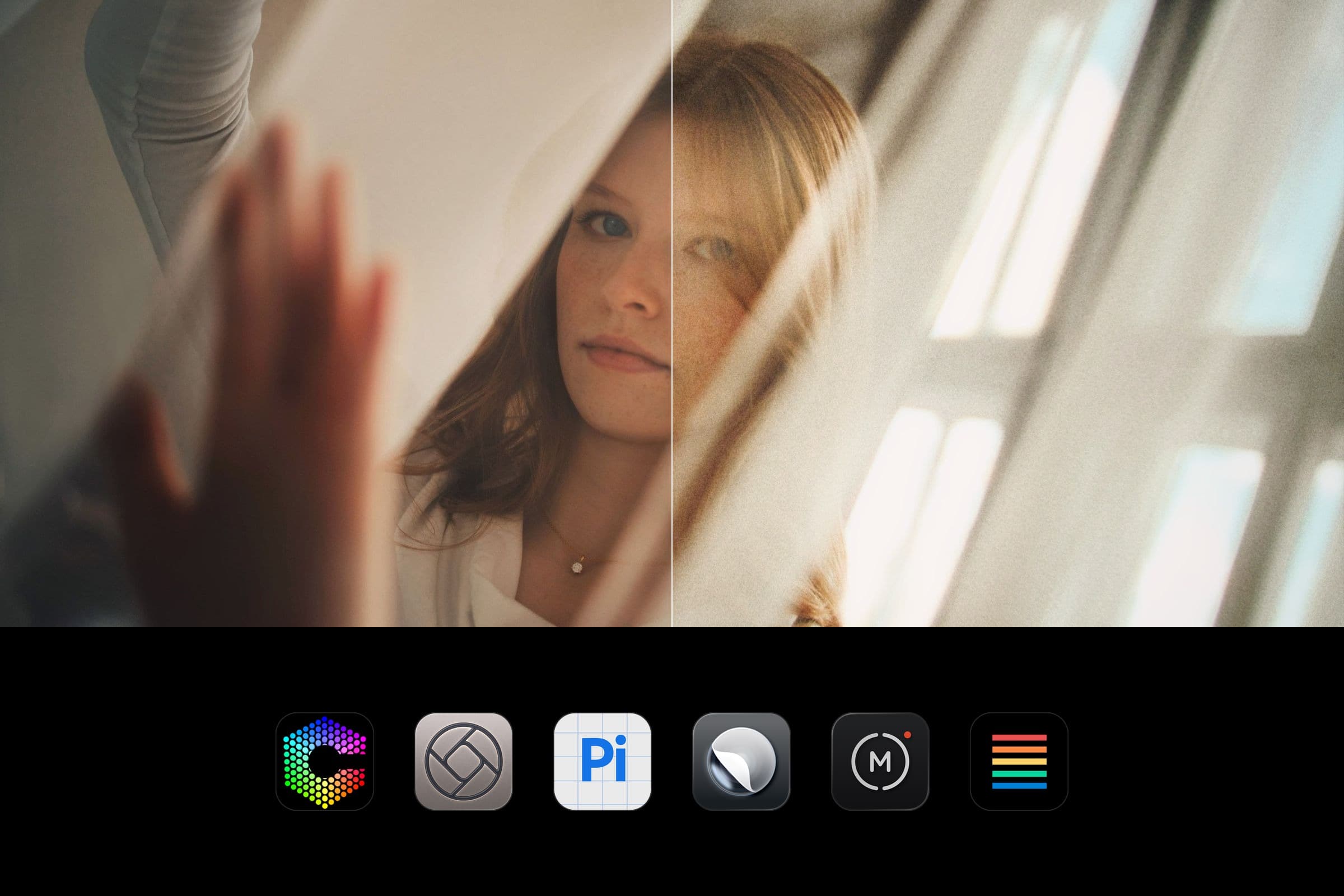
Should You Skip the iPhone's Processing? Chromagraph, Halide and More
The pros and cons of skipping the iPhone's photo processing, RAW, ProRAW and HEIC explained, and the apps that do it, from Chromagraph to Halide.
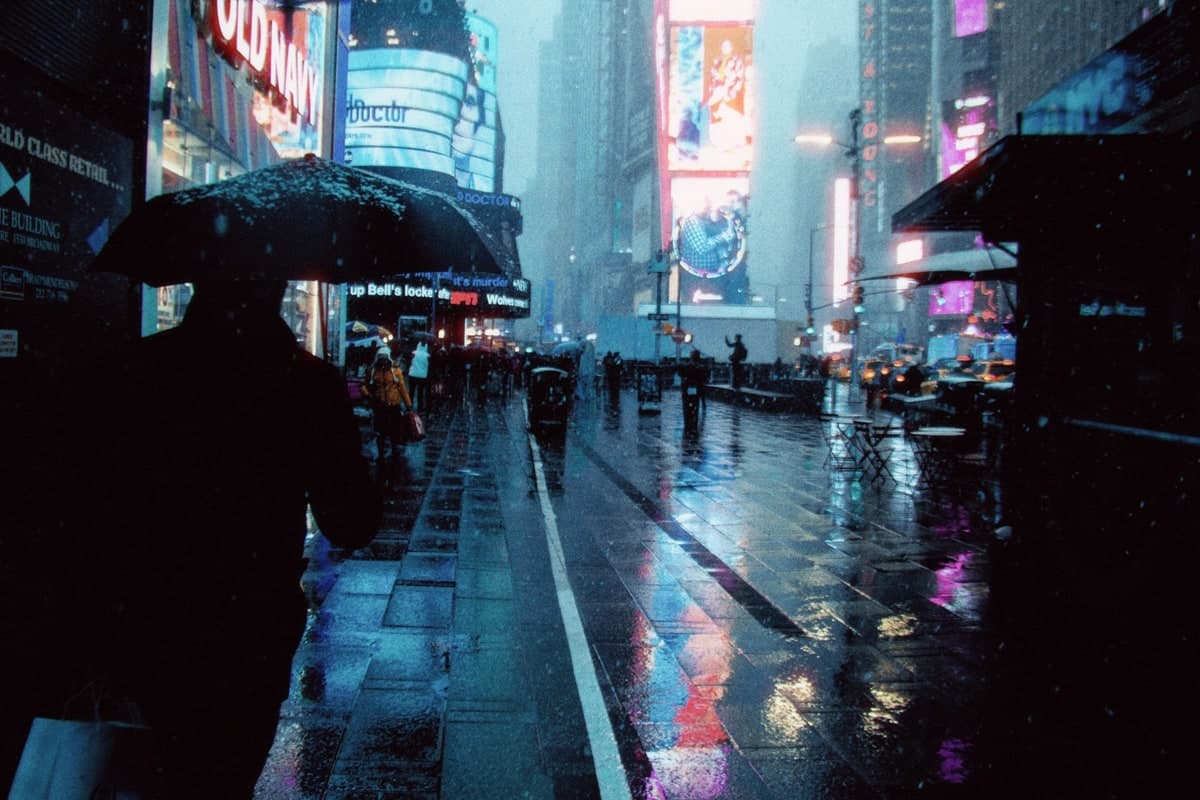
Night Photos With a Film Look on iPhone
The look of tungsten night film on your iPhone photos: red halation around lights, cool shadows and warm lamps, with the Nightcall film.
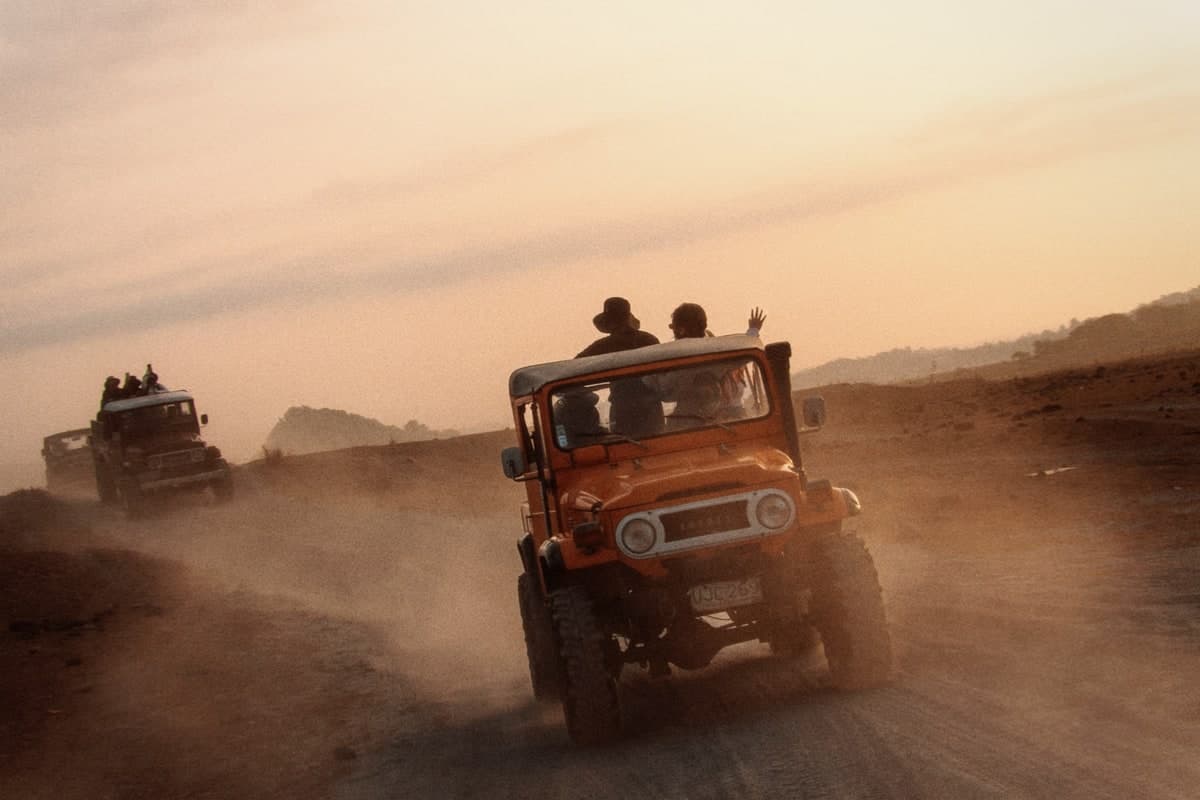
How to Make iPhone Photos Look Cinematic
What makes a still look like a frame from a film, and how to get it on your iPhone photos: soft highlights, warm and cool color, grain and glow.

How to Get the Disposable Camera Look on iPhone
Warm, hazy color, grain and a light leak: the disposable camera look on the photos you already take, with the Nostalgia film, plus a date if you like.
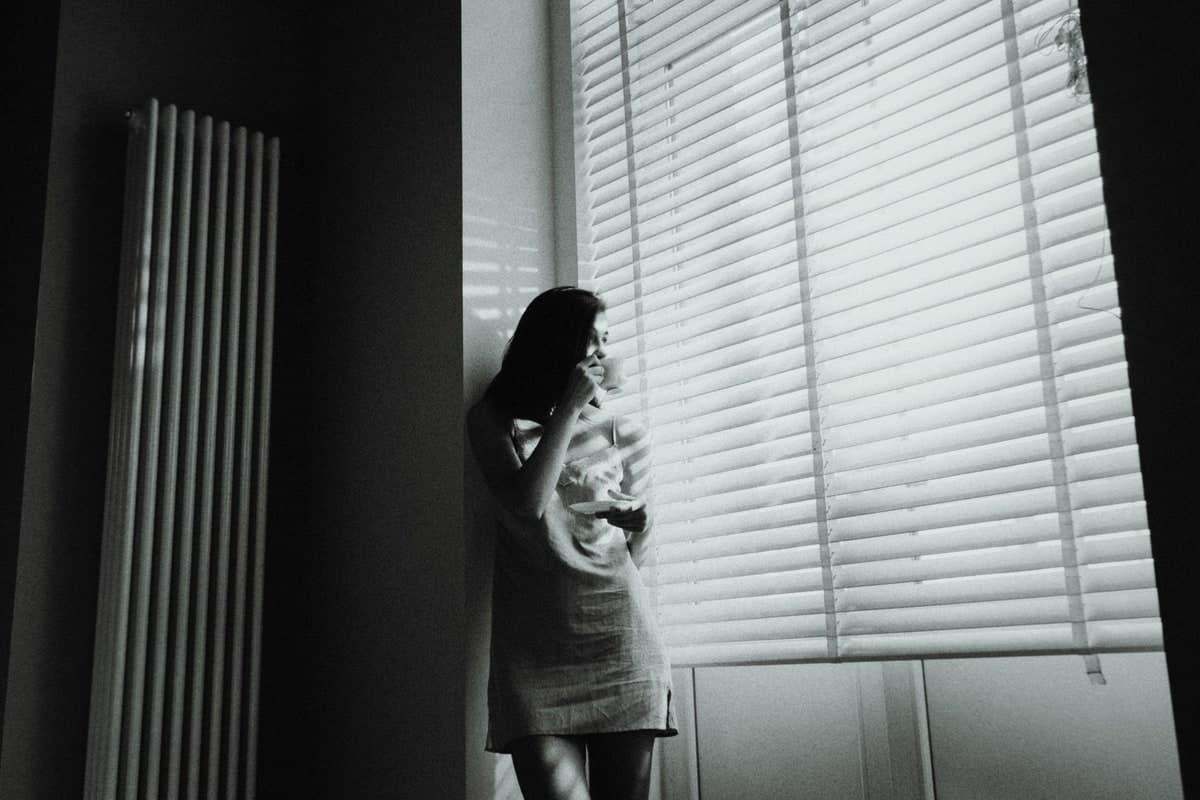
The Black and White Film Look on iPhone
Real black and white film is more than taking the color out. How to get deep blacks, rich grays and grain on your iPhone photos with the Noir film.
Join the iOS Beta
Get early access through Apple TestFlight and help shape Daydream Film.