
Daydream Basics
Night Photos With a Film Look on iPhone

Shane Labelle
· 3 min read
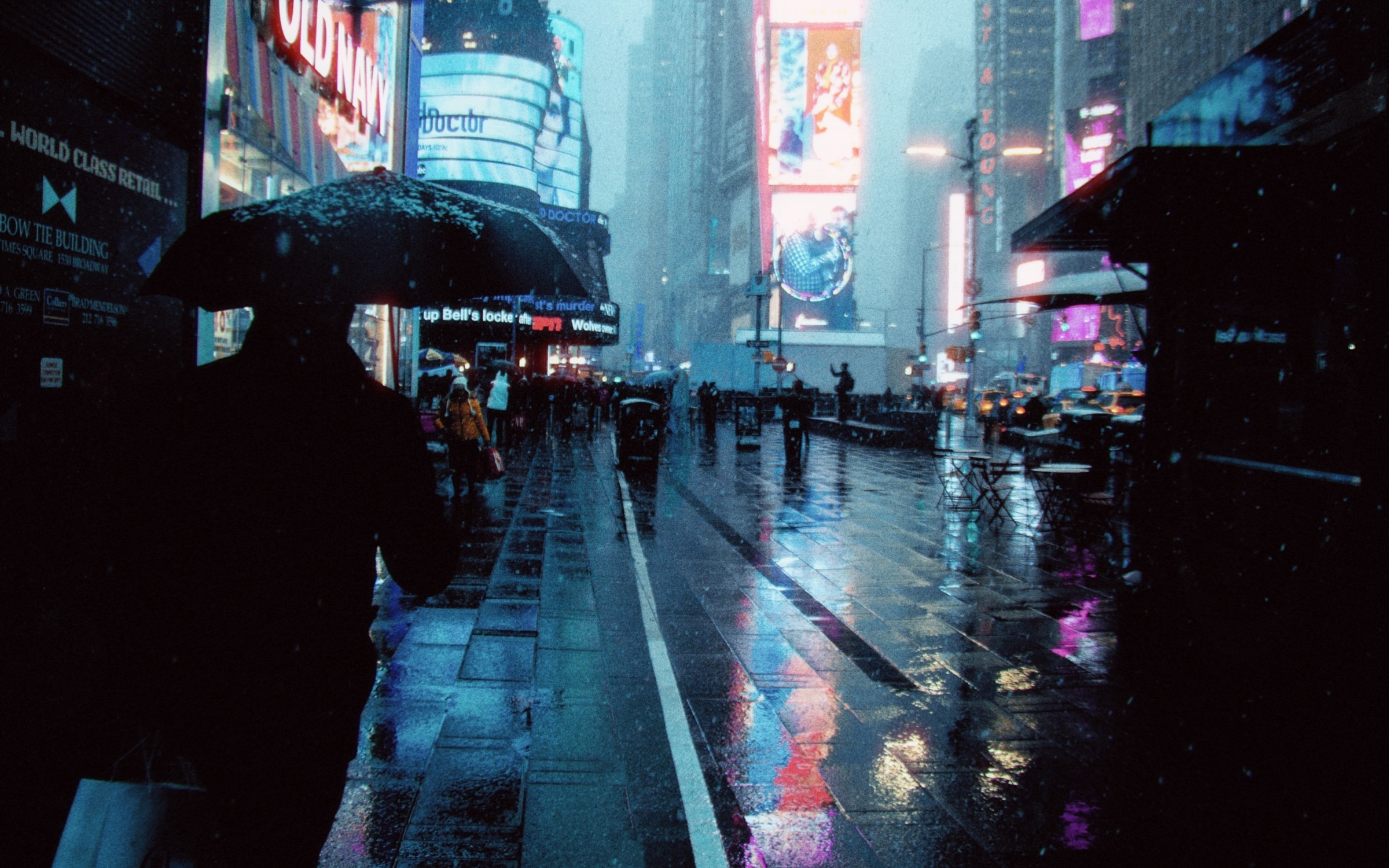
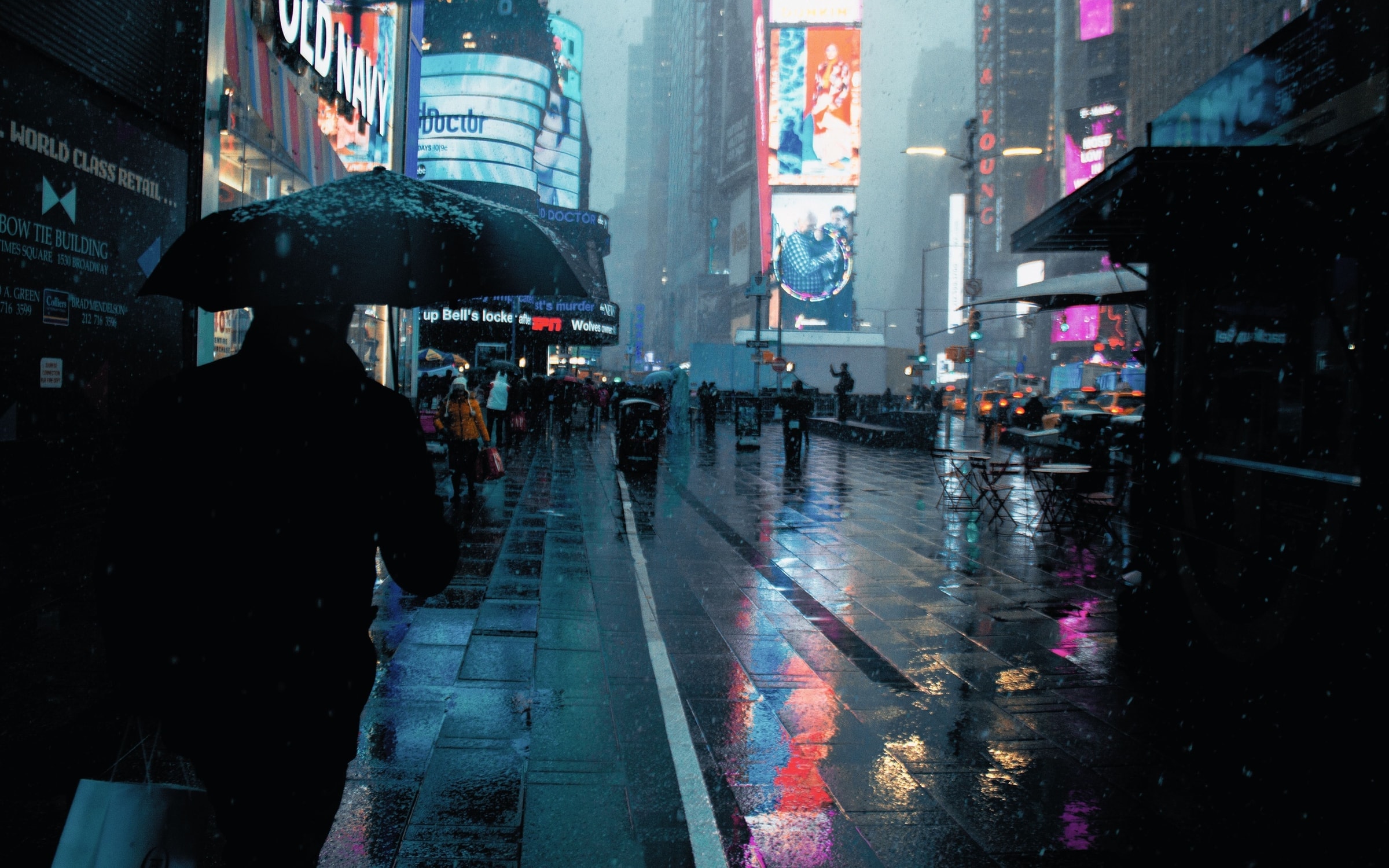
Night is where the film look shows most: cool shadows, warm lamps and a red glow around every light. Daydream Film's Nightcall film brings that look to the photos you take after dark.
The look
What night film does differently
The night film look most people picture comes from tungsten film, made for lamplight. Three things give it away:
- Cool shadows, warm lights. Film balanced for lamps turns the dark parts of a city blue and keeps every lamp and window warm.
- Red glow around lights. Bright light passes through the film, bounces back and spreads into a red halo. It's called halation, and CineStill 800T is famous for it. What is halation?
- Grain. Night film is fast film, and fast film has visible grain.
In Daydream
Nightcall, the night film
Daydream Film's Nightcall is an original look inspired by CineStill 800T. It sets a tungsten white balance of 3500K, 15% halation with a wide 35% spread, and ASA 800 grain, so all three parts of the look arrive with one tap.
It works best on photos with light in them: street lamps, neon, headlights, a lit window. Halation only appears around bright light, so a photo with no lights in it gets the color but not the glow. More on Nightcall
Step by step
How to do it
- Bring a night photo into Daydream Film.
- Tap Nightcall.
- For more glow, open the Lab, then Atmosphere, then Halation. Push Strength to 25% or more, or lower Threshold to 80% so dimmer lights glow too.
- If the shadows feel too blue, open Color, then Temperature & Tint, and warm the Temperature toward 3800K.
- Save. Your original photo stays as it was.
Finishing touch
Choose your grain
Grain is set by film speed, like picking a roll. Nightcall starts at ASA 800. Go up to 1600 or 3200 for a grittier, pushed-film night, or down to 400 for a cleaner one: Lab, then Texture, then Film Grain. Film grain, explained
Good to know
Nightcall is built for night. In daylight, its tungsten balance turns everything blue, so for daytime photos start with Daydream or Nostalgia instead. Which film should I pick?