
Daydream Basics
The Black and White Film Look on iPhone

Shane Labelle
· 3 min read
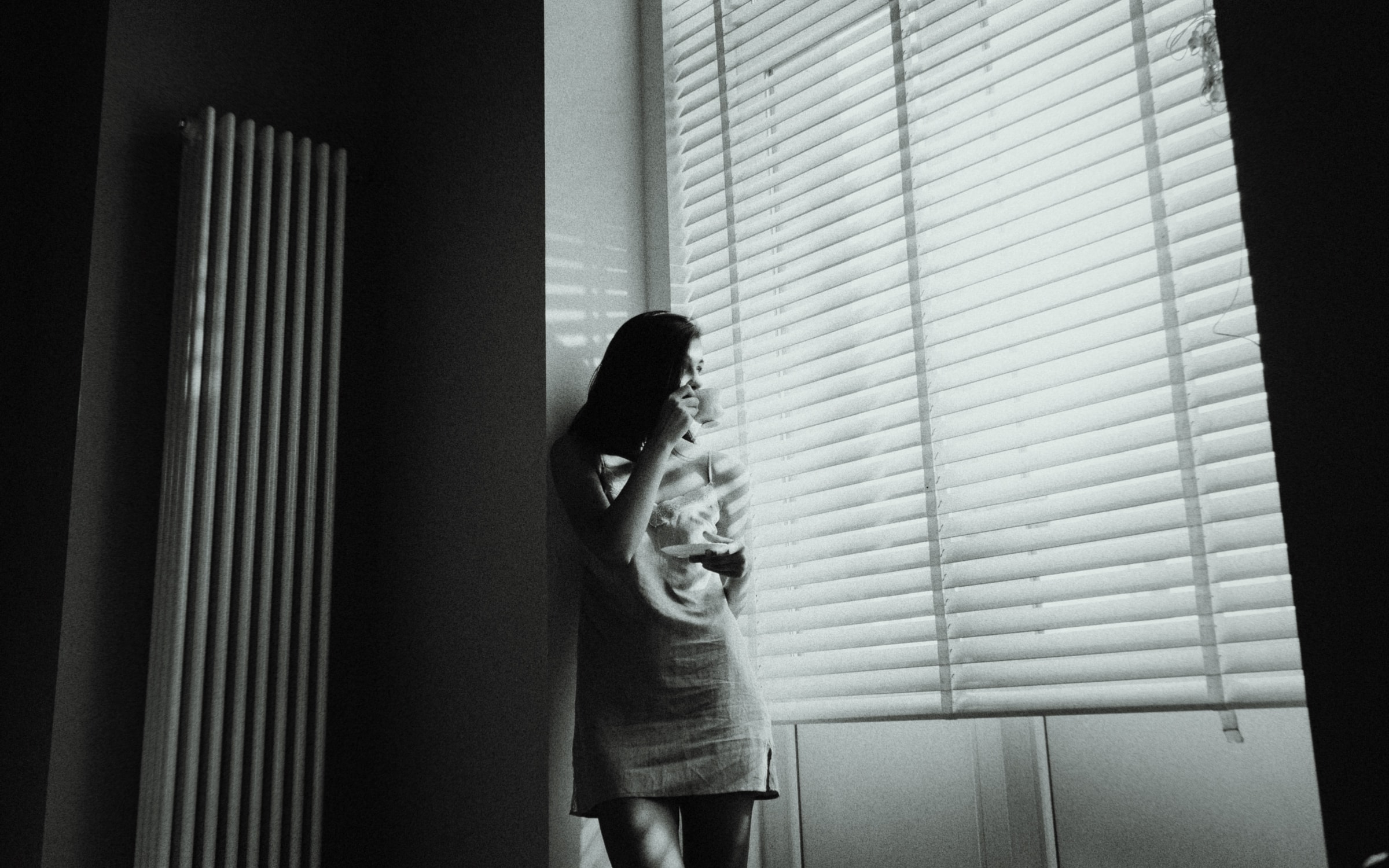
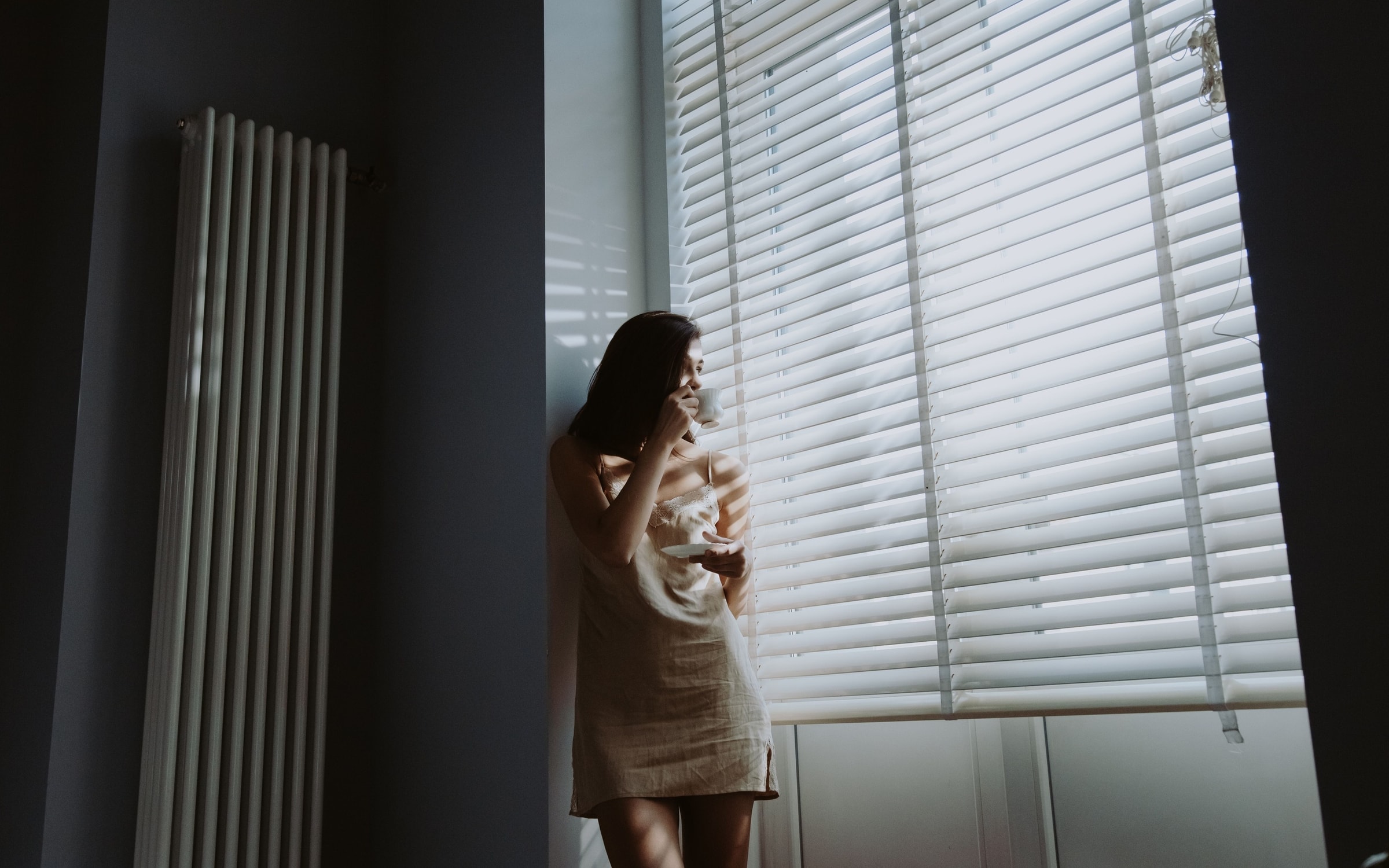
Black and white film isn't a color photo with the color taken out. It has deep blacks, rich grays, soft highlights and grain. Daydream Film's Noir film develops your iPhone photos that way.
The look
Why taking the color out isn't enough
Turn a phone photo gray and it usually looks flat: muddy grays, weak blacks, every surface too smooth. Black and white film looks different for three reasons:
- Density. Film builds up rich midtones and deep blacks, so the photo has weight. Film density
- Soft highlights. The film curve eases bright areas into white instead of cutting them off. Film curve
- Grain, which gives smooth areas like skies and skin a texture. Film grain
Printed film also carries a faint tone, slightly warm or cool, rather than a pure, neutral gray.
In Daydream
What Noir does
Daydream Film's Noir is true black and white film. It takes the color out, then adds Density at +30 for deep tones, the film curve at 50%, ASA 800 grain and a vignette, with a faint warm tone in the shadows and highlights. More on Noir
What to shoot
Photos that work best
Without color, a photo lives on light and shape. Hard light and deep shadow, a face by a window, silhouettes, textures, strong lines: these come alive in black and white. Busy scenes that relied on color to separate things are the hardest.
Step by step
How to do it
- Bring a photo into Daydream Film.
- Tap Noir.
- For a heavier, moodier look, raise Density to +40 or +50: Lab, then Develop, then Density.
- For grittier, pushed-film grain, raise Film Grain to ASA 1600: Lab, then Texture.
- For a sharper, documentary feel, lower Softening to 20: Lab, then Optics.
- Save. Your original photo stays as it was.