
Develop
Density
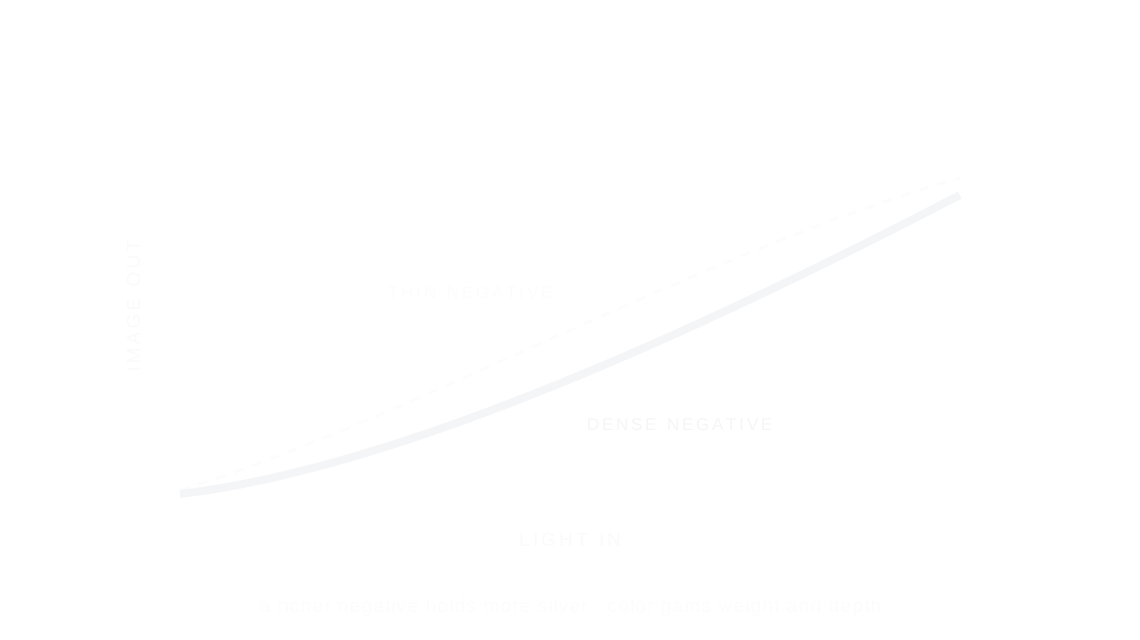
Density is how much silver and dye a negative holds: a denser negative prints richer, heavier color, a thinner one a lighter, airier image.
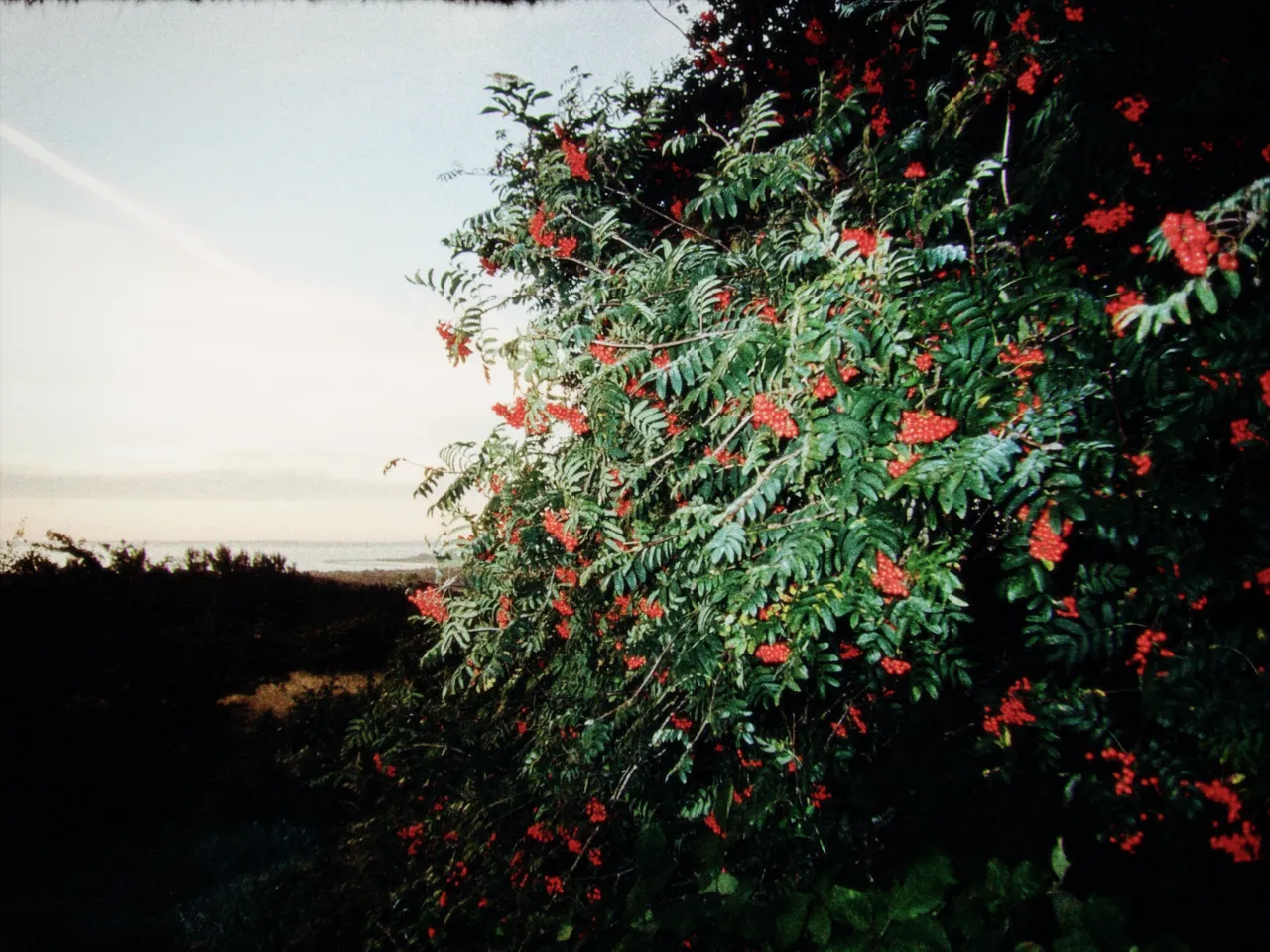

Every stop is a real Daydream Film render. Only the density setting changes.
Why it happens
What makes a negative rich?
A generously exposed, well-fed negative holds more silver. Printers prized that weight and richness.
In Daydream
Controls the density of the film emulsion during development. Higher density produces richer, heavier color with more body; lower density creates a thinner, lighter rendering.
Up close
What does density do to a photo?
A tight crop from the full-size render. Left is −100 density, right is +100 density. Drag the line to compare.
What changes
- Positive values add color richness and weight
- Negative values thin out the image for a lighter feel
- Affects overall color saturation and tonal depth
- Emulates how development time impacts film density
The controls
How do you adjust density?
The dial above moves density, the only control that changes between renders.
| Control | Range | What it does |
|---|---|---|
| Density | -100 to +100 | Thinner rendering to richer, heavier color |
Base for every render: the Daydream preset at its defaults.
When to reach for it
When should you use density?
All presets use density around 20–30. Push to 40+ for heavier, moodier tones or pull negative for an airy, faded quality.
Best for
- Color richness
- Tonal weight
- Moody aesthetics
- Faded film look
Weight is a feeling.
Join the iOS Beta
Try density on your own photos. Join the iOS beta and shoot with Daydream Film.