
Texture
Film Fog
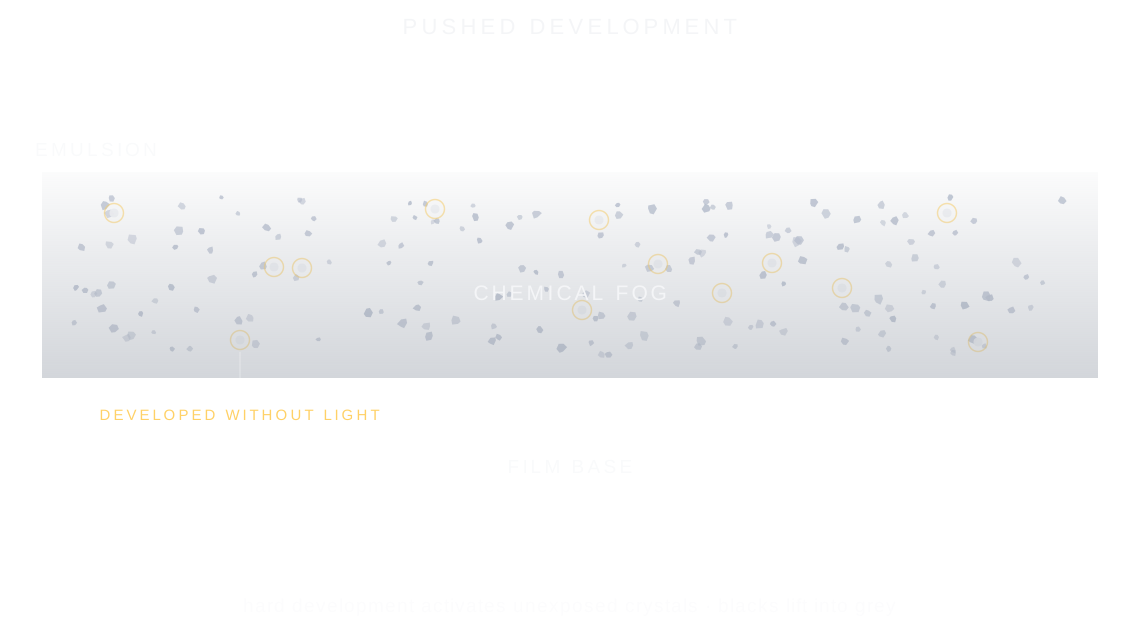
Film fog is a faint grey veil that lifts the deepest blacks of a photo, made when the developer darkens crystals that light never touched, from hard pushing or old film.
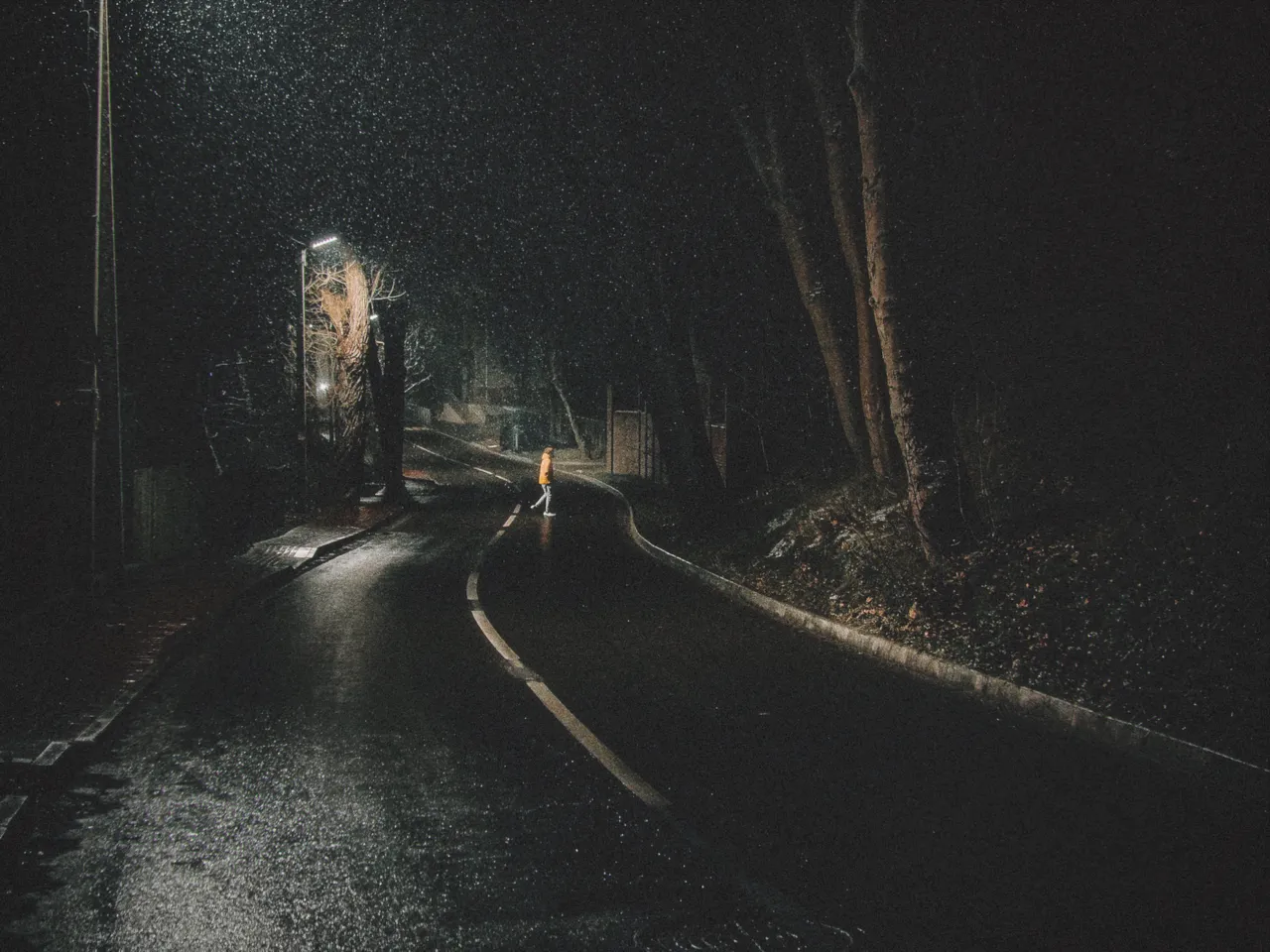

Every stop is a real Daydream Film render. Only the film fog setting changes.
Why it happens
Why do pushed negatives look hazy?
Push a roll hard enough and the developer activates crystals light never touched. A grey veil lifts the blacks.
In Daydream
Simulates the chemical fog that builds up when film is pushed (overdeveloped) or aged. Lifts the deepest shadows and adds a subtle haze across the image.
Up close
What does film fog do to a photo?
A tight crop from the full-size render. Left is off, right is 100% film fog. Drag the line to compare.
What changes
- Lifts the black point so nothing goes truly dark
- Adds an overall haze that softens contrast
- Creates the ‘faded print’ aesthetic of vintage photographs
- More pronounced in shadow areas
The controls
How do you adjust film fog?
The dial above moves film fog, the only control that changes between renders.
| Control | Range | What it does |
|---|---|---|
| Film Fog | 0–100% | Amount of chemical fog and shadow lift |
Base for every render: the Daydream preset at its defaults.
When to reach for it
When should you use film fog?
Even small amounts (5–10) make a visible difference. Nostalgia uses 15 for its signature hazy warmth.
Best for
- Faded film look
- Vintage prints
- Lifted shadows
- Hazy atmospheres
Haze is a mood, not a mistake.
Join the iOS Beta
Try film fog on your own photos. Join the iOS beta and shoot with Daydream Film.