
Texture
Texture
Texture is fine local contrast: it crisps small details like stone, fabric and skin where tones meet, without changing the overall contrast of the photo.
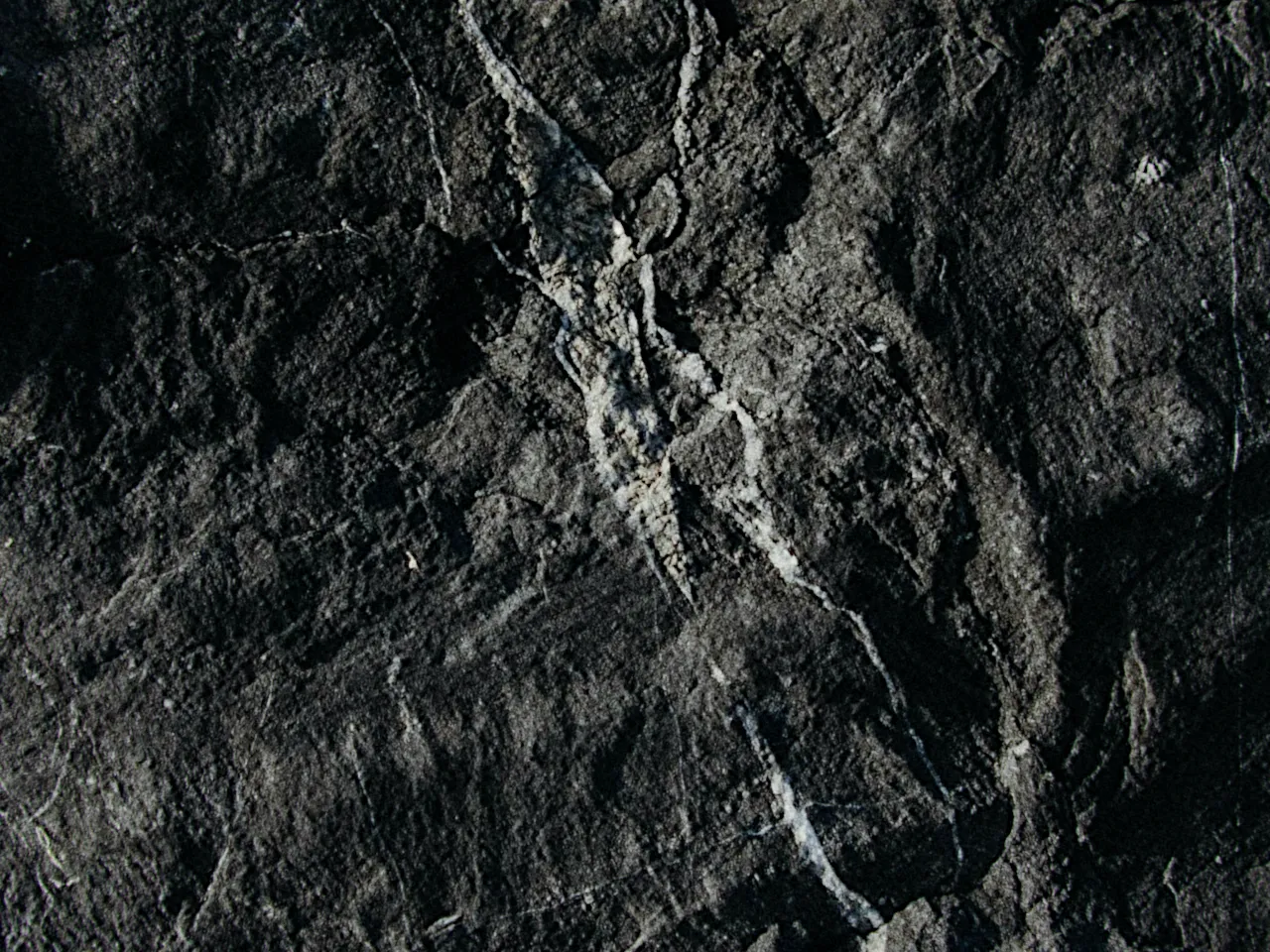

Every stop is a real Daydream Film render, shown at 100%. Only the texture setting changes.
Why it happens
Why did film prints look so crisp?
Print sharpness came from edge effects in development. Adjacency chemistry crisped every boundary.
In Daydream
Enhances fine detail and local contrast at a small scale, creating ‘pop’ and dimension without affecting overall contrast.

Up close
What does texture do to a photo?
A tight crop from the full-size render. Left is off, right is 100% texture. Drag the line to compare.
What changes
- Brings out fine texture and detail
- Makes images feel more dimensional
- Adds clarity without harshness
- Creates that signature film ‘crispness’
The controls
How do you adjust texture?
The dial above moves texture, the only control that changes between renders.
| Control | Range | What it does |
|---|---|---|
| Texture | 0–100% | How much detail enhancement to apply |
Base for every render: the Daydream preset at its defaults.
When to reach for it
When should you use texture?
Film prints got their crispness from edge effects in development. This recreates that.
Best for
- Detail-rich scenes
- Textures
- Dimensional look
In the presets
- Nightcall
Texture 5%
Crisp is quiet.
Join the iOS Beta
Try texture on your own photos. Join the iOS beta and shoot with Daydream Film.