
Optics
Vignette
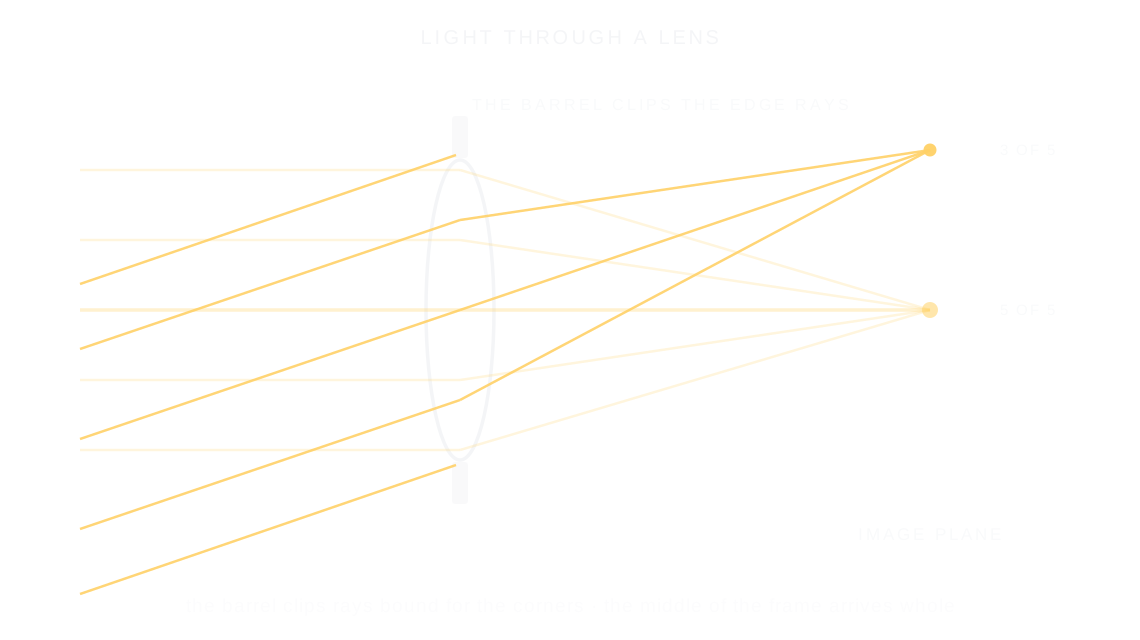
A vignette is the gentle darkening toward the corners of a photo, made because light bound for the edges of the frame arrives weaker than light at the center.
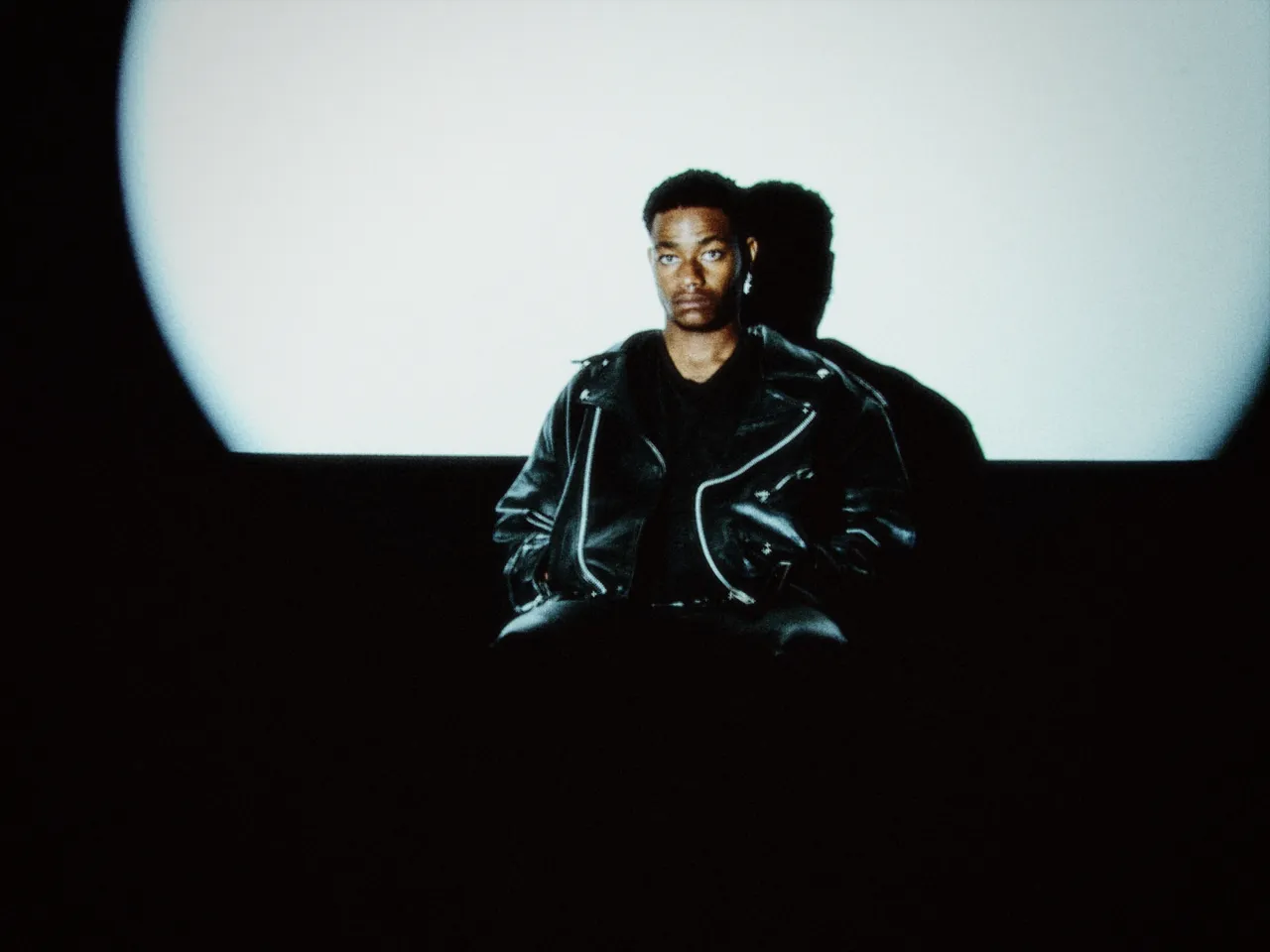

Every stop is a real Daydream Film render. Only the vignette setting changes.
Why it happens
Why do corners fall dark?
Light reaching the corners travels farther and arrives weaker. Every fast lens shades its edges.
In Daydream
Darkens the corners and edges of your image, mimicking natural lens vignetting and drawing attention to the center of the frame.
Up close
What does vignette do to a photo?
A tight crop from the full-size render. Left is off, right is 100% vignette. Drag the line to compare.
What changes
- Darker corners and edges
- Draws the eye toward the center
- Adds depth and focus
- Creates a more intimate, finished look
The controls
How do you adjust vignette?
The dial above moves vignette, the only control that changes between renders.
| Control | Range | What it does |
|---|---|---|
| Vignette | 0–100% | How much edge darkening to apply |
Base for every render: the Daydream preset at its defaults.
When to reach for it
When should you use vignette?
Subtle vignetting (20–40%) feels natural. Stronger vignetting (60%+) creates drama and vintage character.
Best for
- Portraits
- Drawing focus
- Vintage look
- All photography (subtle)
Aim the eye inward.
Join the iOS Beta
Try vignette on your own photos. Join the iOS beta and shoot with Daydream Film.