
Color
Temperature & Tint
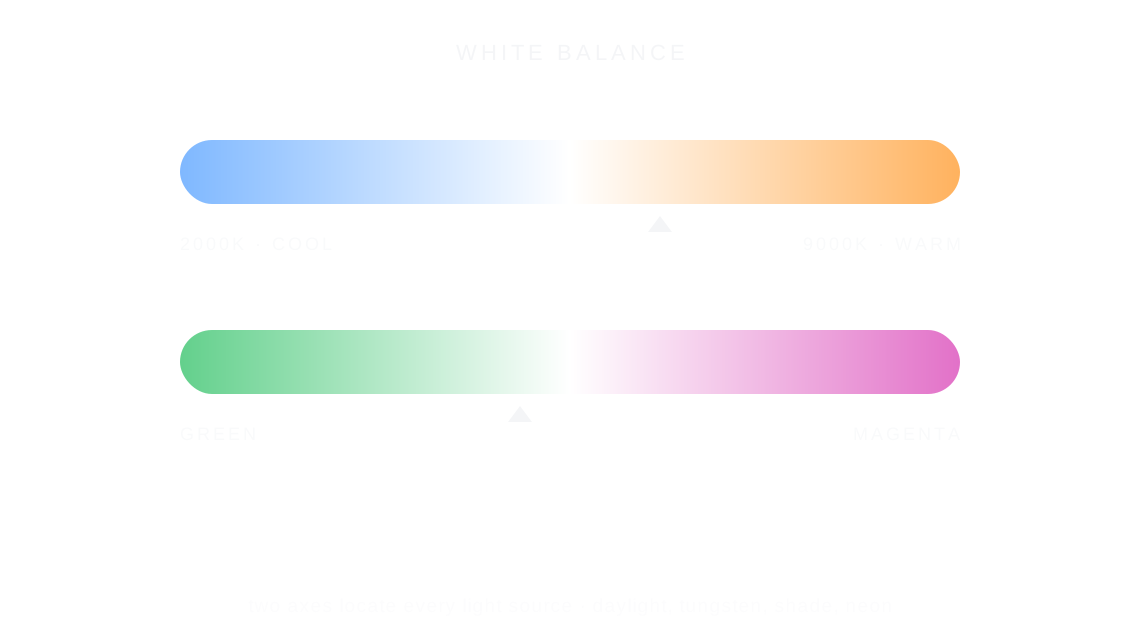
Temperature and tint set a photo's white balance: temperature runs from cool blue to warm amber, tint from green to magenta, so white can look white or carry a mood.
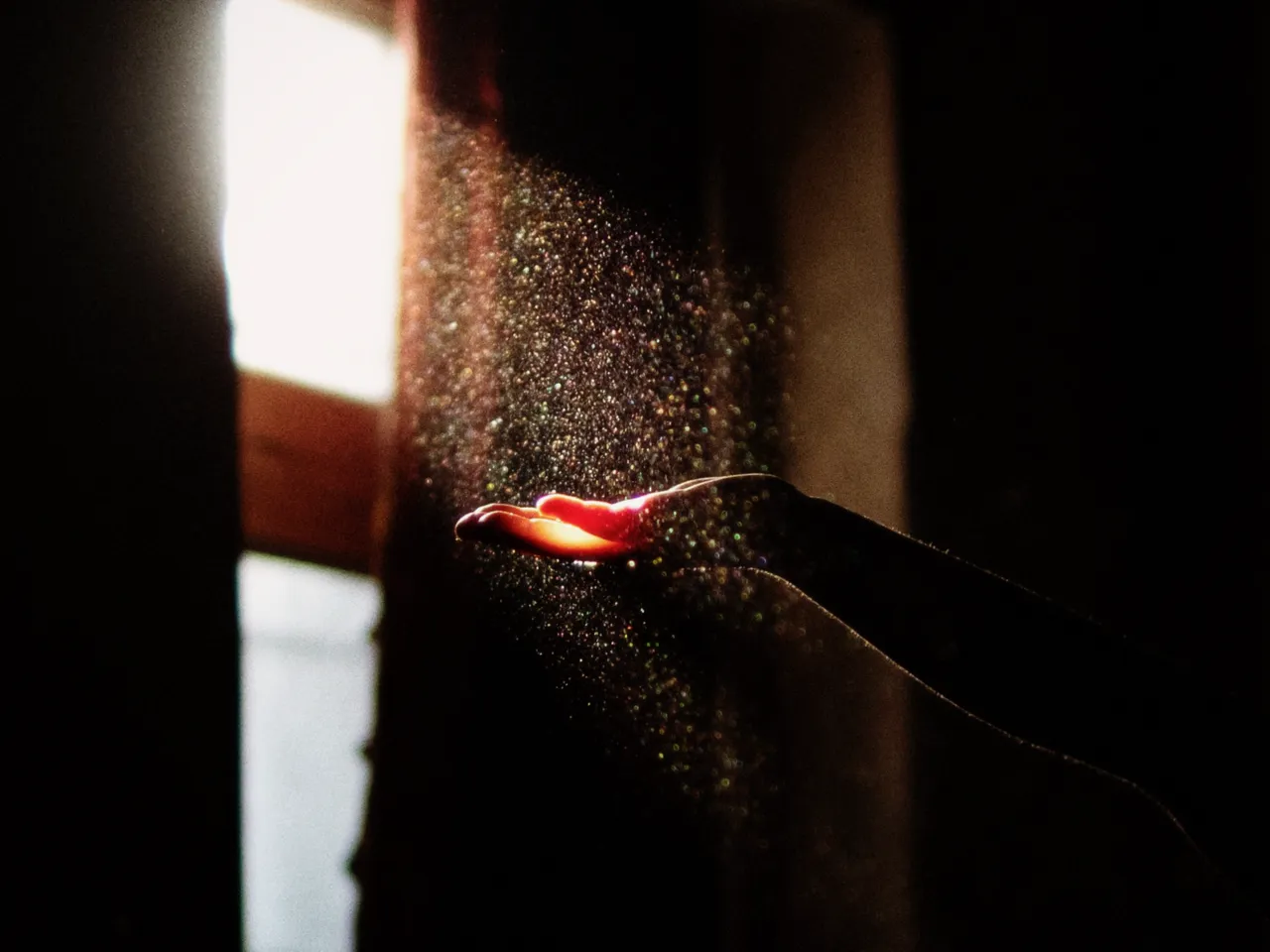

Every stop is a real Daydream Film render. Only the temperature setting changes.
Why it happens
What color is white?
Film was balanced for daylight or tungsten. Shooting the wrong one is why color casts exist.
In Daydream
Adjusts the color temperature (warm/cool) and tint (green/magenta) of your image, like white balance in photography.
Up close
What does temperature & tint do to a photo?
A tight crop from the full-size render. Left is 2500K temperature, right is 8500K temperature. Drag the line to compare.
What changes
- Temperature: Warmer values add orange/yellow, cooler values add blue
- Tint: Shifts between green and magenta
The controls
How do you adjust temperature & tint?
The dial above moves temperature, the only control that changes between renders.
| Control | Range | What it does |
|---|---|---|
| Temperature | 2000–9000K | Color temperature in Kelvin |
| Tint | -100 to +100 | Green to Magenta shift |
Base for every render: the Daydream preset at its defaults.
When to reach for it
When should you use temperature & tint?
Tungsten lighting is around 3200K, daylight is 5500K. Use tint to correct for fluorescent green cast.
Best for
- White balance correction
- Creative color shifts
- Tungsten/daylight adjustment
Fix the light, keep the mood.
Join the iOS Beta
Try temperature & tint on your own photos. Join the iOS beta and shoot with Daydream Film.