
Light
Contrast
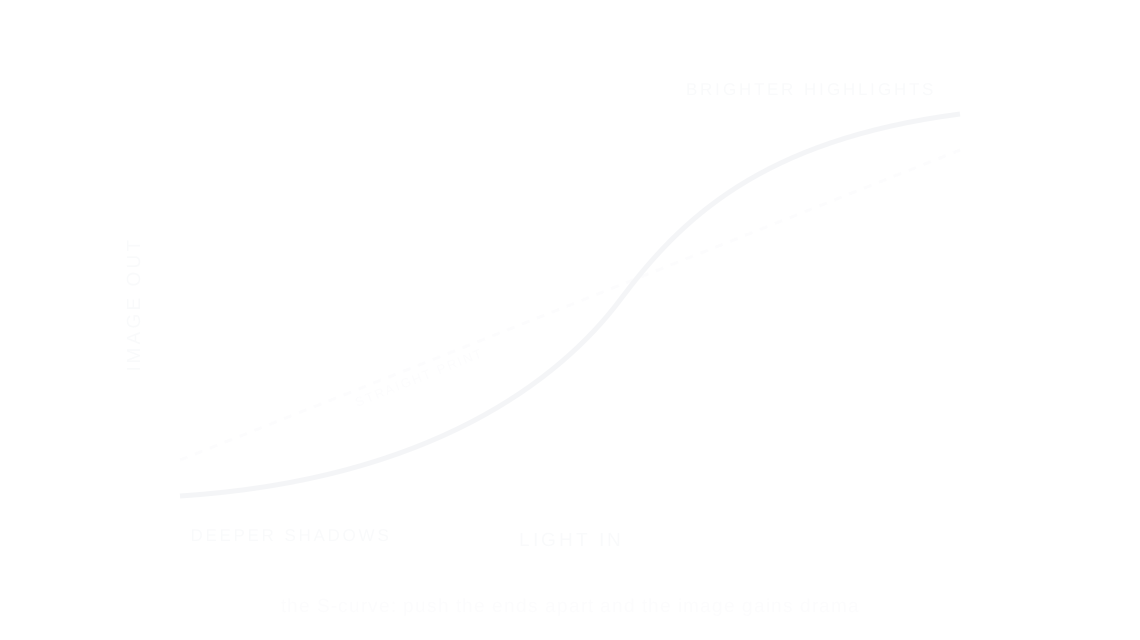
Contrast is the distance between the light and dark tones of a photo: more pushes shadows darker and highlights brighter, less pulls them toward the middle.
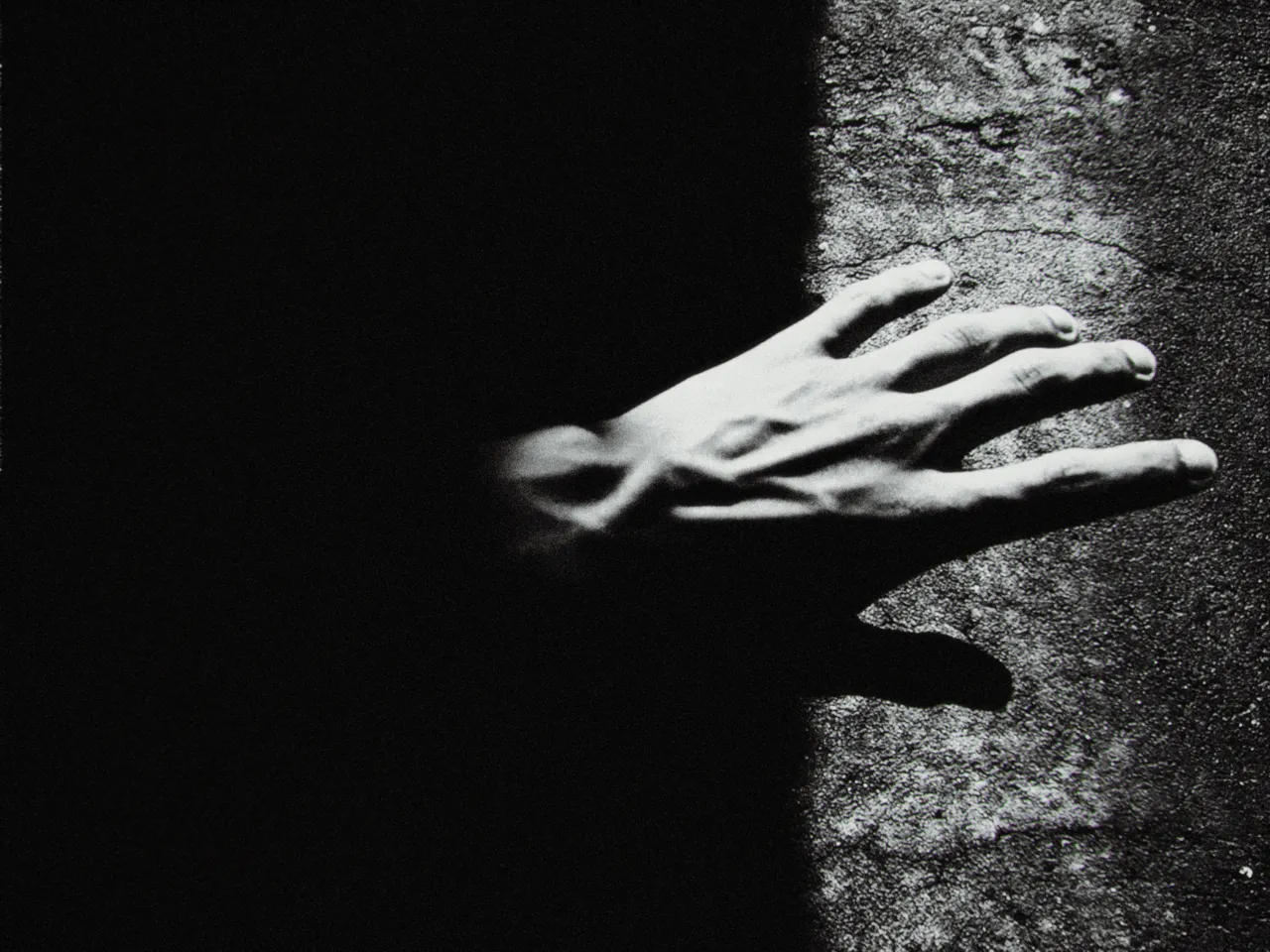

Every stop is a real Daydream Film render. Only the contrast setting changes.
Why it happens
What does contrast actually change?
Paper grades 0 through 5 let printers choose how far apart the tones sat.
In Daydream
Adjusts the overall difference between light and dark tones in your image.
Up close
What does contrast do to a photo?
A tight crop from the full-size render. Left is −50 contrast, right is +50 contrast. Drag the line to compare.
What changes
- Positive values: Brighter highlights, darker shadows (more dramatic)
- Negative values: Compressed tonal range (flatter, softer)
The controls
How do you adjust contrast?
The dial above moves contrast, the only control that changes between renders.
| Control | Range | What it does |
|---|---|---|
| Contrast | -50 to +50 | Master contrast control |
Base for every render: the Daydream preset at its defaults, with halation off.
When to reach for it
When should you use contrast?
Use sparingly — the film pipeline already builds in natural contrast. This is for fine-tuning.
Best for
- Fine-tuning
- Dramatic scenes
- Flat lighting correction
Drama is a distance.
Join the iOS Beta
Try contrast on your own photos. Join the iOS beta and shoot with Daydream Film.