
Light
Shadows & Highlights
Tonal range controls for shadows, highlights, whites, and blacks
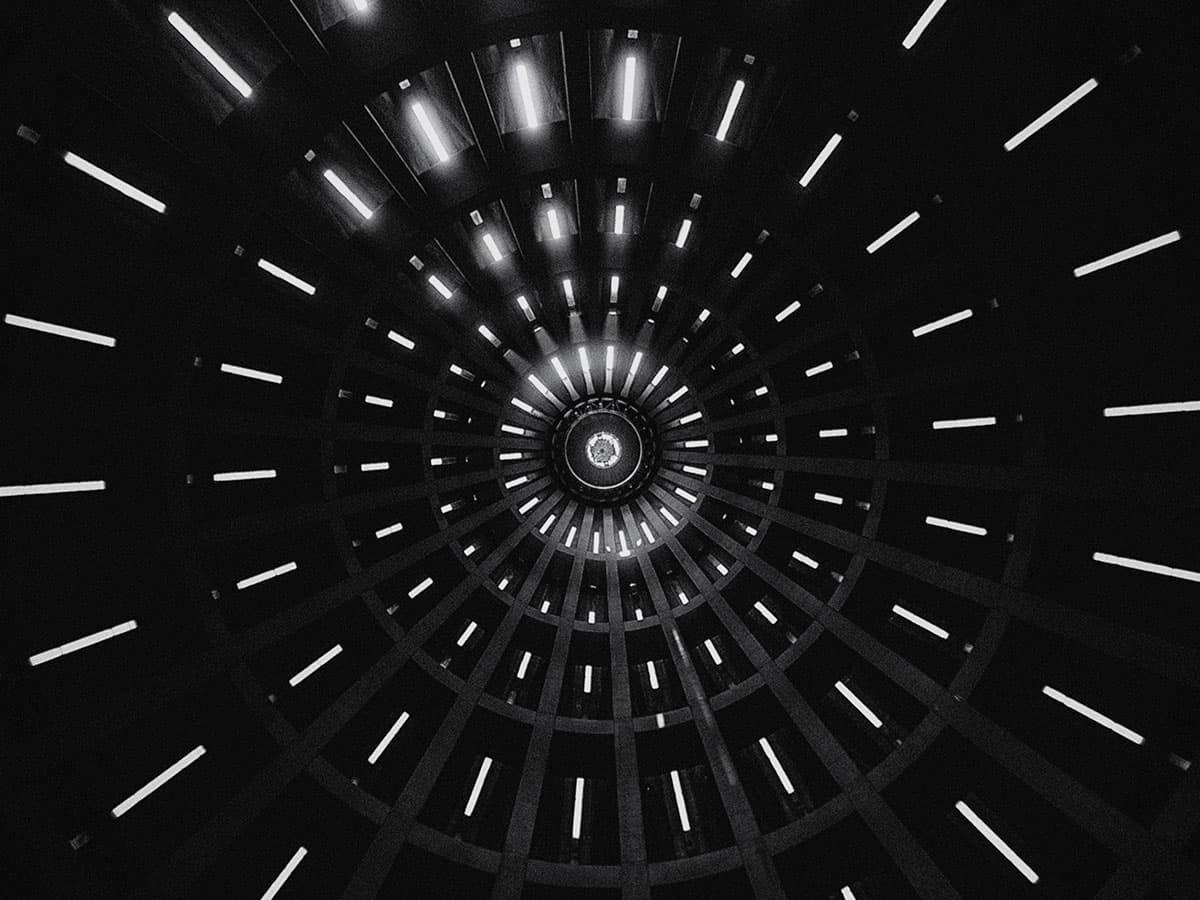
What It Does
Provides precise control over different tonal ranges in your image, allowing you to separately adjust shadows, highlights, whites, and blacks for fine-tuned tonal control.
How It Affects Your Image
- Shadows: Lifts or crushes dark areas
- Highlights: Recovers or brightens light areas
- Whites: Affects the brightest tones
- Blacks: Affects the darkest tones
Parameters
Shadows
-100 to +100
Darken or lift shadow areas
Highlights
-100 to +100
Recover or brighten highlights
Whites
-100 to +100
Adjust brightest tones
Blacks
-100 to +100
Adjust darkest tones
Pro Tip
Lifting shadows and pulling highlights creates a ‘faded’ film print look.
Best For
High-contrast scenes
Faded film look
Shadow detail recovery
Highlight protection
Join the iOS Beta
Be the first to experience shadows & highlights and all our other film effects. Join the beta and start shooting with Daydream Film today.