
Light
Exposure
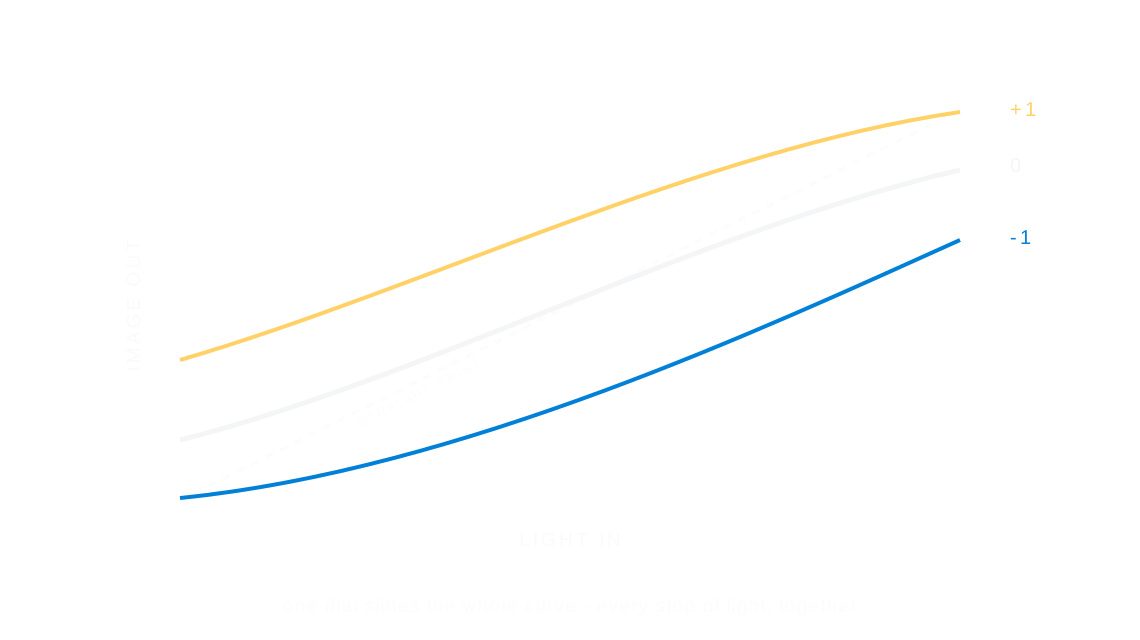
Exposure is how much light reaches the film, and so how bright or dark the whole photo is; each stop doubles or halves that light.
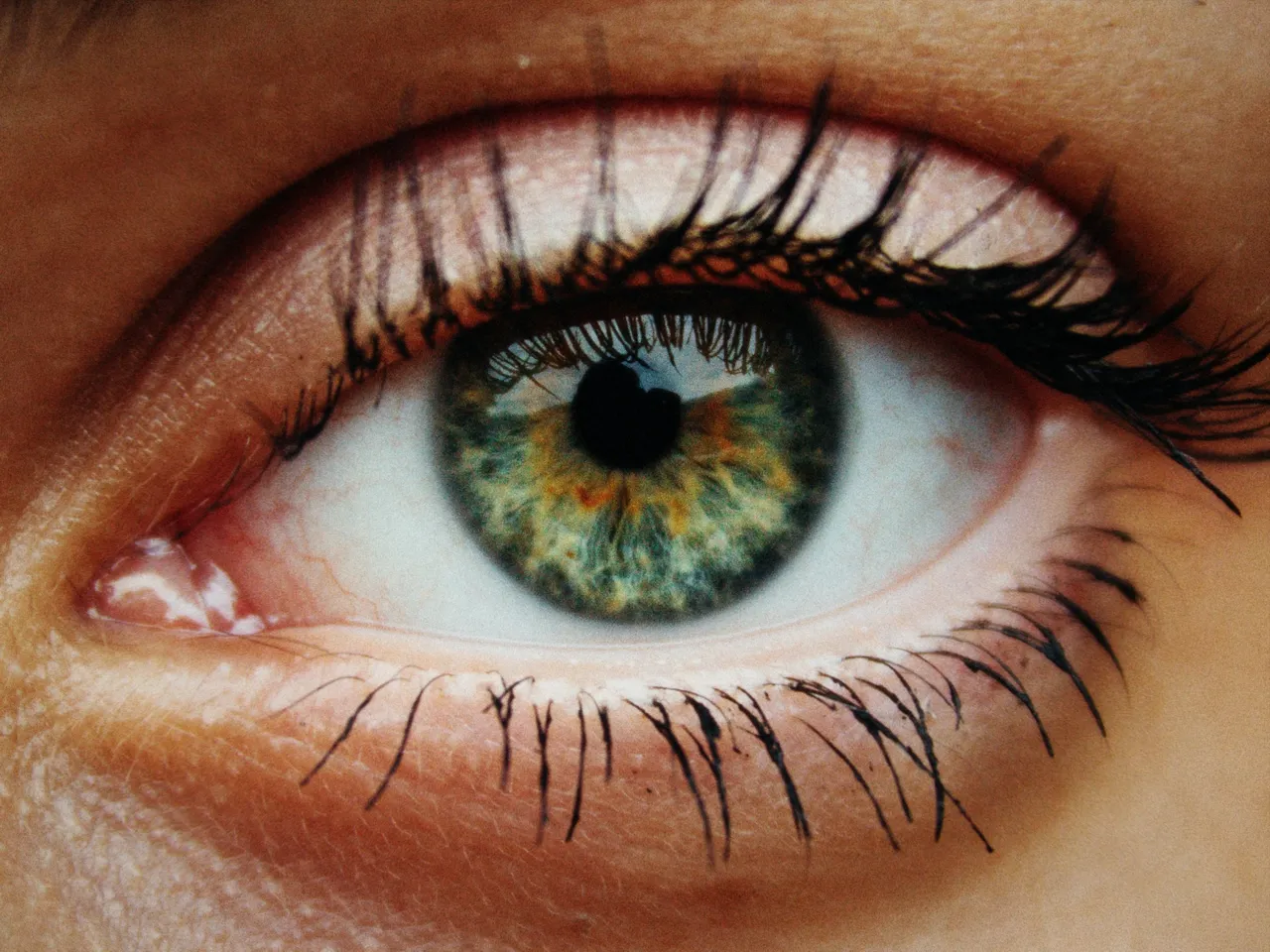

Every stop is a real Daydream Film render. Only the exposure setting changes.
Why it happens
What does a stop of exposure mean?
Every camera decision starts here: how much light reaches the film at all.
In Daydream
Adjusts the overall brightness of your image, simulating different exposure settings on the camera.
Up close
What does exposure do to a photo?
A tight crop from the full-size render. Left is −2 stops exposure, right is +2 stops exposure. Drag the line to compare.
What changes
- Increases or decreases overall brightness
- Applied early in the pipeline so other effects respond naturally
The controls
How do you adjust exposure?
The dial above moves exposure, the only control that changes between renders.
| Control | Range | What it does |
|---|---|---|
| Exposure | -3 to +3 stops | Master brightness control |
Base for every render: the Daydream preset at its defaults.
When to reach for it
When should you use exposure?
This is applied first, so glow, halation, and other effects respond to your adjusted exposure.
Best for
- Correcting brightness
- Creative exposure shifts
Set the light first.
Join the iOS Beta
Try exposure on your own photos. Join the iOS beta and shoot with Daydream Film.