
Color
Saturation & Vibrance
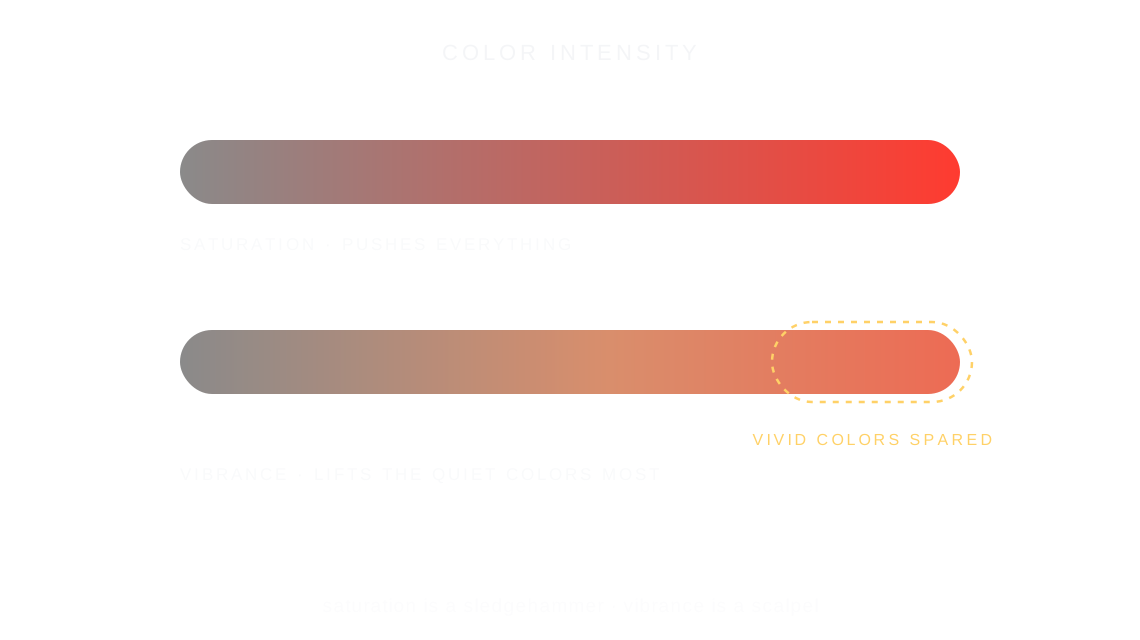
Saturation is the intensity of the colors in a photo; vibrance is a gentler version that lifts the muted colors most and leaves the vivid ones mostly alone.
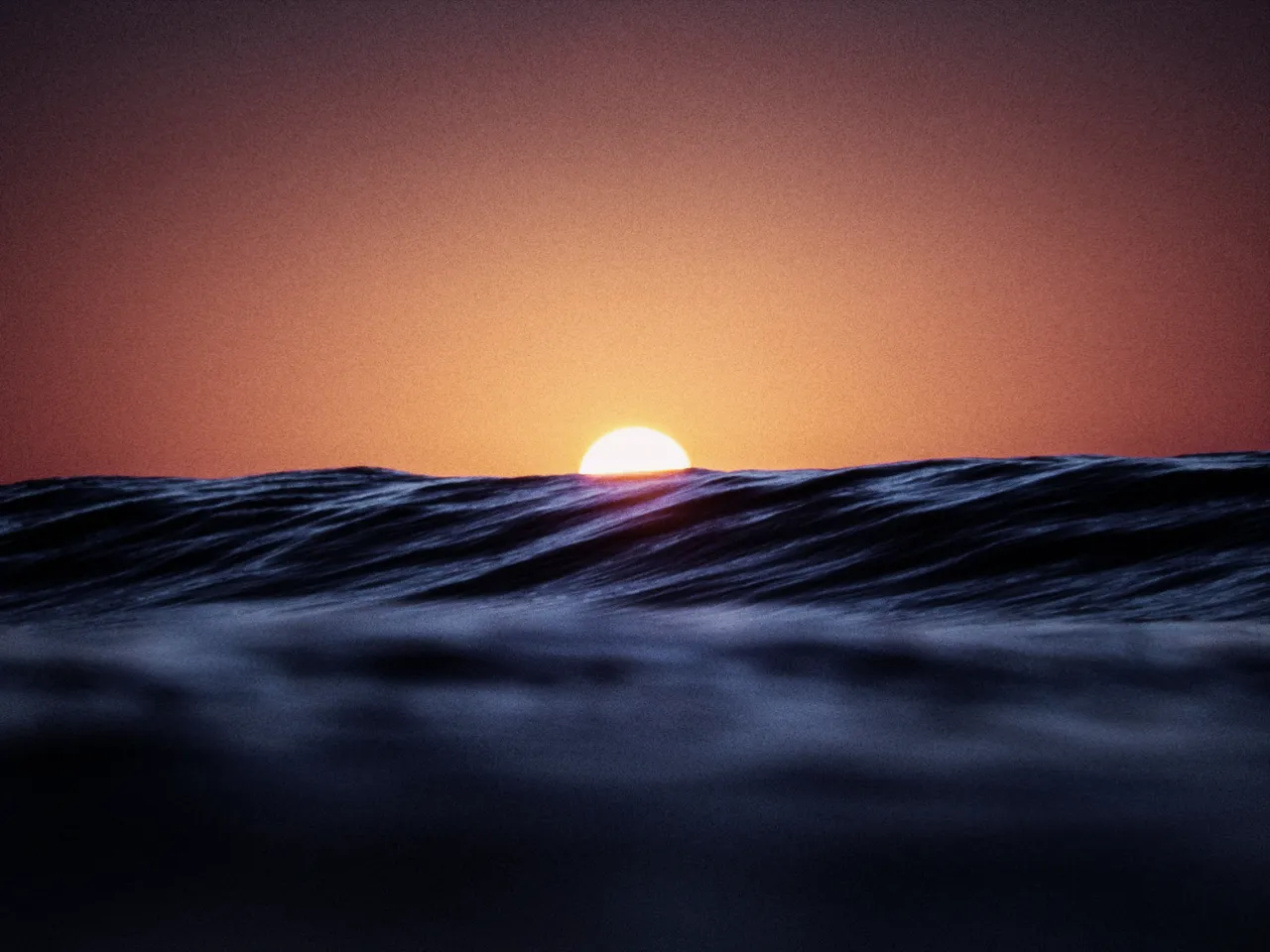

Every stop is a real Daydream Film render. Only the saturation setting changes.
Why it happens
What is the difference between saturation and vibrance?
Kodachrome sold memory louder than life. Vibrance is the gentler version of that promise.
In Daydream
Controls color intensity. Saturation affects all colors equally, while vibrance boosts muted colors more than vivid ones.
Up close
What does saturation & vibrance do to a photo?
A tight crop from the full-size render. Left is −100 saturation, right is +100 saturation. Drag the line to compare.
What changes
- Saturation: Universal color intensity control (can oversaturate skin)
- Vibrance: Smart saturation that lifts muted colors most and spares vivid ones
The controls
How do you adjust saturation & vibrance?
The dial above moves saturation, the only control that changes between renders.
| Control | Range | What it does |
|---|---|---|
| Saturation | -100 to +100 | Master color intensity |
| Vibrance | -100 to +100 | Smart color boost |
Base for every render: the Daydream preset at its defaults.
When to reach for it
When should you use saturation & vibrance?
Use vibrance for portraits, saturation for landscapes. Vibrance is more natural-looking.
Best for
- Color adjustment
- Portraits (vibrance)
- Landscapes (saturation)
In the presets
- Noir
Saturation −100
Reach for vibrance first.
Join the iOS Beta
Try saturation & vibrance on your own photos. Join the iOS beta and shoot with Daydream Film.